
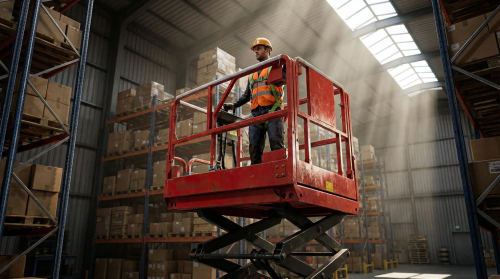
Knowing how to run a scissor lift safely starts with understanding the full operating cycle: inspection, start‑up, travel, lifting, and shutdown. This guide walks trained operators through each phase using practical, checklist-style steps focused on stability, load control, and emergency readiness. You will see how correct procedures protect people, equipment, and the jobsite while keeping productivity high. Use it as a structured reference alongside the official operator’s manual and site rules.
Understanding Scissor Lift Systems And Controls
To understand how to run a scissor platform safely, you first need a clear picture of its mechanical structure and control logic. This section breaks down the main components, how the pantograph mechanism lifts, and how control modes and safety interlocks work together to prevent unsafe movement. With this foundation, the step‑by‑step operating procedures in later sections will make more sense and be easier to follow on any jobsite.
Core components and lifting mechanics
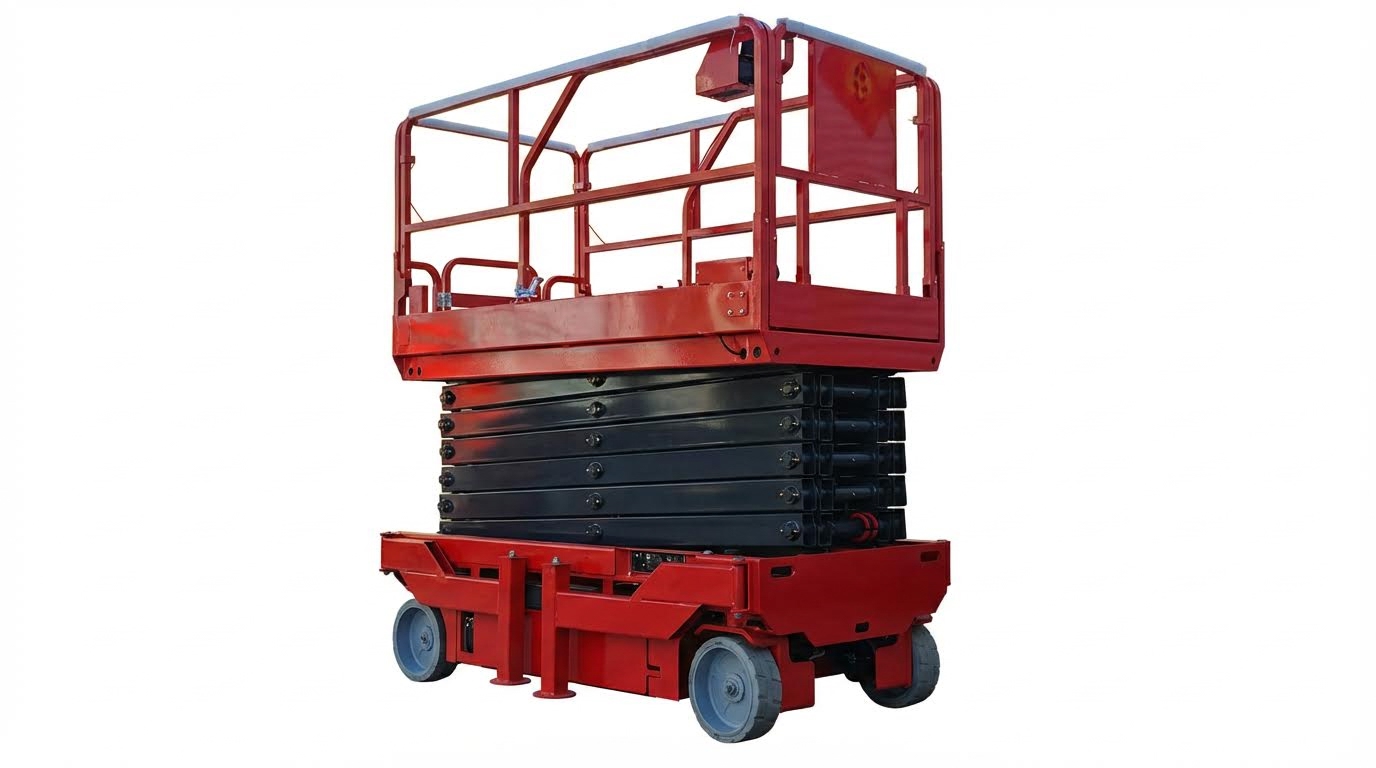
A scissor lift is a vertical access platform that uses a pantograph (criss‑cross “X”) structure to convert hydraulic or electric power into straight‑up motion. Understanding the load path and key components is essential before you focus on how to run a scissor platform lift in the field. The table below summarizes the major assemblies and their roles in safe lifting.
| Component / System | Function in Operation | Key Safety / Inspection Points |
|---|---|---|
| Platform & guardrails | Support personnel, tools, and materials at height | Guardrails, gates, and toe boards must be intact, secure, and free from unauthorized modifications Cited Text or Data |
| Pantograph (scissor stack) | Linked “X” arms that raise/lower the platform in a vertical path Cited Text or Data | Check arms, pins, slide blocks, and bushings for deformation, cracking, or excessive play; ensure safety arm (if fitted) works correctly Cited Text or Data |
| Hydraulic cylinders | Extend to open the scissor stack and raise the platform; retract to lower | Monitor for leaks, abnormal noise, rapid oil temperature rise, or pressure anomalies; stop operation if any appear Cited Text or Data |
| Hydraulic power unit | Pump, motor, reservoir, and valves supplying pressurized oil to cylinders | Check oil level and leaks; ensure pump/motor are securely mounted and free of damage Cited Text or Data |
| Chassis & drive system | Provide base stability and travel capability on firm, level ground | Inspect tires/wheels for damage and wear; never drive elevated and avoid soft or uneven surfaces Cited Text or Data |
| Outriggers / leveling devices (if equipped) | Increase footprint and level the chassis before elevating | Deploy per manufacturer instructions; do not rely on the tilt alarm as a leveling device Cited Text or Data |
| Power source (battery / engine) | Provide energy to hydraulic pump and drive motors | Check charge or fuel level, connections, and electrolyte (if applicable) before use Cited Text or Data |
| Safety systems (tilt, overload, pothole protection) | Limit operation when stability margins are reduced | Verify tilt alarm, overload protection, descent alarm, and pothole protection during daily checks Cited Text or Data |
During normal lifting, the cylinder force pushes the scissor arms apart, which converts into a vertical motion of the platform. Near full height, the mechanical advantage changes, so small cylinder movements give relatively large platform displacement; this is why smooth, slow control inputs are critical close to maximum elevation. If the workbench ever jumps, binds, or shows jerky motion, you must stop immediately and investigate before continuing to run the lift. Cited Text or Data
Typical load and environment limits that affect lifting mechanics
Most slab scissor lifts carry roughly 230–320 kg on the platform, including people and tools, and require firm, level surfaces for safe operation. Loads must stay within the rated capacity, be evenly distributed, and remain clear of the scissor stack to prevent side loading or entrapment. Wind ratings for many indoor‑outdoor units are around 12.5–14 m/s, and operation should stop if wind or storms exceed those limits. Cited Text or Data Cited Text or Data
Control stations, modes, and safety interlocks
Control architecture determines how to run a aerial platform without defeating built‑in protections. Most units use two control stations (ground and platform) plus mode selectors, emergency stops, and interlocks that block unsafe combinations of height, slope, and drive speed.
- Ground control station
- Used for pre‑start checks, emergency lowering, and service work.
- Key switch selects ground control; E‑Stop must be reset (pulled out) before functions work. Cited Text or Data
- Operator can raise to full height and back down to verify smooth motion and alarms before releasing the machine to platform control. Cited Text or Data
- Platform control station
- Primary station once the operator is on the deck and the gate/chain is closed.
- Typical inputs: joystick or rocker for lift/drive, enable switch, lift and drive select, horn, and E‑Stop.
- In platform mode, pushing the joystick one way raises and the opposite way lowers the platform; all movements must be smooth and controlled. Cited Text or Data
- Mode and function selectors
- Key switch or rotary selector chooses ground vs. platform control.
- Drive/lift selector or function buttons tell the controller whether joystick input commands travel or elevation.
- Some machines automatically reduce drive speed when elevated and may block drive above a certain height. Cited Text or Data
Safety interlocks supervise these controls and stop the machine when conditions are unsafe. The table below summarizes typical interlocks and what they do during operation.
| Safety Interlock / System | Trigger Condition | Effect on Operation |
|---|---|---|
| Tilt alarm / tilt cut‑out | Chassis exceeds allowable side or fore‑aft slope | Audible alarm sounds; platform must be lowered and machine repositioned; on many units, elevation is disabled until level. The tilt alarm is not a leveling tool. Cited Text or Data |
| Overload / load sense system | Platform load exceeds rated capacity (typically 230–320 kg including people and tools) Cited Text or Data | Blocks further elevation and may trigger alarm until load is reduced. |
| Pothole protection system | Platform is raised above a set height | Mechanical bars deploy to increase the base footprint; some machines prevent elevation if deployment fails. Cited Text or Data |
| Drive speed limiting | Platform elevated above low‑level travel height | Automatically reduces maximum travel speed; typical safe speed when raised is below 0.8 km/h. Cited Text or Data |
| Emergency stop buttons | Pressed at ground or platform station | Remove power to all motion functions; both E‑Stops must be reset before normal operation resumes. Cited Text or Data |
| Emergency lowering / manual descent | Power loss, dead battery, or control failure with platform elevated | Allows the platform to be lowered from the ground using a manual valve or alternate controls per the placard/manual. Cited Text or Data |
Practical control habits for new operators
When learning how to run a scissor lift, always start with ground‑control function tests, then move to platform controls only after confirming smooth full‑stroke operation and alarm functions. Keep one hand on the guardrail and one on the controls when inching near overhead obstructions, and never override or bypass interlocks that limit drive or lift. If any function does not respond to normal inputs, release the controls, hit the E‑Stop, and troubleshoot using the user manual instead of cycling the joystick repeatedly.
Final Thoughts On Safe, Efficient Scissor Lift Use
Safe scissor lift work depends on how well operators respect the machine’s geometry, load path, and control logic. The pantograph, cylinders, chassis, and safety systems form one linked structure. If you overload the platform, ignore tilt, or drive on weak ground, you push that structure past its stable envelope and risk tip‑over or structural failure. Daily checks catch cracks, leaks, loose pins, and faulty alarms before they turn into incidents.
Controls and interlocks do not replace judgment. They only work when operators understand what each alarm means and respond at once. Good habits matter: keep loads within the stated capacity, move slowly near full height, and stop if motion becomes rough or noisy. Treat the tilt alarm as a warning to reposition, not as a tool to “test” limits.
The best practice for any site is simple. Train operators on the specific model, enforce pre‑use inspections, and pair this guide with the manual and Atomoving resources. Standardize checklists across shifts and log defects before the next user takes over. When teams follow these steps every cycle—start‑up, travel, lift, and shutdown—scissor lifts deliver high productivity with a strong safety margin.
Frequently Asked Questions
How to Operate a Scissor Lift Safely?
To operate a scissor lift, start by ensuring the hydraulic system is activated. Flip the control panel switch to the left or set it to “Platform” or “Up/Down” if labeled. Push the joystick forward to raise the platform and pull it back to lower it. For movement, ensure the “turtle feature” is activated and use the joystick to move forward or backward. Always maintain control during descent and avoid sudden movements. Scissor Lift Operation Guide.
Why is Scissor Lift Training Important?
Operating a scissor lift without proper training can lead to serious accidents, endangering both operators and companies. Training ensures you understand safety protocols, machine controls, and operational best practices. This minimizes risks and improves efficiency on the job site. For more details on training requirements, refer to this Training Importance Guide.
How to Move a Scissor Lift Without Power?
If the scissor lift has no power, insert the key into the brake release switch located at the back of the machine. Turn the key to release the brakes, allowing you to manually push or winch the lift into position. Always ensure the area is clear and use proper manual handling techniques to avoid injury. Manual Movement Guide.