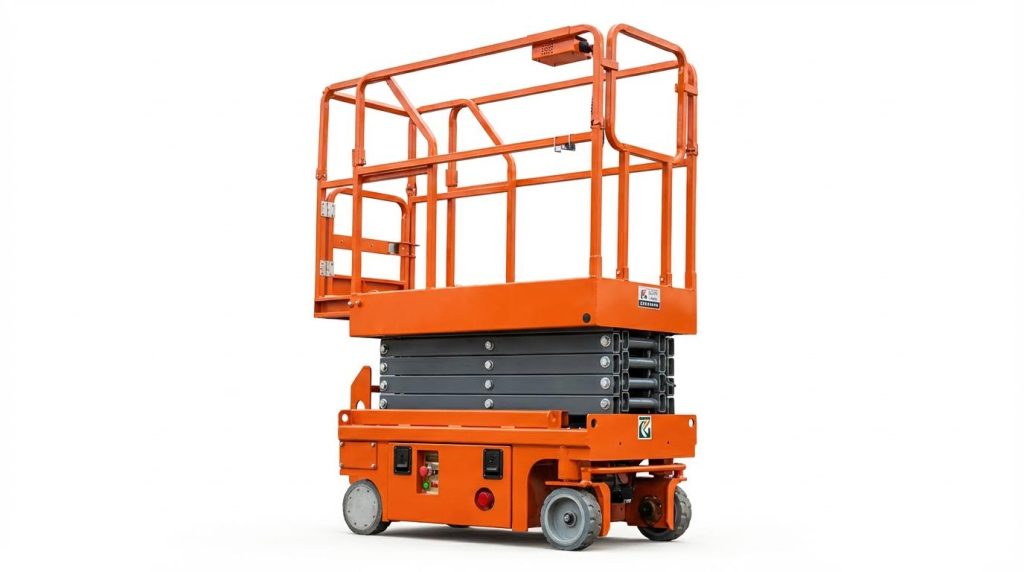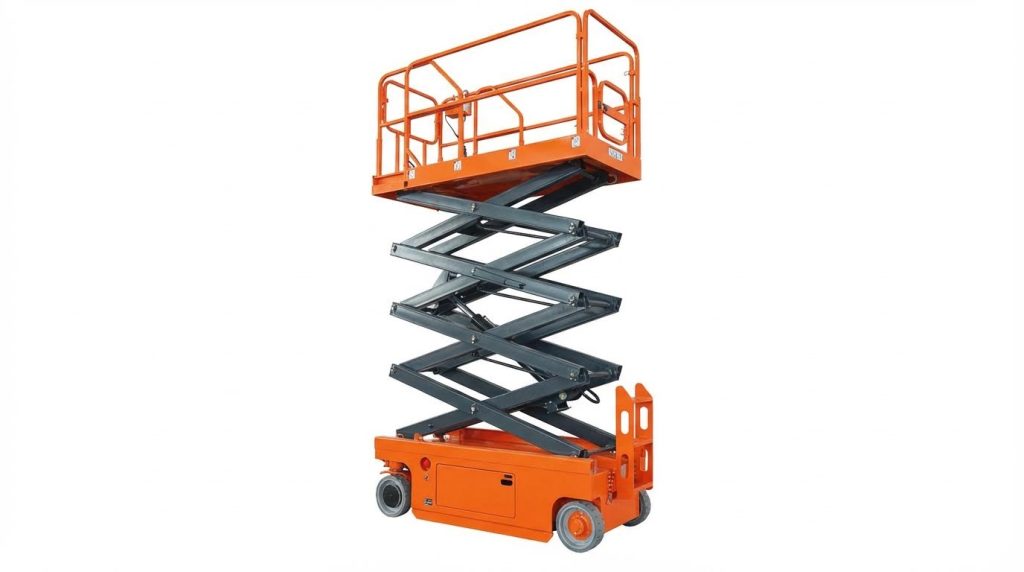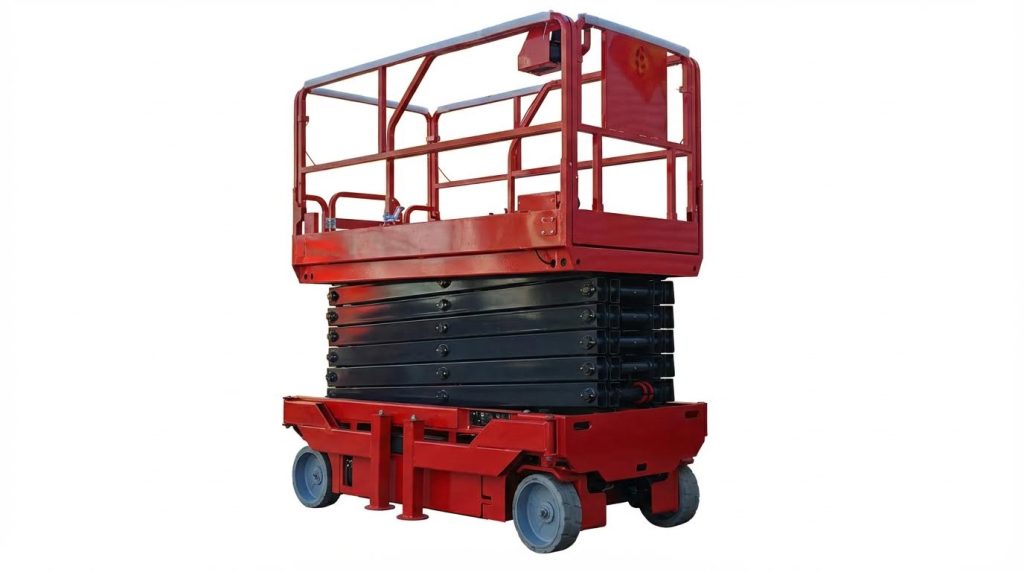
If you are asking “how do I reset my scissor lift,” you are really dealing with a safety‑critical troubleshooting task, not just a button push. This guide walks through what a reset actually does, how safety limits and fault codes interact, and the checks you should make before trying anything. You will also see step‑by‑step reset checks for power, controls, and hydraulics, plus clear red‑flag symptoms that mean you must stop and call a qualified technician. Use this as a structured, practical reference to restore safe operation without bypassing the very systems designed to protect you and your crew.
Understanding Scissor Lift Resets And Safety Limits
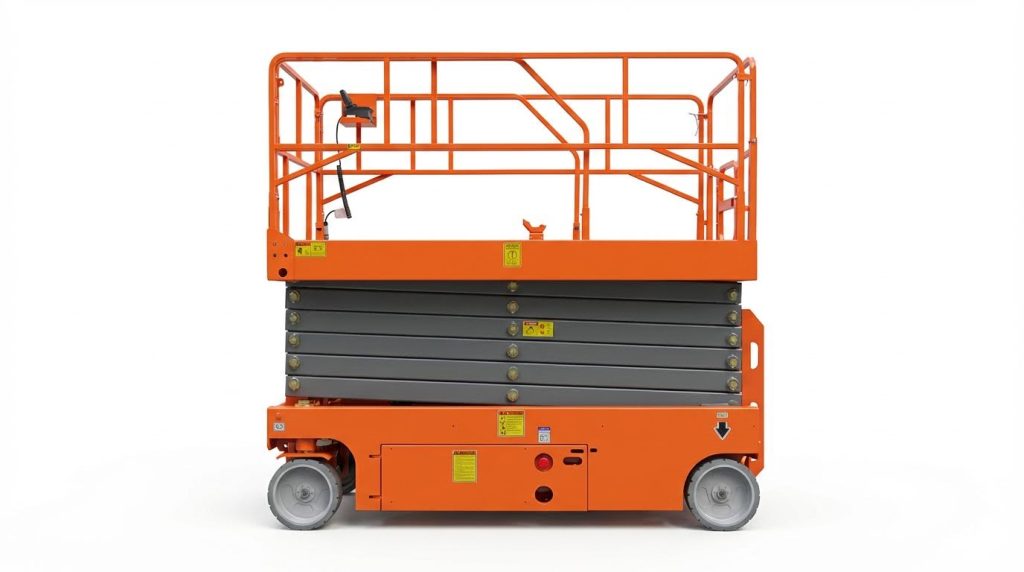
What “Resetting” A Scissor Lift Really Means
When operators ask “how do I reset my scissor lift,” they usually mean clearing a shutdown so the platform will move again. In practice, a reset is not a single magic button. It is a controlled sequence: remove the fault cause, return all controls and safety devices to normal, then power‑cycle or clear error codes according to the manual. Many modern lifts use electronic control units and LED flash codes; these modules only allow normal operation again after the underlying issue is corrected and inputs are in a safe state. For example, if the pump motor runs but the lift does not move, the problem is hydraulic, not something an electrical reset alone can fix. If the pump motor does not operate at all when commanded, the fault is electrical. A safe reset always starts with diagnosing which system actually failed, then using the manufacturer’s procedure to restore normal logic.
Core Safety Systems That Affect Any Reset
Several built‑in safety systems decide whether a scissor lift will accept a reset and move. Key elements include:
- Emergency stops and key switches – If an E‑stop is pressed or the key is off, platform controls will not respond, and no reset will work until these are restored.
- Interlocks and limit switches – Height, drive, and upper‑limit switches prevent over‑travel or unsafe driving at elevation; misadjustment can cause nuisance lockouts that look like “won’t reset” conditions. Proper calibration and mechanical alignment are critical to avoid intermittent shutdowns.
- Electrical protection – Main fuses, transformer fuses, and wiring protect against shorts; a blown fuse or loose connector will block any attempt to reset until repaired. Fuses and wiring should be checked and damaged parts replaced before further operation.
- Hydraulic pressure and fluid level – Low fluid, leaks, or valve faults keep the machine from lifting even if the control system has been reset. scissor platform lifts require proper maintenance of hydraulic components for optimal performance.
Whenever you think “how do I reset my scissor lift,” treat these safety circuits as the gatekeepers. Until they all read a safe, normal state, the lift’s control logic will correctly refuse to move, no matter how many times you cycle the power.
Step‑By‑Step Reset Checks For Common Faults
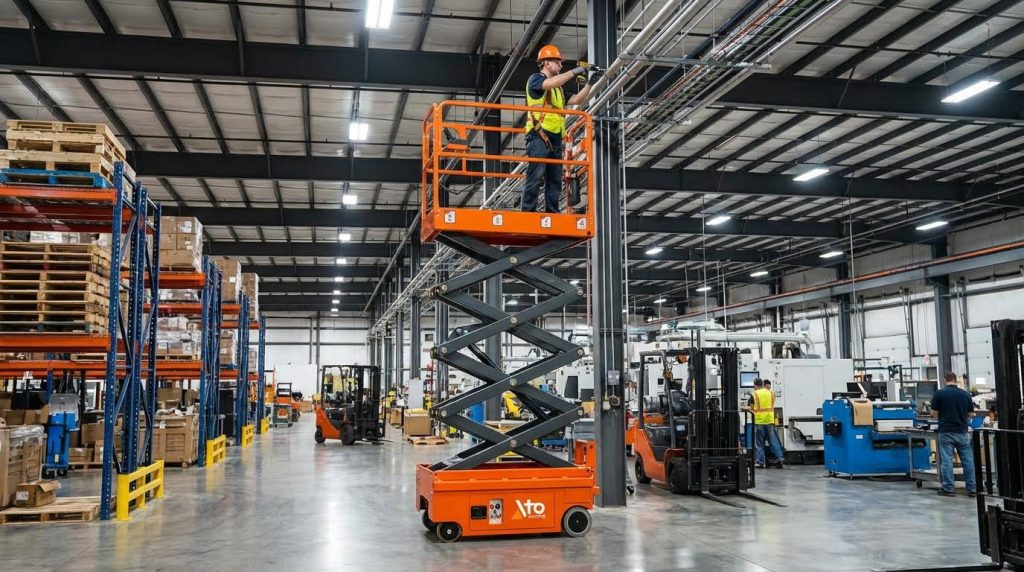
Power Loss, Fuses, And Battery Diagnostics
If you are asking “how do I reset my scissor lift” after it suddenly dies, start with the power path. Confirm the main power switch and key switch are on, and check any external connectors for firm engagement. Many lifts lose power due to a blown transformer or control fuse; open the control box, locate the transformer fuse, and replace it with the spare if it is blown power restoration procedure. Inspect battery cables, ground points, and connector plugs for looseness or corrosion, then tighten or clean as needed electrical connection inspection. Use a meter to verify battery voltage at rest and under load; low voltage or heavy sag suggests battery or charger problems that must be corrected before any reset will hold battery and charger failures. Finally, inspect main fuses and control fuses and replace only with the specified type and rating to avoid repeat faults or damage fuse and wiring checks.
Controls, Interlocks, And Error Code Resets
Many “won’t move” complaints come from control or interlock issues rather than a true failure. If platform controls do not respond and indicator lights stay off, verify battery voltage, main fuses, key switch position, and that all emergency stops are pulled out or reset electrical fault diagnosis. Check limit switches and interlocks for obvious damage or misalignment, especially upper limit and drive‑inhibit switches; if they stay “made” when they should release, the lift may refuse to extend or drive interlocks and limit switches. For lifts with LED error codes, read the pattern carefully: count the first group of flashes, the pause, then the second group (for example, “3‑2”) and look it up in the service information error code diagnosis via LED displays. Before cycling power to clear a code, make sure the root cause is addressed, such as loose harness plugs, poor spring‑wire contact at the control unit, or damaged wiring frequent 02 fault resolution. If the pump motor never runs when you command lift or drive, keep troubleshooting electrical; if it runs but nothing moves, shift focus to hydraulics instead.
Hydraulics, Manual Lowering, And Timer Relays
If power and controls check out but the platform does not move or behaves oddly, look at the hydraulic side. Confirm hydraulic oil level with the dipstick or sight glass and top up with the specified fluid if it is low, with the machine off and cooled down hydraulic fluid maintenance. Walk the hose runs and cylinder ports to spot leaks, wet fittings, or damaged hoses; repair leaks before further operation to avoid sudden loss of support leak detection in hydraulic systems. If the platform is stuck up and the DOWN button does nothing, use the manual‑lowering valve or pull cable as described in the manual, opening it slowly so the platform descends in a controlled way and then fully closing it afterward emergency descent procedures. On some lifts, pressing and holding both DOWN and LOCK buttons together is a useful test; if the lift still rises or fails to lower correctly, the timer relay may be mis‑set or defective manual lowering technique. A common fix is to adjust the timer relay to about 1.5 seconds so the circuit changes state correctly during a DOWN command timer relay settings. Any time your “how do I reset my scissor platform lift” checklist reaches hydraulic disassembly or valve replacement, stop and hand the job to a qualified technician.
When To Call A Technician And How To Prepare
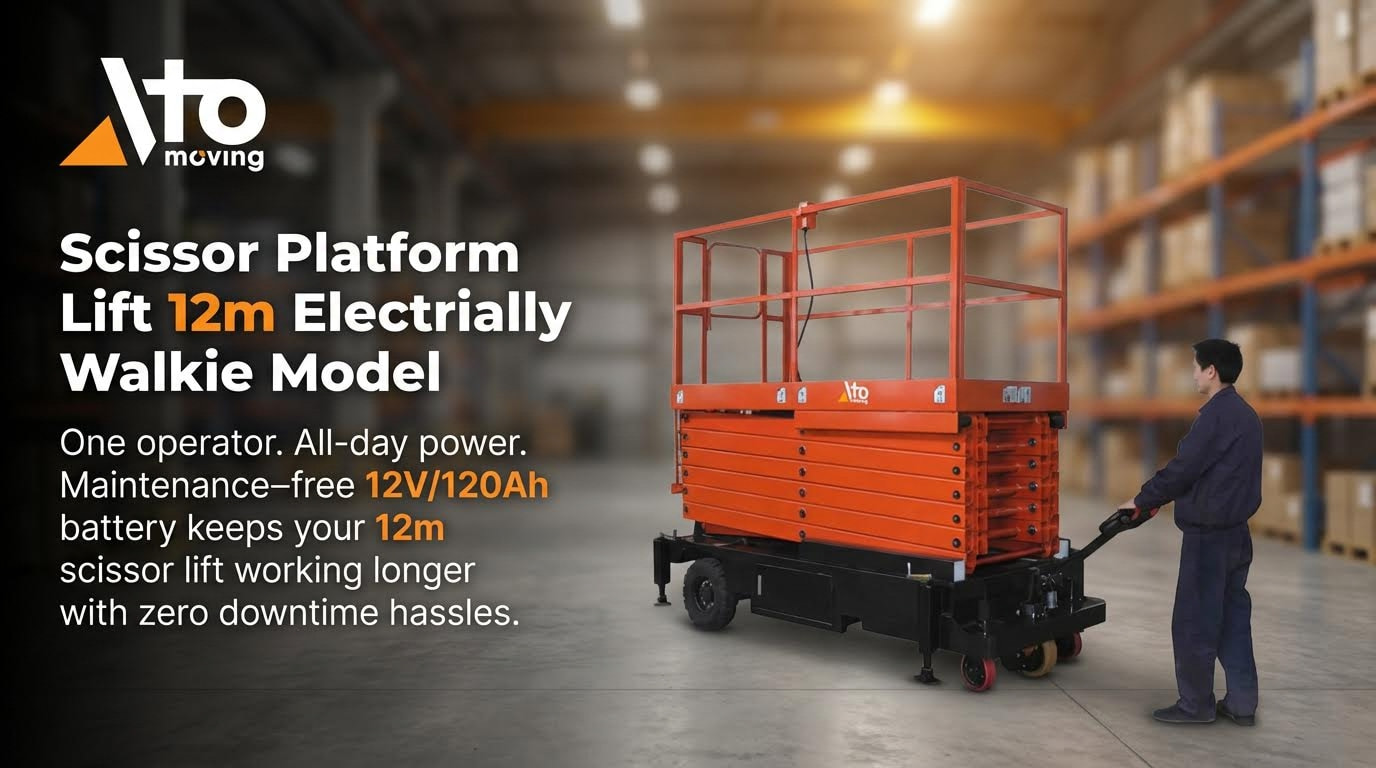
Red‑Flag Symptoms That Require A Service Call
If you are asking “how do I reset my scissor platform lift” and any of the following symptoms appear, stop troubleshooting and call a qualified technician. These issues point to deeper electrical, hydraulic, or structural faults that are not safe for field repair.
- The platform is stuck in the air and will not respond to normal controls, even after checking fuses and the emergency stop. Use only the manual emergency descent provided in the service instructions to bring the platform down safely. Manual descent valves must be used carefully to avoid rapid drop.
- The lift keeps rising when you press DOWN, or behaves unpredictably when you use the controls. This can be caused by timer relay or control circuit faults, which require proper diagnostic tools. Incorrect timer relay settings can cause the lift to continue rising instead of lowering.
- Frequent or repeating fault codes (for example “02” faults or repeating LED flash patterns) come back immediately after a basic reset. This often indicates wiring harness, connector, or control-module problems. Persistent 02 faults are linked to PCU wiring and harness issues, and many LED flash codes relate to calibration or safety lockouts that need service tools to clear. Dual‑flash LED error systems require correct interpretation for safe repair.
- Major hydraulic symptoms such as heavy external leaks, sudden loss of lifting force, or very slow/jerky motion even though electrical checks are normal. These can involve pumps, valves, or relief settings that must be tested under pressure. Hydraulic diagnosis often requires pressure gauges and component-level testing.
- Signs of overheating, burning smell, or discolored wiring around motors, chargers, or control boxes. High motor temperature linked to poor contacts or speed‑control signal issues must be investigated by a technician. Unstable movement and hot motors are tied to internal motor and control problems.
- Structural or safety‑system concerns: damaged guardrails, bent scissor arms, failed limit switches, or interlocks that repeatedly shut the lift down at low height. These components protect against overturning and crushing hazards and must be inspected and adjusted professionally. Guardrails, brakes, and limit systems are required safety features under OSHA guidance.
Why not just keep trying to reset?
Repeatedly cycling power, bypassing switches, or pulling wires to “force” a reset can defeat built‑in safety layers. That is why, once you see any of the red‑flag conditions above, the correct answer to “how do I reset my scissor platform” is: stop, secure the area, and schedule service.
Information To Capture Before You Request Support
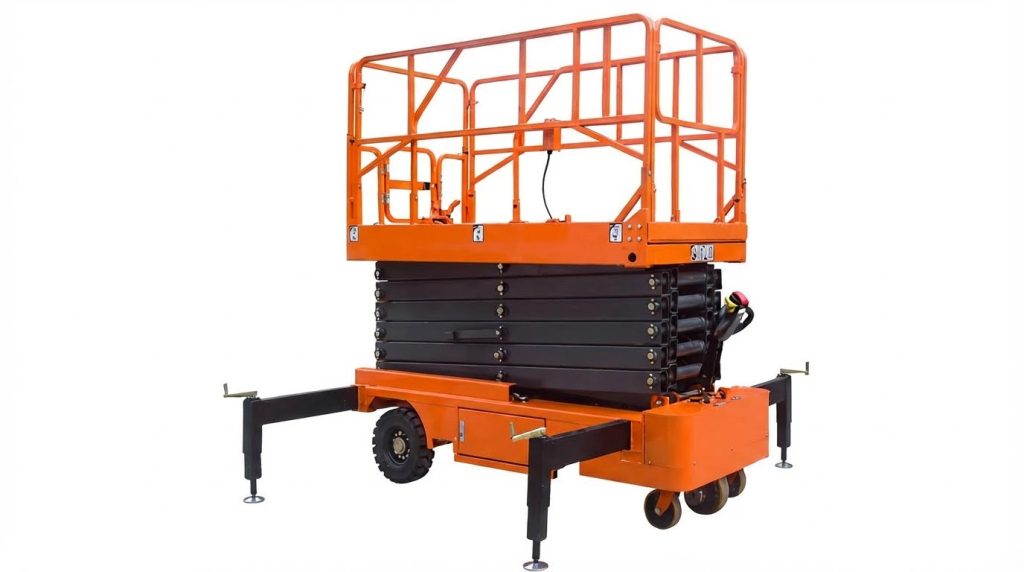
Good information shortens downtime and helps the technician resolve your aerial platform reset problem safely. Capture the following details before you call.
- Basic machine data
- Make, model, serial number, and approximate year.
- Platform height when the fault occurred (stowed, mid‑stroke, or fully elevated).
- Indoor or outdoor location, surface condition (level/uneven), and recent weather if used outside. Scissor lifts must operate on firm, level surfaces and within wind limits.
- What the operator was doing
- Exact action just before the fault: raising, lowering, driving, or turning the key.
- Whether any reset steps were already tried, such as checking fuses, cycling the key switch, or testing the emergency stop.
- Power and battery information
- Battery voltage if known, or charger status lights and any recent charging issues.
- Whether any main fuses or transformer fuses were checked or replaced. Transformer fuse checks are a standard step when power is lost. Basic electrical checks include battery voltage and main fuses.
- Error codes and indicator lights
- Record any code shown on the platform or ground control display, including flash patterns such as “3‑2”. LED systems use combinations of flashes and pauses to indicate specific faults.
- Note which indicator lights are on, off, or flashing at both control stations.
- Hydraulic condition
- Visible leaks on the ground or on hoses, and any unusual noises from the pump or valves. Leaks, low fluid level, and odd noises are key hydraulic clues.
- Whether the platform moves at all when you command lift or lower, or if the pump runs without motion. No pump motion vs. no hydraulic pressure point to different fault types.
- Photos and environment
- Take clear photos of the control panels, error displays, any damaged components, and the general setup area.
- Confirm that the area around the lift is barricaded and that no one is on the platform before the technician arrives.
When you contact service, describe the sequence: “I tried to reset my manual pallet jack by doing X, Y, and Z, and the machine still does A, B, C.” This structured information lets the technician bring the right tools and parts, reducing site time and keeping the reset process within safe limits.
Final Safety Takeaways For Resetting Scissor Lifts Safely
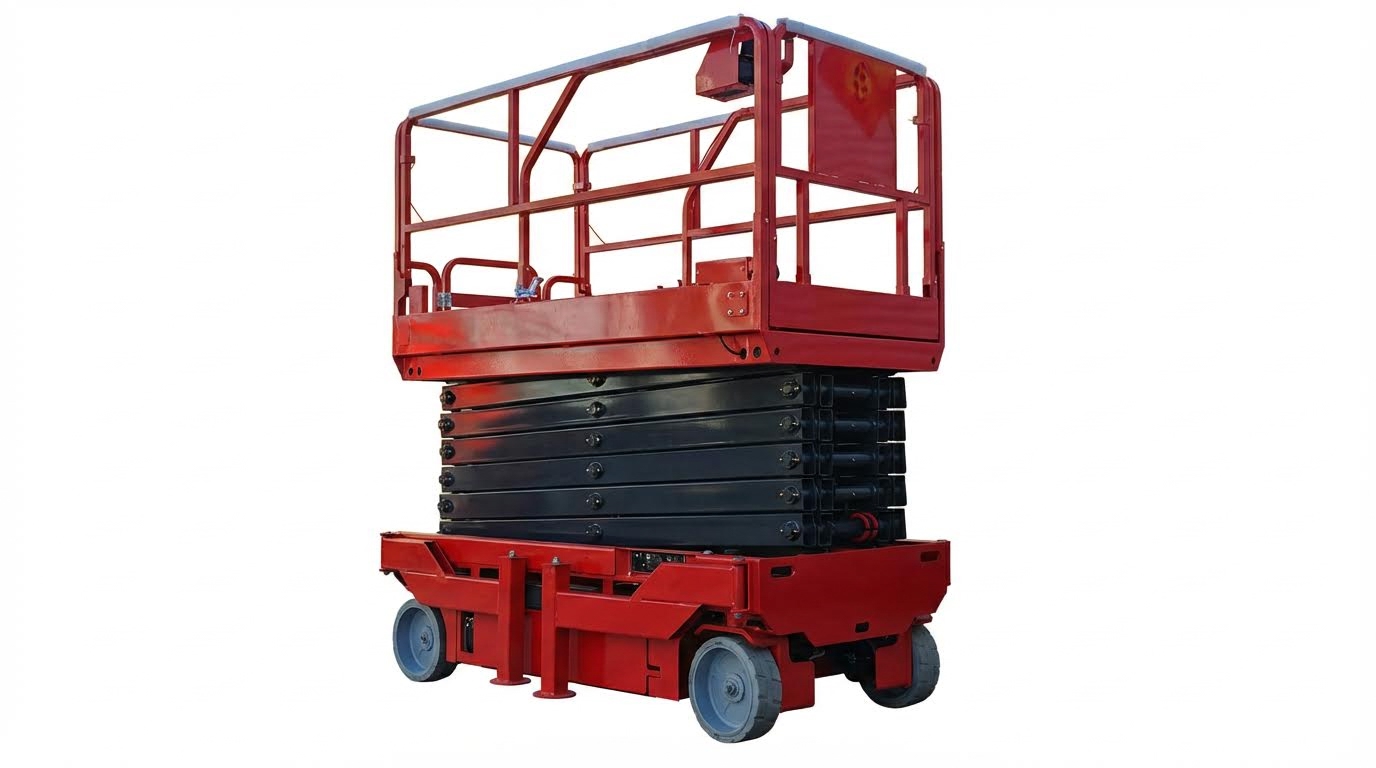
Key Rules To Follow Before Any Reset
Always start with the basics: stable, level ground, correct load, and intact guardrails and controls. Scissor lifts must sit on firm, level surfaces and should not move when elevated to stay within safety limits. Outdoor work is typically limited to wind speeds below 28 mph. Never bypass interlocks or safety switches just to clear a fault; if you find yourself asking “how do I reset my scissor lift if I just jump a switch,” stop and reassess. If the platform is elevated and controls fail, use the manual lowering or emergency descent as described in the manual, then lock out and tag out the unit for inspection. Emergency descent valves must be operated slowly and then returned to normal position after use.
Safe Reset Mindset: Electrical, Controls, And Hydraulics
When you think “how do I reset my scissor lift,” treat it as a structured fault check, not just cycling power. For electrical issues, confirm battery voltage and inspect main fuses and key switch position before assuming a deeper failure. If the pump motor does not run at all, the fault is electrical; if it runs with no motion, suspect hydraulics. For control faults, read error codes carefully and verify limit switches and interlocks are correctly adjusted, not forced. Keep hydraulic checks simple in the field: correct fluid level, no visible leaks, and no unusual noises from the pump or cylinders. Low hydraulic fluid or leaks at hoses and seals are common causes of poor or unsafe operation.
Know When To Stop And Call A Technician
A safe reset has a clear limit: if simple checks do not restore normal, smooth operation, stop using the lift. Red flags include repeated error codes, jerky or unstable movement, overheating motors, or the platform rising when you command it to lower. Incorrect timer relay settings can even cause the lift to continue rising when the DOWN button is pressed. Do not keep cycling power or bypassing components to “force” a reset; this often turns a small electrical or hydraulic fault into a serious safety incident. Lock out the machine, document symptoms, fault codes, and what you already checked, and then call a qualified technician. Regular preventive maintenance and operator training on safe reset procedures remain the best way to avoid emergency troubleshooting and keep both people and equipment protected.
Final Safety Takeaways For Resetting Scissor Lifts Safely
Resetting a scissor lift is never just clearing a message. It is proving to the machine that power, controls, hydraulics, and structure are all in a safe state. Electrical checks confirm that batteries, fuses, and wiring can support full load without voltage drop or overheating. Control and interlock checks confirm that guardrails, limit switches, and emergency stops still protect against crush and tip‑over risks. Hydraulic checks confirm that cylinders, hoses, and valves can hold and move the platform without sudden drop or drift.
When you follow the structured reset steps, each system backs up the others. The control logic refuses to move if any safety input looks unsafe, which prevents operators from driving or lifting into a failure. That is why you must never bypass switches or jump wiring just to “get it going.”
The best practice is clear. Use simple field checks only. Keep resets within the procedures in the manual. Stop at the first sign of repeating codes, unstable motion, or major leaks, then lock out the unit and call a qualified technician or your Atomoving support contact. This approach protects your crew, your site, and the lift itself.
Frequently Asked Questions
How do I reset my scissor lift?
To reset your scissor lift, start by removing any weight from the platform. Next, push in and pull out the red Emergency Stop button to reset the system. If the platform is still overloaded, the warning light will continue to flash. Scissor Lift Manual.
What are the steps to reinitialize a scissor lift?
On the control pad with the up and down arrows, press and hold the down arrow continuously until the lift reaches its lowest point. Keep holding the button for 10 seconds, then release. This action will reinitialize or reset the lift. Lift Reset Instructions.