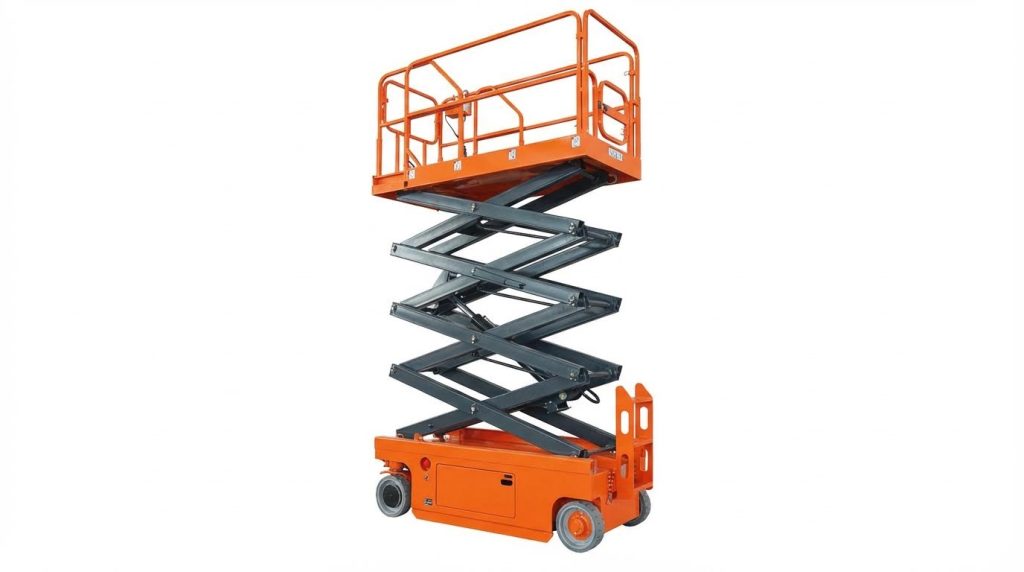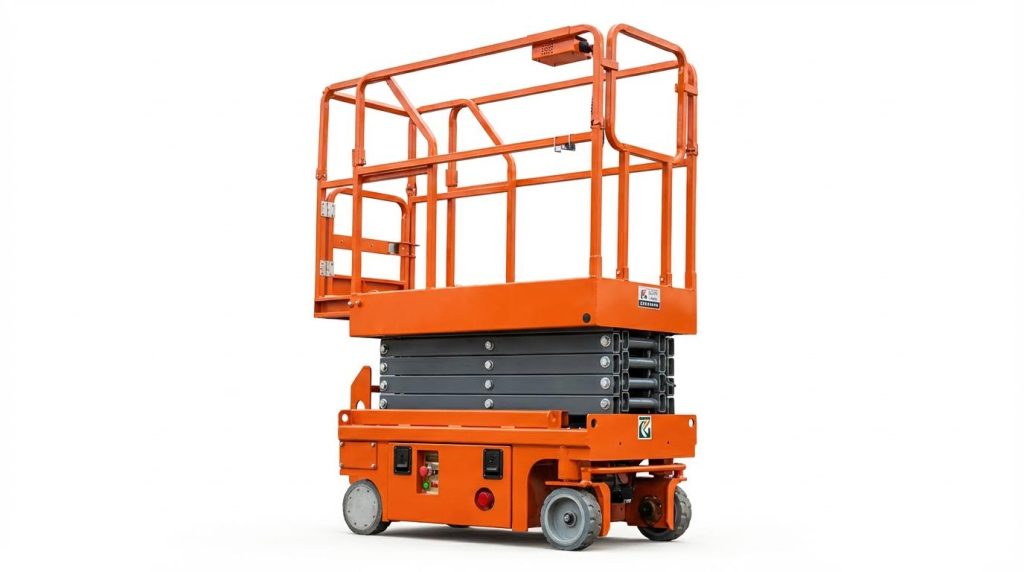
If you can’t start an electric scissor lift, the fault is almost always in safety lockouts, batteries, control circuits, or hydraulics. This guide walks you through simple step‑by‑step checks before you call service, with clear tables and actions you can apply on site. You will learn how to read fault codes, test voltage, spot hydraulic issues, and set up preventive routines so your lift is ready every time you turn the key. By the end, you will know what you can safely fix yourself and when to stop and bring in a qualified technician.
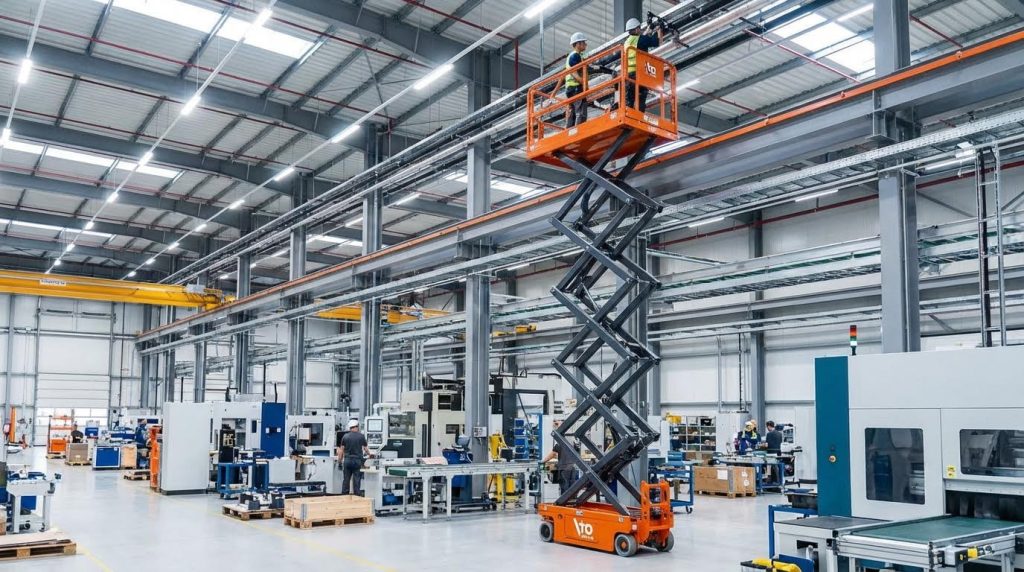
Core Startup Checks Before Calling Service
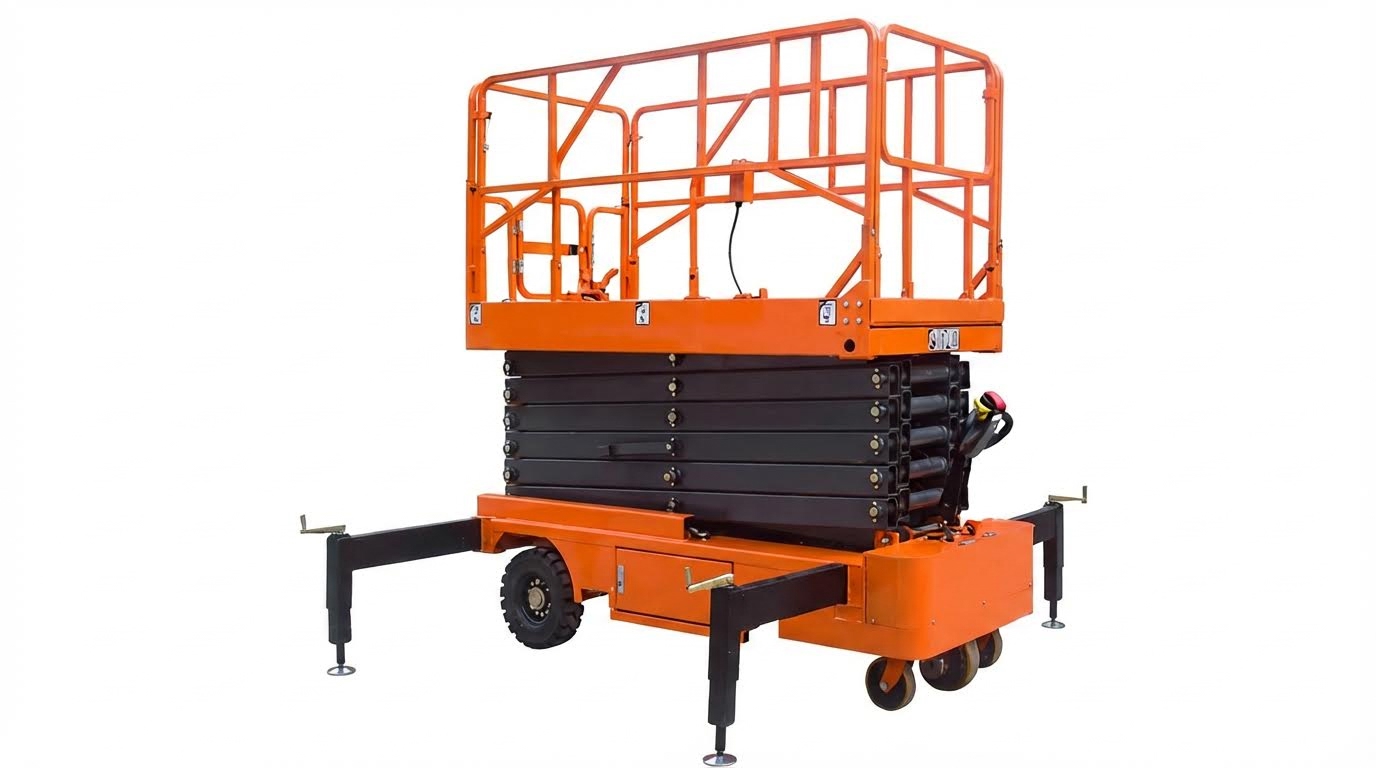
If you can’t start scissor platform lift equipment, first rule out simple startup issues: safety lockouts, key and control box settings, and battery or power supply. These checks solve many “dead” lifts without a technician.
Safety lockouts and emergency stops
When you can’t start scissor platform units, safety lockouts and emergency stops are the first things to verify because any triggered safety device will completely block motion and power to the lift circuits.
- Emergency stop buttons: Check both ground and platform E‑stops are pulled out – a pressed E‑stop breaks the safety circuit and the lift will not move.
- Perimeter/toe guards: Inspect toe guards and edge sensors for damage or objects wedged underneath – a stuck guard can keep the safety circuit open and prevent lowering or movement according to service manuals.
- Upper travel limit switch: If the platform is fully raised, the upper‑limit switch may be engaged – a failed or stuck limit can stop the power unit from running even when you press “UP” as noted in troubleshooting tables.
- Tilt / overload sensors: Ensure the machine is level and not overloaded – tilt or overload sensors can lock out lift functions to prevent tip‑over or structural overload when they detect unsafe conditions.
- Physical obstructions: Walk around the lift and look under the scissor pack – any foreign object blocking the mechanism can trigger safety devices or mechanically stop movement per service documentation.
How to quickly check safety lockouts
Walk the machine clockwise. Touch each E‑stop, sensor area, guard, and limit switch. Confirm nothing is bent, jammed, or held in the “tripped” position. Only then move on to electrical checks.
💡 Field Engineer’s Note: If the platform will not lower but you still hear valves clicking, focus on toe guards, perimeter edges, and debris in the scissor linkage before assuming a major hydraulic fault.
Key switch, control box, and enable devices
If you can’t start scissor platform lift controls, confirm the key switch position, control box connection, and enable devices first, because mis‑selection or a loose pendant cable often mimics a dead machine.
| Item to Check | What to Look For | Typical Location | Operational Impact / Best For… |
|---|---|---|---|
| Key switch mode | Turned to “platform/basket” not “ground/off” | Ground control panel | Ensures power is routed to the station where you are standing, avoiding the illusion of a dead lift as explained in operator tips. |
| Control box cord | No cuts, crushed sections, or loose plugs | Between chassis and platform controls | Prevents intermittent or total loss of joystick commands due to broken conductors in the pendant cable highlighted in troubleshooting guides. |
| Enable / dead‑man switch | Operator fully squeezing or standing on it | Joystick handle or platform floor | Prevents unintended motion; if not fully engaged, the lift will never move even with joystick input. |
| Control panel condition | No moisture, damage, or stuck buttons | Platform console | Faulty panels can cause unresponsive or erratic controls, requiring repair or replacement according to service advice. |
- Correct station selected: Always match where you stand (ground vs platform) with the key position – wrong selection is one of the most common reasons operators think they can’t start scissor platform lift systems.
- Joystick interlocks: Make sure the joystick returns to neutral and isn’t jammed – a stuck lever can hold the system in a fault state and block startup.
- Indicator LEDs / buzzers: Watch for panel LEDs or alarms when you turn the key – no lights or sounds usually means no power reaching the controls, not a hydraulic issue.
💡 Field Engineer’s Note: If ground controls work but the platform controls do not, the fault is almost always in the key switch position, platform control box, or its cable—not in the batteries or main power unit.
Battery state, charger, and power source
Battery and power problems are the most common reason you can’t start scissor platform equipment, so always confirm charge level, charger status, and supply voltage before assuming complex electrical or hydraulic failures.
| Power Check | Target / What to Expect | How to Test | Operational Impact / Best For… |
|---|---|---|---|
| Battery charge indicator | Display in green or adequate range | Read LEDs on control box or chassis | Low indication means the machine should be connected to the on‑board charging socket before further troubleshooting as described in operator guidance. |
| Battery voltage (DC units) | ≈12.6 V per 12 V battery when fully charged | Measure across terminals with a multimeter | Significantly lower readings indicate a discharged or failing battery that may stop the power unit from running and requires charging or replacement per troubleshooting guides and service manuals. |
| AC supply to charger / power unit | Correct mains voltage present | Test outlet and plug with a meter | No supply voltage means the power unit will not run when “UP” is pressed, so breakers, fuses, and overloads must be checked and reset as documented. |
| Fuses in battery/charger circuit | Continuity OK, correct rating fitted | Pull and test with a meter | A blown fuse will cut power to the control or drive circuits and must be replaced with the specified rating to avoid damage per electrical troubleshooting advice. |
- Visual battery inspection: Check terminals for corrosion and loose cables – poor connections can cause enough voltage drop under load to stop the motor or control electronics.
- Regular charging habits: Follow a consistent charging schedule – irregular charging shortens battery life and increases no‑start events as emphasized in maintenance guidance.
- Charger status lights: Verify the charger shows “charging” or “full” – no lights may indicate a tripped breaker, bad outlet, or failed charger, not just a bad battery.
Quick battery test workflow
1) Read the onboard battery indicator. 2) Measure pack voltage at rest. 3) Try to lift while watching voltage drop. A large drop under load points to weak batteries, even if the indicator still shows partial charge.
💡 Field Engineer’s Note: If the lift powers up but dies as soon as you try to raise, suspect weak batteries or bad connections before chasing control board faults—high current draw exposes problems that static voltage readings can hide.
Final Thoughts On Scissor Lift No-Start Issues
No-start faults on electric scissor lifts nearly always trace back to safety circuits, control selection, or weak power supply. Safety devices sit in series with the control and drive circuits, so one tripped E‑stop, bent guard, or active tilt sensor will stop every motion. Operators must clear these lockouts first, or they risk chasing false electrical or hydraulic problems.
Control stations and enable devices then decide where commands go. A wrong key position, damaged pendant cord, or inactive dead‑man switch can make a healthy machine appear completely dead. Clear panel feedback, LEDs, and buzzers help you separate “no power” from “no command.” Batteries and chargers finally provide the energy backbone. Low voltage, corroded terminals, or blown fuses will drop the system out as soon as you load it, even if indicators still glow.
The most reliable approach is a fixed sequence: verify safety lockouts, confirm key and controls, then measure battery and supply voltage. Train operators to follow this workflow and log each finding. Use that log to plan battery care, charger checks, and periodic sensor inspections. With this discipline, fleets like Atomoving scissor lifts start more reliably, fail less on site, and stay within safe design limits.
Frequently Asked Questions
Why is my electric scissor lift not starting?
To troubleshoot, follow these steps:
- Check the power supply: Ensure the lift is switched on and inspect the circuit breaker.
- Inspect the control system: Examine the relevant circuit paths in the control panel.
- Verify door interlocks: Make sure all doors are properly shut. Common Lift Issues Guide.
How do I troubleshoot battery issues with my scissor lift?
Battery problems can prevent your scissor lift from starting. Here’s what to check:
- Ensure the battery fluid covers the plates before charging, but avoid overfilling.
- Charge the battery fully overnight for best results, avoiding short charges during breaks.
- Check cables and connections for damage or pinching. Replace any damaged cables or transformers if needed.