
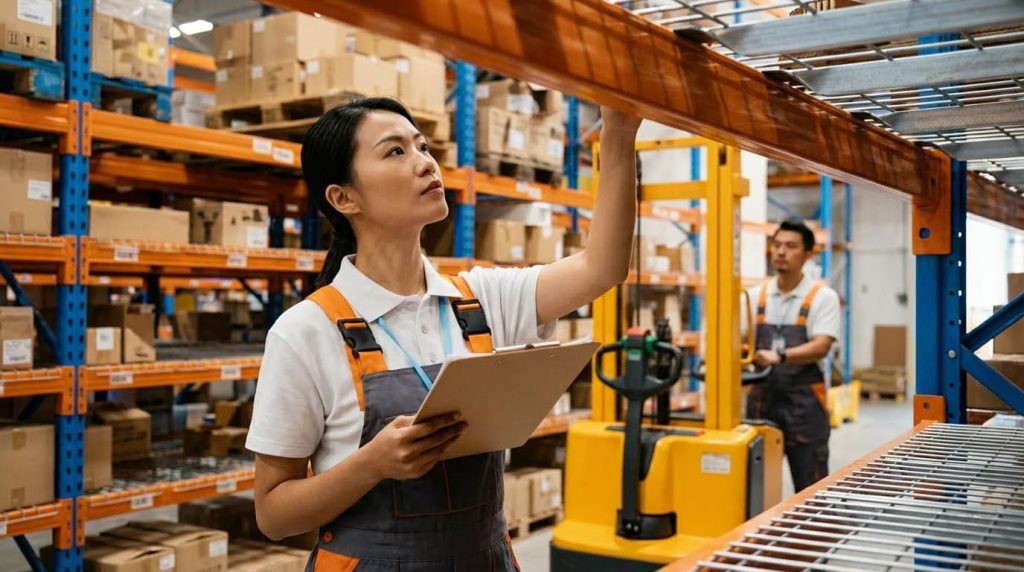
Warehouse picking is the end‑to‑end process of selecting items from storage locations to build customer orders, and it is the single biggest driver of warehouse labor cost, accuracy, and speed. If you have ever asked “what is picking in a warehouse” in practical terms, it is the combination of people, processes, and technology that turns stored inventory into ready‑to‑ship cartons or warehouse order picker. Poorly designed picking workflows create excess walking, mispicks, congestion, and missed carrier cut‑offs; well‑designed systems maximize lines per hour while keeping error rates and total cost of ownership (TCO) under control. In this guide, we break down what warehouse picking is, how it differs from sorting, the main picking methods and technologies, and how to design a safe, future‑proof solution that matches your order profile and layout.
What Warehouse Picking Is And Why It Matters
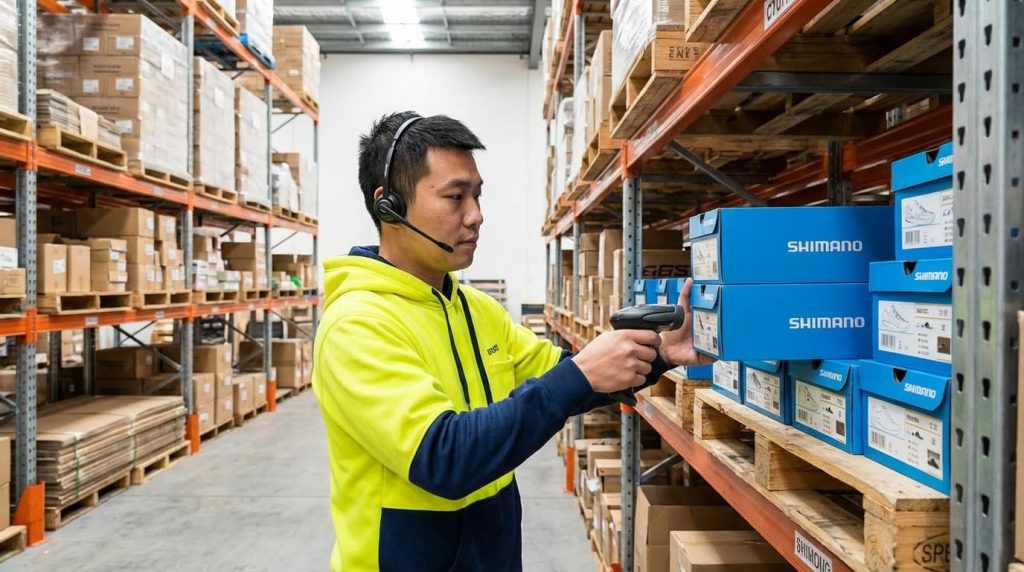
Warehouse picking is the end‑to‑end process of retrieving items from storage to build customer orders, and it matters because it dominates labor cost, drives shipping speed, and determines customer satisfaction. When people ask “what is picking in a warehouse,” they are really asking about the core engine that converts stored inventory into shipped revenue. Poorly designed picking inflates walking distance, error rates, and overtime, while strong processes and technology cut cost per order and improve on‑time performance. This section explains what picking is (versus sorting), the standard workflow steps, and the key KPIs that operations teams use to control performance and total cost of ownership (TCO).
Definition Of Picking Versus Sorting
Picking versus sorting is the distinction between retrieving items from storage to build orders (picking) and then separating completed parcels or totes by destination or customer (sorting) before shipping. In simple terms, when we explain what is picking in a warehouse, we mean the act of going to storage locations, confirming the SKU and quantity, and moving those items to a consolidation or packing point. Sorting happens later, when packed or containerized goods are diverted by route, carrier, customer, or final destination before leaving the outbound dock. One source defines picking as retrieving goods based on order specifications and transporting them to a sorting area, while sorting diverts packed goods by destination or logistics provider.
- Picking (order building): Retrieve SKUs and quantities from storage locations according to an order or batch instruction, then move them to a staging, consolidation, or packing area.
- Sorting (flow direction): Divert completed cartons, totes, or parcels by route, carrier, customer, or dock door so they flow to the correct outbound lane.
- Physical difference: Picking changes the composition of items (building orders); sorting changes only their path and grouping (directing orders).
- System difference: WMS typically controls picking tasks, while conveyor controls, sorters, or shipping systems orchestrate sorting logic.
- Cost impact: Picking is usually the largest labor component in a warehouse, whereas sorting is more equipment‑intensive but often more predictable.
💡 Field Engineer’s Note: On the floor, confusion between “picking” and “sorting” often leads to double handling—operators pick loosely, then “re‑pick” during sort. Clear process boundaries and labels cut wasted touches immediately.
Why the distinction matters for system design
When you design storage, travel paths, and slotting, you optimize for picking efficiency and ergonomics. When you design conveyors and chutes, you optimize for sorting capacity, induction rates, and correct divert accuracy. Mixing these two in one mental bucket usually leads to under‑sized sorter capacity or over‑complicated pick paths.
Core Steps In The Picking Workflow
The core picking workflow is a repeatable sequence of steps: release work, travel, locate, verify, pick, confirm, and deliver items to the next process, with each step tightly controlled by the WMS or pick documents. Regardless of whether you use manual lists, RF, pick‑to‑light, or automation, the physics on the floor are the same: humans or machines must move through space, correctly identify items, and transfer them without damage. Standard picking technologies—order, batch, and flow picking—simply change how these steps are grouped and sequenced.
- Release work: The WMS groups orders into tasks (discrete, batch, wave, or flow) and assigns them to pickers, zones, or robots based on priority and cut‑off times.
- Travel to first location: The operator or machine moves from a start point (e.g., induction, charging area) to the first storage location; this is where most non‑value‑add time accumulates.
- Locate and identify: The picker confirms aisle, bay, level, and position, then visually checks labels or scans barcodes/RFID to ensure the correct SKU before touching product.
- Pick and handle: The required quantity is removed, respecting unit of measure (each, inner, case, pallet), ergonomic limits, and any special handling rules (fragile, hazmat, temperature‑controlled).
- Confirm and update: The picker confirms the pick via scan, voice, or light confirmation so the WMS can decrement inventory and update task status in real time.
- Consolidate or stage: Picked items are placed into totes, cartons, or on pallets, then moved to consolidation, packing, or directly to shipping depending on the process design.
- Exception handling: Shortages, damages, and mis‑slots are recorded as exceptions, triggering cycle counts or replenishment tasks to maintain inventory accuracy.
💡 Field Engineer’s Note: Every extra “look around to find the slot” adds seconds; across thousands of lines per day, poor location labeling and slot discipline can quietly burn 5–10% of your total picking capacity.
Where batch and flow picking change the steps
In batch picking, the “consolidate or stage” step includes an additional sub‑step: sorting items from a shared cart or tote back into individual orders, either during the pick (cluster picking) or after. In flow picking, the “release work” step is continuous—new orders feed into an existing task so that a picker clears all demand in a zone in one optimized travel loop. This dynamic update model minimizes repeated passes through the same locations.
KPIs: Accuracy, Lines Per Hour, And TCO Impact
Picking KPIs such as accuracy rate, lines per hour, and cost per line directly measure how well your warehouse converts labor, space, and equipment into shipped orders over the asset’s total life (TCO). When leadership asks what is picking in a warehouse from a financial perspective, they are really looking at how this one process drives overtime, customer complaints, and the payback of any automation investment. Modern person‑to‑goods and goods‑to‑person systems are designed specifically to raise throughput and accuracy while lowering labor dependency and error‑related costs. Automated picking solutions highlight increased speed, improved accuracy, and reduced labor dependency as core ROI levers.
| KPI | What It Measures | Typical Improvement Lever | Field Impact |
|---|---|---|---|
| Picking accuracy (%) | Correct order lines shipped ÷ total lines picked | Scanning, pick‑to‑light, goods‑to‑person, training | Fewer returns, less rework, higher customer satisfaction, lower hidden cost of errors. |
| Lines per hour (LPH) | Number of order lines picked per labor hour | Batch/flow picking, better slotting, AMRs, robotics | Higher throughput from the same workforce; critical during peaks without adding headcount. |
| Units per hour (UPH) | Individual pieces or cases picked per labor hour | Ergonomic layout, reduced travel, automation | Shows true productivity in each‑picking or case‑picking operations beyond line counts. |
| Cost per line (€ or $) | Total picking cost ÷ total lines picked | Labor efficiency, reduced errors, smart automation | Primary TCO metric; shows whether technology or process changes are actually saving money. |
| Travel time share (%) | % of picking time spent walking/driving | Batching, zoning, route optimization, AMRs | Lower share means more time touching product and less time “burning shoe leather.” |
| Labor dependency | Throughput sensitivity to headcount | Goods‑to‑person, robotic picking, AMRs | Lower dependency stabilizes output during labor shortages and peak seasons. |
💡 Field Engineer’s Note: If you track only “lines per hour” without tying it to accuracy, operators will race and create hidden rework; always review LPH side‑by‑side with error rate and cost per line to avoid false productivity gains.
How automation shifts TCO in picking
Automated picking—using shuttles, ASRS, AMRs, or robotic arms—requires higher upfront capital but can dramatically reduce variable labor, error‑related costs, and floor space per line picked. Vendors report higher throughput, improved accuracy, and reduced labor dependency, which collectively improve TCO over the system life, especially in high‑volume, high‑SKU operations.
Main Warehouse Picking Methods And Technologies
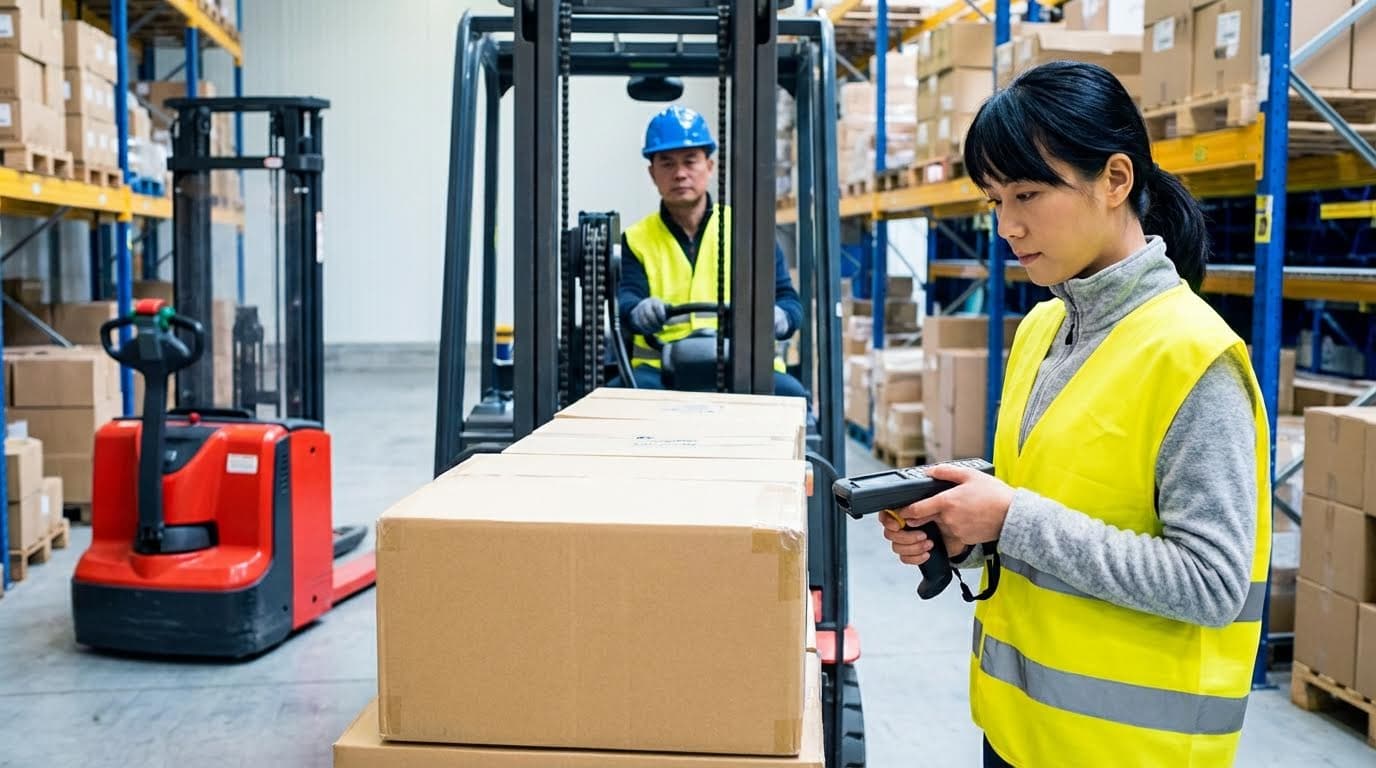
Warehouse picking methods and technologies define how people, processes, and automation work together to answer “what is picking in a warehouse” in terms of speed, accuracy, and cost per order line.
In this section we move from the basic definition of what is picking in a warehouse to the practical menu of methods and technologies you can actually deploy. We compare order, batch, wave, and flow picking, then contrast person-to-goods versus goods-to-person systems, and finally map manual, semi-automated, and robotic options so you can benchmark your current operation and plan upgrades in a structured way.
💡 Field Engineer’s Note: Most warehouses don’t run a single “pure” method; they blend 2–3 methods and tech tiers by SKU velocity (A/B/C) and order profile. Designing those interfaces is where the real performance gains come from.
Order, Batch, Wave, And Flow Picking Compared
Order, batch, wave, and flow picking are four ways to schedule and group picks, each trading off walk distance, system complexity, and responsiveness to real-time order demand.
| Picking Technology | How It Works (Process View) | Best-Fit Use Case | Operational Pros | Operational Cons | Field Impact (What It Means On The Floor) |
|---|---|---|---|---|---|
| Order (Discrete) Picking | Picker retrieves items for one order at a time, typically following a route from a printed list or RF/voice task list. Order-based picking reference | Low to medium order volume, simple SKU mix, start-up operations, or areas where personalization/inspection is important. | Simple to train and manage; low IT dependency; easy to trace errors to a single picker/order. | High travel distance per line; lower lines per hour; can’t easily absorb peak volumes. | Good “first method” when learning what is picking in a warehouse, but you will hit a throughput ceiling as lines per hour grow. |
| Batch Picking | Multiple orders are grouped; picker collects all items for the batch in one tour, then items are sorted back into individual orders. Batch picking reference Process characteristics | Medium order volume with many small orders and overlapping SKUs, especially e‑commerce each-pick. | Reduces walking distance; boosts lines per hour; can be implemented with carts, AMRs, or conveyors. | Requires a reliable sort step; more complex WMS logic; mis-sorts can silently increase error rate. | Strong travel-time reduction; good ROI if you have many orders sharing the same fast-moving SKUs. |
| Wave Picking | Orders are released in scheduled “waves” grouped by rules such as carrier cut-off, shipping dock, or SKU commonality. Wave picking reference | High-volume distribution needing tight alignment between picking, packing, and shipping time windows. | Synchronizes work with truck departures; easier labor planning; can blend order and batch logic inside each wave. | Less flexible for late orders; requires disciplined scheduling and WMS/WCS configuration. | Great for outbound docks with fixed departure times; operators feel “rush then idle” if waves are not balanced. |
| Flow (Continuous) Picking | All available orders in a zone are dynamically combined into one continuous picking task that updates as new orders arrive. Flow picking reference | Very dynamic e‑commerce or omni‑channel operations with constant order inflow and short SLAs. | Maximizes picker utilization; minimizes idle time; adapts in real time to order stream. | High dependency on WMS/WCS intelligence; harder to visualize work-in-progress; change management needed. | Feels like a “never-ending route” to pickers; when tuned, it delivers very high lines per hour with smooth workload. |
Where zone picking fits into these technologies
Zone picking divides the warehouse into zones with dedicated pickers; it can be implemented as order, batch, wave, or flow picking at the zone level. It mainly reduces cross-warehouse travel and lets you specialize staff by product type. Zone picking reference
💡 Field Engineer’s Note: When you move from order picking to batch or flow, the limiting factor often shifts from walking distance to sortation accuracy. Budget time and space for good sort stations, not just for pick routes.
Person-To-Goods Vs Goods-To-Person Systems
Person-to-goods and goods-to-person are two opposite material flow philosophies: either people walk to storage locations, or automation brings storage locations to stationary pickers.
| Approach | Typical Technologies | How It Works | Best-Fit Profile | Pros | Cons | Field Impact |
|---|---|---|---|---|---|---|
| Person-to-Goods | Paper lists, RF/PDA terminals, pick-to-light displays, RFID electronic labels, voice systems, smart glasses. Person-to-goods methods | Pickers physically travel through aisles; guidance comes from paper, handheld devices, lights, or audio cues. | Small to large warehouses where labor is available and building height/floor loading limit heavy automation. | Lower capex; flexible and easy to re-slot; good for irregular SKUs and changing assortments. | Travel time dominates; ergonomic strain (distance walked, bending, reaching); throughput tied to headcount. | Good starting point when defining what is picking in a warehouse; optimization focuses on layout, slotting, and picker guidance. |
| Goods-to-Person | Shuttle systems, vertical or rotary shelving, miniload AS/RS, mobile rack systems and AGV/AMR-based storage. Goods-to-person methods | Automated systems deliver totes, trays, or racks containing SKUs to ergonomic workstations where pickers (or robots) stay put. | High order volume, high SKU count, and tight service levels where labor cost and walking distance are critical. | Massive reduction in walking; very high lines per hour per station; excellent inventory control and ergonomics. | High capex and engineering; needs stable or predictable demand; constrained by system throughput and redundancy design. | Shifts bottleneck from walking to workstation speed; ideal for pairing with batch/flow and robotic piece picking. |
How automated each-pick fits into these approaches
Automated each picking can be configured as goods-to-person (robots bring SKUs to a human with pick-to-light) or person-to-goods (AMRs guide workers to picks with dynamic zoning). Automated picking reference
💡 Field Engineer’s Note: In brownfield sites, a hybrid is common: fast movers stay in person-to-goods flow racks near packing, while medium/slow movers go into goods-to-person automation to cut walking on low-frequency SKUs.
Manual, Semi-Automated, And Robotic Picking
Manual, semi-automated, and robotic picking describe three automation tiers, from people doing all movement and decision-making to robots handling most transport and gripping tasks.
| Automation Tier | Key Technologies | How The Work Is Done | Best-Fit Operation | Benefits | Limitations | Field Impact |
|---|---|---|---|---|---|---|
| Manual Picking | Paper lists, basic RF scanners, manual carts or manual pallet jack. Manual picking reference | Operators walk, locate items, verify visually or with a scanner, and move goods to sorting or packing areas. | Small warehouses, low order volume, limited SKUs, or early-stage businesses proving their model. | Lowest initial cost; easy to modify; minimal IT requirement. | Labor-intensive; higher error risk; difficult to scale for peak or growth; walking dominates cycle time. | Useful baseline to understand what is picking in a warehouse, but becomes a bottleneck as lines per hour and SKUs increase. |
| Semi-Automated Picking | Pick-to-light, put-to-light, voice systems, AMRs guiding workers, conveyors, basic AS/RS feeding human stations. Semi-automated picking examples | Humans still pick items, but software and machines optimize routing, guidance, and transport of totes/cases. | Growing operations with rising labor costs that need better productivity without full robotics. | Higher lines per hour; reduced walking; improved accuracy through system-directed work; scalable in modules. | Needs solid WMS integration; some physical redesign; still dependent on human labor availability. | Often the best ROI “middle step” before full robotics, especially when combined with batch or wave picking. |
| Robotic / Fully Automated Picking | Robotic arms for piece and case picking, integrated AS/RS, high-density storage grids, advanced AMRs. Robotic picking reference | Robots retrieve items from AS/RS or mobile racks, often using AI to recognize and grasp unfamiliar products, then feed to packing or palletizing. | High-volume, high-labor-cost environments with stable demand and strong IT/engineering support. | Maximizes throughput; reduces dependency on labor; improves accuracy and real-time inventory visibility. | High capex and integration effort; not all SKUs are robot-friendly; requires maintenance and technical skills. | Transforms picking into a highly engineered process; human roles shift toward exception handling and system supervision. |
Piece picking vs case picking in robotic systems
Robotic piece picking focuses on single items from totes or bins, while robotic case picking builds pallets from full or mixed cases using AS/RS-fed robots. Both reduce manual lifting and enable 24/7 operation. Piece vs case picking reference
💡 Field Engineer’s Note: Don’t jump straight to robotics just because it’s fashionable. Fix slotting, travel paths, and basic batch logic first; otherwise you automate waste and lock it in with expensive hardware.
Designing And Selecting An Optimal Picking Solution
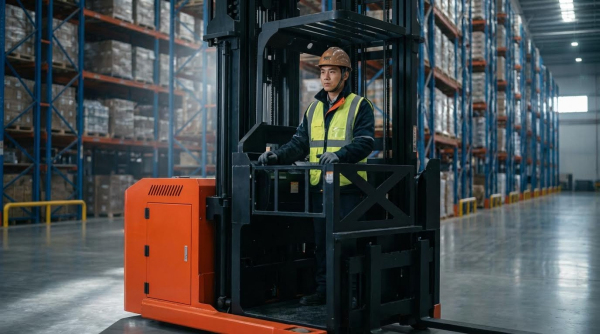
Designing an optimal picking solution means matching methods, layout, and technology to your real order profile so you cut travel, increase accuracy, and lower total cost of ownership (TCO) over 5–10 years.
When you ask “what is picking in a warehouse,” you are really asking how items move from storage to shipping with minimum waste, error, and delay. The design choices in this section determine your pick rate (lines/hour), error %, safety performance, and how easily you can scale or automate later.
💡 Field Engineer’s Note: Never start with the “cool” technology. Start with hard data: order lines per day, lines per order, cube per order, and SKU velocity. The wrong tech on the right floor plan still underperforms.
Matching Picking Methods To Order Profiles
Matching picking methods to order profiles means selecting order, batch, wave, or flow picking based on SKU count, order size, and service level so you minimize walking while keeping accuracy high.
| Order Profile / Constraint | Recommended Primary Method | Supporting Technologies | Field Impact (Pick Rate, Errors, TCO) |
|---|---|---|---|
| Low order volume, few SKUs, simple B2B | Discrete order picking (person-to-goods) | Paper or RF lists; basic WMS | Low capex, 40–80 lines/hour; labor-heavy but flexible for “what is picking in a warehouse” training. |
| Moderate volume, many small e‑com orders | Batch or cluster picking | Carts with totes, RF, pick-to-light | Travel reduced 20–40%; higher lines/hour; some extra sort labor after picking. |
| High volume with clear shipping cut-offs | Wave picking | Advanced WMS wave planning | Excellent dock utilization; stable labor planning; requires disciplined scheduling and data. Source |
| Continuous flow, many SKUs, dynamic orders | Flow picking (process-based) | Real-time WMS, conveyors, AMRs | High throughput; system continuously updates tasks, minimizing idle walking. Source |
| Very high volume, labor constraints | Goods-to-person or robotic picking | ASRS, shuttles, AMRs, robotic arms | Very high lines/hour per operator; high capex, lower long-term unit cost and error rate. Source |
Different picking technologies (order, batch, flow) can run on both person-to-goods and goods-to-person systems, so you usually combine methods by zone: for example, batch picking for small each-picks and discrete picking for bulky items. Source
How to read your order profile before choosing a method
Pull 3–6 months of order history and calculate: average lines/order, cube/order (m³), % of single-line orders, ABC velocity by SKU, and peak vs average daily lines. This quickly shows whether travel time, congestion, or sorting is your primary waste driver.
Layout, Equipment, And WMS Integration
Layout, equipment, and WMS integration translate your chosen picking method into physical travel paths, ergonomic workstations, and system-directed tasks that your WMS can actually execute in real time.
| Design Element | Key Decision | Typical Options | Field Impact |
|---|---|---|---|
| Aisle width & routing | Optimize for travel vs storage density | Wide aisles for pallet trucks; narrow aisles for high-density each-pick | Too-narrow aisles cause congestion and lower lines/hour; too-wide aisles waste m² and increase walking distance. |
| Storage media | Match SKU velocity and size | Pallet racking, carton flow, shelving, ASRS | Fast movers in carton flow near pick face massively cut bending and walking; slow movers pushed higher or further away. |
| Picking equipment | Manual vs semi-automated vs robotic | Carts, manual pallet jack, AMRs, conveyors, robotic arms | Manual gear is cheap but labor-heavy; AMRs and conveyors reduce walking; robotics reduce labor dependency and errors. Source |
| Workstation design | Ergonomics and flow | U-shaped stations, goods-to-person pods, pack benches | Good ergonomics keeps pickers in a 1–1,5 m reach envelope, improving sustained pick rates and reducing injuries. |
| WMS integration depth | How “smart” tasks are | Paper lists, RF, pick-to-light, voice, AMR-directed | System-directed picking reduces decision time, travel, and mispicks; necessary for batch, wave, and flow picking at scale. Source |
- Person-to-goods integration: The WMS sends tasks to RF, voice, or smart glasses, guiding operators to locations and quantities, often supported by light indicators at the pick face. Source
- Goods-to-person integration: ASRS, shuttles, or AMRs bring totes or cases to a picker, with the WMS orchestrating queues and pick-to-light at the station to maintain continuous flow. Source
- Robotic integration: Robotic arms tied to ASRS can each-pick or case-pick autonomously, using AI to handle new item shapes and packaging. Source
💡 Field Engineer’s Note: Physically walk a “golden path” from inbound to outbound. Every time a picker crosses that path without moving an order closer to shipping, you’ve found layout waste to fix before buying equipment.
Linking KPIs to layout and system design
Track lines/hour per picker, average walk distance per line (m/line), and mispick rate (%). If lines/hour are low but error % is good, layout and routing are likely the bottleneck. If errors are high, focus on WMS guidance and scan discipline.
Safety, Compliance, And Future-Proofing
Safety, compliance, and future-proofing ensure that your picking solution meets legal requirements today and can scale or automate tomorrow without ripping out your entire layout.
- Operator safety and ergonomics: Design pick heights (ideally 0,7–1,6 m), limit lift weights per local regulation, and minimize twisting and overreach to reduce musculoskeletal injuries during repetitive picking.
- Traffic management: Separate pedestrian and equipment paths, especially where AMRs, hydraulic pallet truck, or forklifts intersect with foot traffic in picking aisles.
- System fail-safes: Ensure AMRs, conveyors, and robots have clear emergency stop access and safe states on power loss, aligned with relevant machinery and safety standards.
- Scalable zones: Lay out zones so you can incrementally add batch picking, AMRs, or goods-to-person modules as order volume grows, without shutting down operations.
- Modular technologies: Favor solutions (like AMR-directed person-to-goods picking) that can start manual and gradually move toward more automation as your TCO model proves out. Source
💡 Field Engineer’s Note: When you design for “future robots,” reserve straight, obstruction-free travel lanes and consistent rack geometry. Retrofitting clear paths later is far more expensive than planning 1–2 m of space upfront.
How “what is picking in a warehouse” evolves over time
In a young operation, picking might simply mean a person with a cart and a paper list. As volume and SKU complexity grow, the same core process evolves into WMS-directed batch or wave picking, and eventually into goods-to-person or robotic systems—but the design fundamentals you set now (order profiles, layout, safety lanes) determine how smooth that evolution will be.
Final Thoughts On Modern Warehouse Picking
Modern warehouse picking sits at the intersection of process design, layout, equipment choice, and system control. The right mix of methods, from discrete to flow picking, turns raw order demand into predictable throughput with controlled labor and error rates. Poor design locks in long walks, congestion, and rework; good design converts every meter of travel and every scan into shipped revenue.
Person-to-goods, goods-to-person, and robotic systems are not rival camps but tools on a roadmap. Operations teams should start with hard data on order profiles, then shape zones, storage media, and travel paths, and only then layer in AMRs, ASRS, or Atomoving manual equipment where they clearly cut cost per line. Safety, ergonomics, and traffic control must stay central, or productivity gains will not sustain.
The best practice is simple but strict: measure KPIs, reduce travel, enforce scan discipline, and keep the layout modular so you can add automation in stages. If you treat “what is picking in a warehouse” as a long-term engineering system rather than a staffing problem, you build a platform that can absorb growth, new channels, and future robotics without a full redesign.
Frequently Asked Questions
What does picking mean in a warehouse?
Picking in a warehouse refers to the process of selecting the correct type and quantity of products from inventory to fulfill customer orders. This is a critical step in preparing items for packaging and shipment. The goal is to ensure accuracy while maintaining efficiency. Warehouse Picking Guide.
What is the process of picking in a warehouse?
The picking process involves several key steps: retrieving items from their storage locations, consolidating them based on customer orders, and preparing them for delivery. It serves as the backbone of warehouse operations, aiming to meet customer demands within specified timeframes. For more details, see this resource on Order Picking Methods.
What is voice picking in a warehouse?
Voice picking is a hands-free and paperless technique used in warehouses. It uses voice prompts to guide employees in picking products from specific locations to complete customer orders. This method improves efficiency and reduces errors by keeping workers focused on the task. Learn more about its benefits in this Voice Picking Technology Guide.