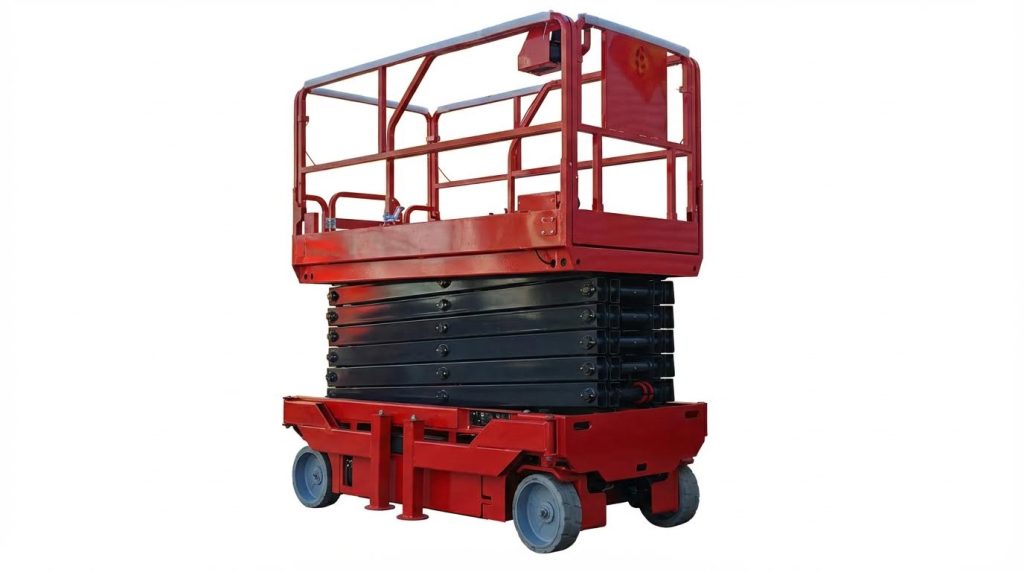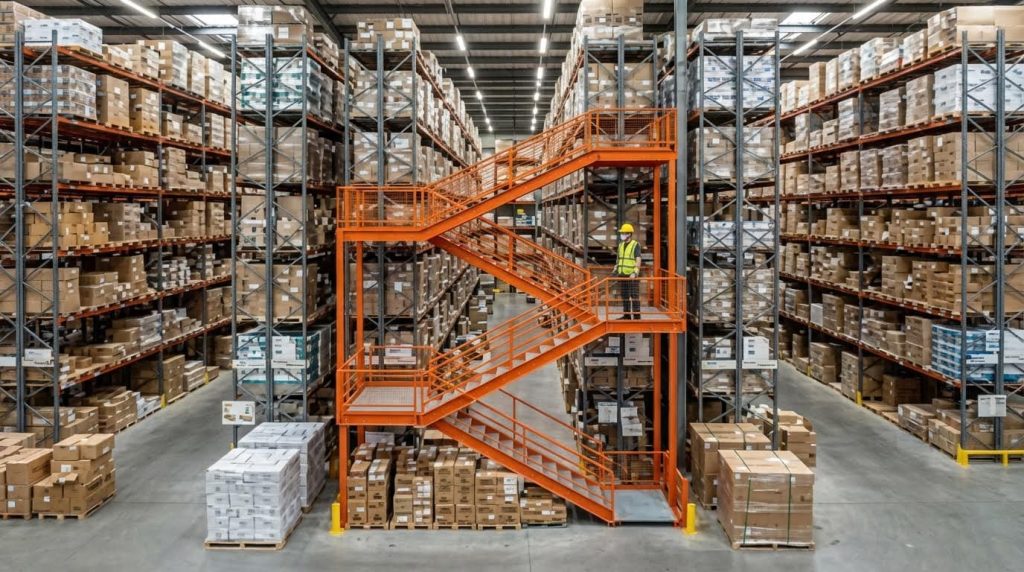
Selecting the right warehouse automation system starts with understanding your current processes, constraints, and growth plans, then matching them to the right mix of technologies. This guide walks you through how to pick a warehouse automation solution by defining functional scope, setting engineering criteria, and building a solid business case. You will see how throughput, uptime, integration, safety, and total cost of ownership fit together in a practical decision framework. Use it as a roadmap to move from high-level ideas to a phased, low-risk implementation that delivers measurable performance gains.

Defining Warehouse Automation Scope And Requirements
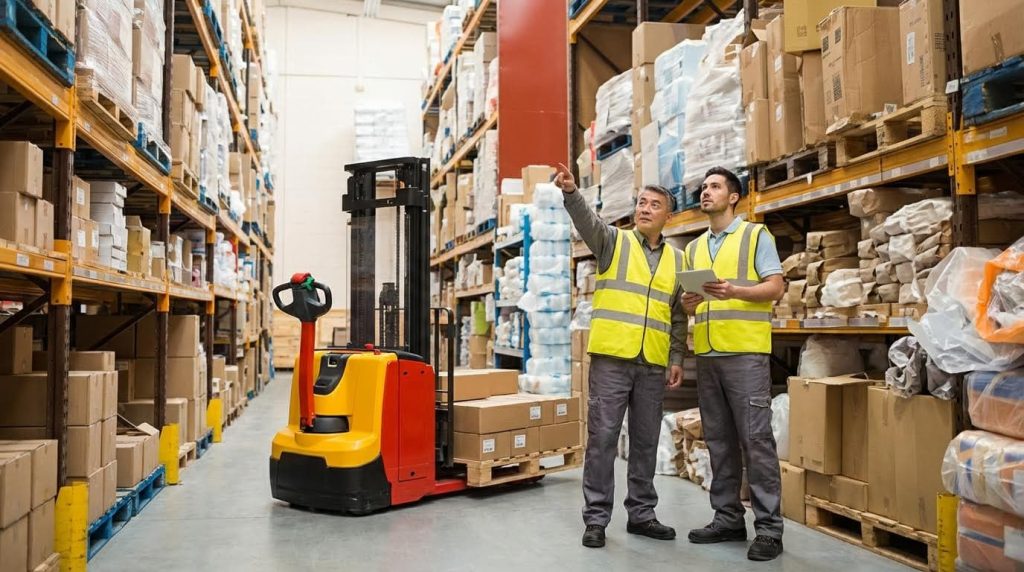
Map current workflows and process pain points
The first step in how to pick a warehouse automation is to document how work actually flows today. Walk each process end to end: receiving, put-away, replenishment, picking, packing, loading, returns, and value-added services. Capture cycle times, queue times, travel distances, error rates, and manual data entry points so you can later compare them to post-automation KPIs such as pick rate, error rate, labor hours, and order-to-ship time performance metrics.
- Identify bottlenecks where work piles up, such as packing stations during peak or staging lanes at dispatch.
- Flag high-labor, low-value tasks like double handling, manual pallet moves, and repetitive data entry.
- Note safety issues, congestion points, and areas with frequent quality defects or inventory discrepancies.
- Assess data quality problems, such as inconsistent units of measure or poor traceability, which later impact automation and WMS performance data governance.
Translate each pain point into a requirement for automation. For example, chronic picking errors become a requirement for systems that can raise inventory accuracy and picking accuracy to near-perfect levels through better tools and processes. Travel-heavy workflows may justify goods-to-person solutions or high-density storage to optimize space and walking distance. This mapping gives you a measurable baseline and a clear target condition for every future automation decision.
Classify automation options by function and complexity
Once you understand your pain points, classify potential automation options by what they do and how complex they are to deploy. At the functional level, group technologies into storage and retrieval, picking and packing, conveyance and sortation, inventory tracking, and control and software layers such as WMS and WCS. For example, automated storage and retrieval systems sit in the storage and retrieval group and can dramatically increase storage density and handling efficiency by using robotic hardware and smart software AS/RS definition and benefits.
Typical functional categories
- Storage & retrieval: Pallet shuttles, AS/RS, vertical lift modules.
- Picking & packing: Pick-to-light, voice picking, goods-to-person robots, packing automation.
- Conveyance & sortation: Conveyors, sorters, transfer cars.
- Inventory & tracking: RFID, barcode systems, IoT sensors automated inventory management.
- Control & software: WMS, WCS, and integration via APIs to ERP and other systems integration capabilities.
Then rate each option by implementation complexity: investment level, integration difficulty, layout changes, and required skills. High-complexity systems often demand tight integration between WMS, WCS, robotics, and conveyors, which can be challenging due to data synchronization and system communication requirements integration complexity. Lower-complexity options, such as voice picking or handheld scanning, may still deliver strong gains with less disruption and are often good first steps when you are learning how to pick a warehouse automation that fits your maturity level. This structured classification helps you align technology choices with your scope, budget, risk tolerance, and phased roadmap rather than chasing isolated point solutions.
Engineering Criteria For Evaluating Automation Technologies

Throughput, accuracy, and uptime performance metrics
When you evaluate how to pick a warehouse automation solution, start by defining baseline KPIs for your current operation. Typical metrics include pick rate in units or orders per hour, error rate before and after automation, labor hours saved or reallocated, inventory accuracy, order-to-ship cycle time, and system uptime with related maintenance costs. These KPIs are widely used to track post-deployment performance. For engineered systems such as AS/RS, you should request modeled and reference performance, including order turnaround time reductions, error-rate improvements, and guaranteed uptime levels. Case studies showed AS/RS projects cutting turnaround time by about half and improving mean error rates by more than 80%, with uptime guarantees near 99.99%. These benchmarks help you compare technologies on a like-for-like basis and size buffers, labor contingencies, and maintenance windows around realistic throughput and uptime expectations.
Key throughput and quality indicators to define
- Pick and putaway rates by process (each, case, pallet)
- Order-line fill rate and on-time shipment percentage
- Pre‑ vs post‑automation error rates and rework volume
- Planned vs unplanned downtime and mean time to repair
Scalability, flexibility, and space utilization limits
Scalability is critical when deciding how to pick a warehouse automation platform that will last more than one growth cycle. A well-designed WMS and control layer should support modular expansion without a full reimplementation and should handle higher SKU counts, transaction volumes, and more complex picking or pallet-building rules without degrading performance. Guidance for WMS selection emphasized modular growth paths, minimal business interruption during upgrades, and native support for automation such as robotics, conveyors, and sorters. On the physical side, compare each technology’s storage density, aisle structure, and vertical reach to understand practical space utilization limits. Studies showed that well-engineered automation and layout optimization can raise space utilization dramatically while driving picking accuracy close to 99.9%. Also assess how easily the system can flex for seasonality, new packaging formats, or different order profiles, as retrofits to rigid equipment can be slow and expensive. Analysts noted that scaling or modifying existing automation often required significant cost and time, making flexibility a core engineering criterion.
| Criterion | What to Check | Why It Matters |
|---|---|---|
| Software scalability | SKU and transaction growth, rule complexity | Prevents re‑platforming as volume grows |
| Physical scalability | Modular aisles, racks, shuttles, robots | Allows staged CAPEX and phased build‑out |
| Space utilization | Storage density, vertical use, travel paths | Delays building expansions and cuts travel time |
Integration architecture: WMS, WCS, ERP, and APIs

Integration architecture determines whether automation enhances or disrupts your operation. In any framework for how to pick a warehouse automation system, you should define clear roles for the WMS (inventory, order logic), WCS or orchestration layer (real-time equipment control), and upstream systems such as ERP and transport management. Experts recommended evaluating WMS options on pre‑built connectors to ERP and finance systems, standardized data formats, and robust APIs for custom automation integrations. Integration complexity increases as you add robotics, conveyors, and specialized subsystems, so you need reliable data synchronization, event handling, and error recovery. Industry reviews highlighted that tying together WMS, WCS, robotics, and conveyor systems required significant IT expertise and careful design of communication flows. Modern API‑first and cloud architectures can reduce this friction and improve resilience. Research showed that API‑based and cloud WMS solutions helped bridge legacy systems and modern automation, improving scalability and security and delivering measurable efficiency gains. Strong data governance, including validation rules, consistent units of measure, and clear data lineage, is also essential to keep automated decisions accurate as transaction volumes grow. Best‑practice WMS programs built governance into change control, release management, and user training to protect data quality during peak periods.
Integration and data-governance checklist
- Pre‑built connectors for ERP, finance, and transport systems
- Open, well-documented APIs for automation and custom apps
- Standardized data formats and unit-of-measure handling
- Event logging, monitoring, and automated error handling
- Formal change management and release processes
Building A Business Case And Implementation Roadmap

Total cost of ownership and ROI modeling
When you work out how to pick a warehouse automation approach, start with total cost of ownership (TCO), not just the equipment price. TCO should cover hardware, software, integration, construction, training, ongoing maintenance, and future upgrades across the full lifecycle. Build a cost-benefit model that includes labor reallocation, lower cost per order, space savings, inventory accuracy gains, and avoided costs of not automating such as lost capacity and market share. For high-capital systems like AS/RS, factor in long due‑diligence and deployment phases, typical financing splits between cash and debt, and the impact on utilities, forklift fleets, and maintenance costs over the 10–15 year horizon. Anchor the business case with measurable KPIs such as pick rate, error rate, labor hours saved, order cycle time, and system uptime, and use realistic payback expectations in the 18–36 month range where appropriate for well-scoped automation projects.
TCO and ROI modeling checklist
- Capex: equipment, software, integration, building works.
- Opex: maintenance, support, energy, licensing, IT overhead.
- Benefits: labor, space, accuracy, throughput, service level.
- Scenario tests: growth, seasonality, and technology refresh.
Safety, compliance, and reliability risk assessment
A robust business case for warehouse automation must quantify risk around safety, compliance, and reliability, not just financial returns. Evaluate how proposed systems improve ergonomics, reduce travel and manual handling, and help meet regulatory obligations on worker safety and sustainability through engineered controls and better process discipline. On the reliability side, assess uptime guarantees, disaster recovery, and how the design copes with multi‑warehouse setups, seasonal peaks, and cross‑dock flows without service failures under realistic surge scenarios. Include technology obsolescence, data security, and vendor dependence in your risk register, and assign mitigation actions such as modular design, strong cybersecurity controls, and clear exit strategies to keep long‑term exposure within acceptable limits.
| Risk area | Key questions |
|---|---|
| Safety & compliance | Does automation reduce manual lifting, travel, and congestion while supporting regulatory requirements? |
| Reliability | What uptime, redundancy, and recovery capabilities are proven in environments similar to yours? |
| Cyber & data | How are access, encryption, and audits handled across WMS, WCS, and connected systems? |
| Obsolescence | Is the solution modular and upgradable without full system replacement? |
Phased deployment, training, and change management

To translate the business case into reality, define a phased implementation roadmap with clear milestones and acceptance criteria. A staged rollout with pilots, controlled go‑lives, and structured testing reduces integration risk and helps employees adapt to new workflows while protecting day‑to‑day operations. Invest early in training programs that combine classroom, hands‑on, and e‑learning methods so operators, supervisors, and IT staff can use and support the new systems effectively and resistance to change is minimized. Formal change management should cover communication plans, new role definitions, and feedback loops, because organizations that actively engage their workforce during automation projects report significantly higher adoption success and faster realization of planned benefits.
Example phased roadmap
- Pilot one process (e.g., picking) in a limited zone.
- Stabilize performance, refine SOPs, and capture lessons learned.
- Extend to adjacent processes and shifts.
- Roll out to remaining zones/sites with standardized templates.
“”
Key Takeaways For Choosing Warehouse Automation
Effective warehouse automation starts with a clear, quantified view of current workflows and pain points. Engineering teams must link each constraint to a specific functional requirement so that technology choices target real bottlenecks, not abstract goals. Classifying options by function and complexity then lets you build a modular roadmap instead of a risky all‑at‑once project.
Throughput, accuracy, uptime, scalability, and space utilization form the core technical filter. These criteria define how systems behave under peak load and how well they support future growth. Integration architecture is equally critical. A clean separation between WMS, WCS, and ERP, connected by stable APIs and strong data governance, keeps automated flows predictable and auditable.
A solid business case joins these engineering principles with lifecycle cost, risk, and change impacts. Operations leaders should favor phased deployments, measurable KPIs, and designs that reduce manual handling and safety exposure. The best practice is simple: choose automation that you can integrate cleanly, scale in stages, and operate with confidence every day. Used this way, Atomoving warehouse automation becomes not just a set of machines, but a reliable platform for long-term performance and competitive advantage.
Frequently Asked Questions
How to Pick Faster in a Warehouse?
Picking faster in a warehouse involves optimizing both the process and the layout. Here are some proven strategies:
- Stage high-demand products closer to shipping stations to reduce travel time.
- Batch pick multiple orders for the same item to minimize重复 trips.
- Divide the warehouse into zones to streamline navigation and picking routes Warehouse Picking Tips.
- Use dynamic storage solutions to maximize pickface efficiency.
- Separate similar-looking items to avoid errors and improve speed.
Is Warehouse Picking a Hard Job?
Warehouse picking can be physically demanding and requires attention to detail. The difficulty depends on factors like the warehouse size, product weight, and order complexity. Proper training, optimized workflows, and the right equipment can make the job easier and more efficient.