
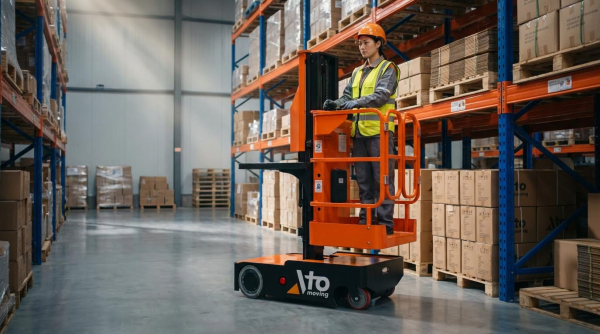
A warehouse picker‑packer is the frontline operator who turns digital orders into correctly packed, ready‑to‑ship consignments. If you are asking what does a warehouse picker packer do, this role combines accurate item picking, careful packing, and basic system use to keep orders flowing. In this guide, we break down responsibilities, tools, workflows, and performance standards so you can design or work in a high‑efficiency warehouse. You will see how picker‑packers connect layout, inventory accuracy, safety, and KPIs into one continuous fulfillment process. Tools like manual pallet jack, drum dolly, and semi electric order picker play a key role in their daily tasks.
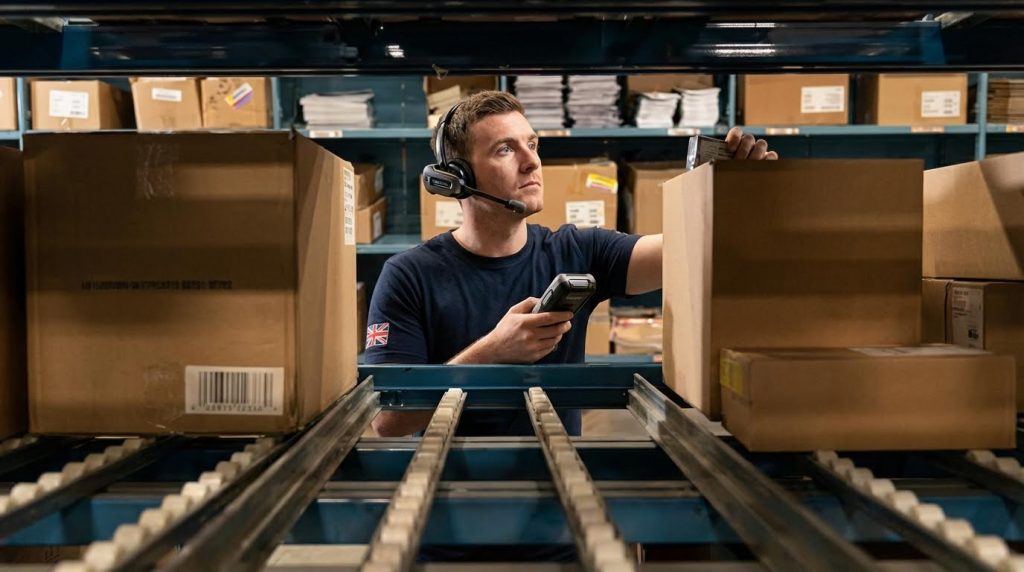
Core Responsibilities Of Warehouse Picker‑Packers
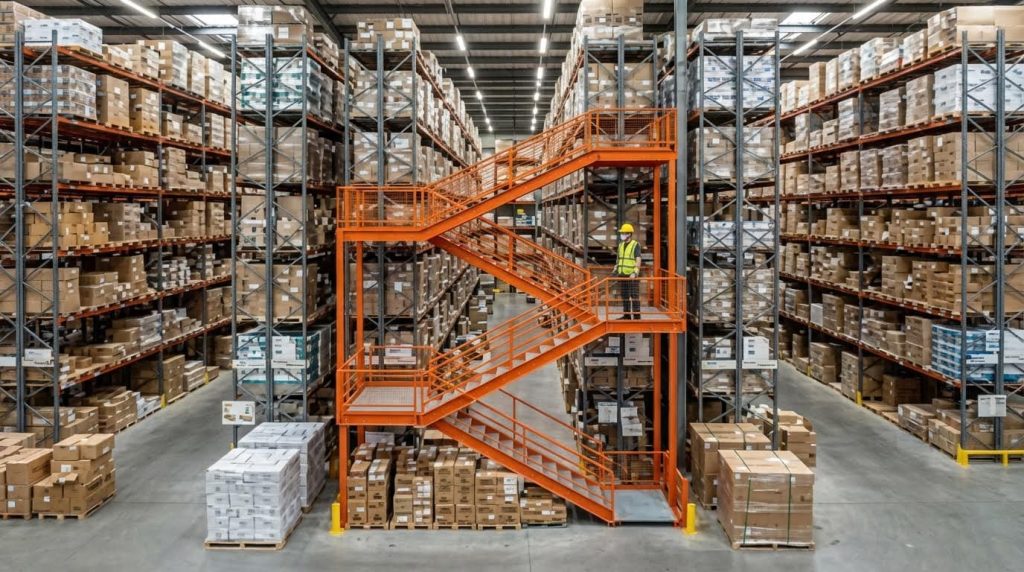
Core responsibilities of warehouse picker‑packers cover the full order lifecycle: receiving, putaway, picking, packing, and handing off to shipping with speed and accuracy. If you ask what does a warehouse picker packer do, the answer is: they turn digital orders into correctly packed, ready‑to‑ship consignments while keeping inventory accurate and customers satisfied.
Position In The Order Fulfillment Workflow
Picker‑packers sit in the middle of the order fulfillment workflow, linking inventory storage to outbound shipping. They receive system‑released orders, locate items, confirm them by scan, and pack them so carriers can ship without rework.
In a modern warehouse, this role executes most of the “touches” on a customer order. That is why labor time in order processing is heavily concentrated in picking and packing activities. Efficient layout and clear task definition around this role directly affect throughput and error rates.
| Workflow Stage | Picker‑Packer Involvement | Typical Actions | Operational Impact |
|---|---|---|---|
| 1. Order Release (WMS) | Start point | Receive pick list or RF task from WMS | Determines sequence and priority of work |
| 2. Travel To Pick Zones | Core activity | Follow optimized route through zones or aisles | Major driver of labor time and fatigue |
| 3. Item Picking | Core activity | Scan location, scan item, confirm quantity | Directly affects order accuracy and returns |
| 4. Consolidation / Put Wall | Frequent | Place picked items into order‑specific totes or wall slots | Enables batch or wave picking without mixing orders |
| 5. Packing Station | Core activity | Final scan, quality check, select packaging, insert documents | Protects product and brand image in transit |
| 6. Handover To Shipping | Final touch | Place sealed cartons on outbound pallet, cage, or conveyor | Keeps dock flowing and prevents carrier delays |
- Central Link In Material Flow: Picker‑packers connect storage racks to outbound docks – they are the physical bridge between inventory and customers.
- High Labor Share: Picking and packing consume the majority of order processing time – small efficiency gains here scale across every order.
- Data And Physical Work Combined: They work from WMS tasks while handling cartons and items – errors in either digital or physical steps create customer issues.
- Feedback Loop: They spot stockouts, mis‑slots, and damage – their feedback helps improve layout and inventory accuracy.
💡 Field Engineer’s Note: When you map the picker‑packer’s walking routes, you usually find 2–4 km of daily travel per person. Tightening slotting and routing often frees more capacity than buying new equipment.
Where picker‑packers sit versus other warehouse roles
Supervisors and planners decide priorities and release waves. Equipment operators (forklifts, reach trucks, manual pallet jack) feed bulk stock to forward pick faces. Picker‑packers work in these forward zones and packing benches, handling each‑piece or case‑level items.
Daily Tasks From Receiving To Shipping
Day to day, warehouse picker‑packers perform a repeatable sequence of tasks that start once goods are available in storage and continue until orders leave the dock. Understanding these tasks gives a practical answer to what does a semi electric order picker do in real operations.
Exact task mix varies by site, but most roles follow a similar pattern: quick checks around receiving, heavy focus on picking and packing during core hours, then final shipping support and housekeeping at the end of the shift.
| Phase | Task Type | Typical Actions | Best For / Operational Impact |
|---|---|---|---|
| Start Of Shift | Preparation | Safety checks, collect scanner, check pick cart or trolley, review targets | Reduces mid‑shift interruptions and improves first‑hour productivity |
| Receiving Support | Occasional | Assist with basic checks, labeling, or light putaway to forward pick faces | Ensures fast availability of new stock for same‑day orders |
| Main Picking Window | Core | Follow single, batch, zone, or wave pick instructions; scan locations and SKUs | Drives items‑per‑hour and on‑time order completion |
| Exception Handling | Quality | Report stock discrepancies, damages, or missing items in WMS | Improves inventory accuracy for future orders |
| Packing | Core | Final scan, select packaging, add void fill, print and apply labels | Prevents transit damage and mis‑shipments |
| Shipping Support | Outbound | Sort parcels by carrier or route, load cages or pallets | Keeps carrier collections on schedule |
| End Of Shift | Housekeeping | Return devices, tidy pick faces, restock packing materials | Sets up next shift for high productivity and safety |
- Step 1: Log In And Collect Tools: Sign into the WMS, pick up scanner and any voice or pick‑to‑light gear – this links every action to the right user and order.
- Step 2: Review Assigned Work: Check waves, zones, or batches allocated – ensures alignment with shipping cut‑offs.
- Step 3: Execute Picking: Walk routes, scan locations, confirm quantities, place items into totes or cartons – this is where most labor time is spent.
- Step 4: Handle Exceptions: Flag shorts, wrong locations, or damaged stock in the system – prevents silent inventory errors.
- Step 5: Pack And Verify: Re‑scan items, check product condition, choose packaging, and apply labels – protects the product and ensures correct customer delivery.
- Step 6: Stage For Shipping: Move finished cartons to the correct dock or carrier lane – avoids last‑minute dock congestion.
- Accuracy Tasks: Scanning barcodes, counting units, and cross‑checking labels – directly reduce returns and customer complaints.
- Speed Tasks: Following optimized paths, minimizing backtracking, and keeping carts organized – increase orders handled per hour.
- Safety And Ergonomics: Using correct lifting techniques, keeping aisles clear, adjusting packing bench height – reduce strain injuries and unplanned downtime.
💡 Field Engineer’s Note: When sites push pick rates without standardizing packing checks, damage and mis‑ships usually spike. A stable operation balances “lines per hour” with a short, fixed verification routine at the bench.
How daily tasks change in peak season
In peak periods, picker‑packers often switch from single‑order picking to batch or wave picking to raise throughput. They may stay in fixed zones while conveyors or trolleys move orders past them. Packing tasks also specialize, with some staff only sealing and labeling to keep flow moving.
Technical Tasks, Tools, And Performance Standards
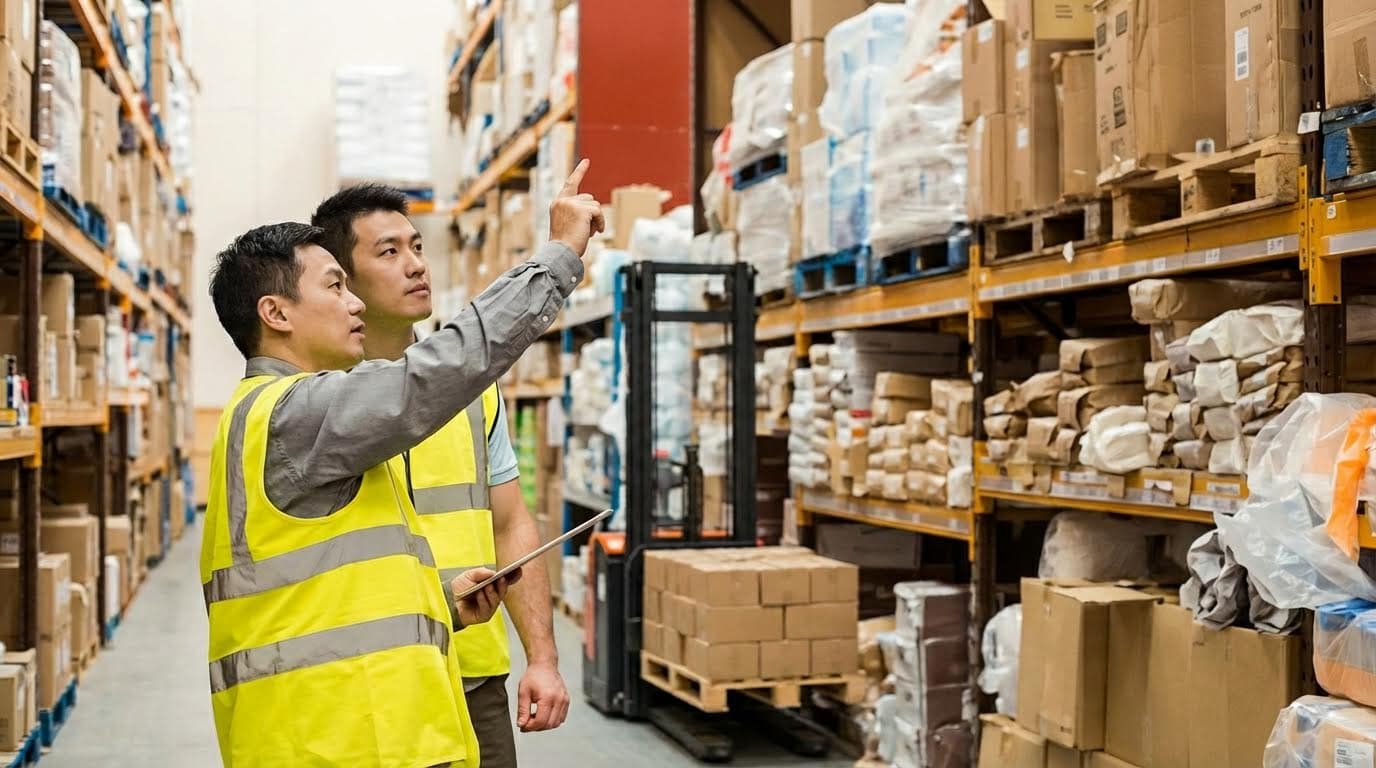
This section explains what does a warehouse picker packer do at a technical level: how they pick, scan, use systems, and pack to strict accuracy and speed standards in modern fulfillment operations.
Picker‑packers work at the intersection of people, process, and technology. Their performance depends on optimized picking methods, disciplined scanner and WMS use, and well‑designed packing stations with built‑in quality control.
Picking Methods And Route Optimization
Picking methods and route optimization define how a picker‑packer moves through the warehouse to collect items with minimum distance and maximum accuracy.
Because around 70% of order processing labor goes into picking alone, optimizing this step has the biggest impact on cost and speed. Studies indicate picking dominates labor time.
| Picking Method | How It Works | Best For… | Operational Impact |
|---|---|---|---|
| Single order picking | Picker completes one order at a time, walking the full route. | Small warehouses, low order volumes. | Simple training, but long walking distance per order. |
| Batch picking | Picker collects items for multiple orders in one trip. | Many small orders with overlapping SKUs. | Cuts travel distance; ideal where SKUs repeat across orders. |
| Zone picking | Warehouse divided into zones; each picker stays in one area. | Medium–large sites with clear product families. | Reduces congestion; supports specialization in product types. |
| Wave picking | Orders released in timed “waves” by carrier, route, or priority. | Operations with strict carrier cut‑offs. | Aligns picking with shipping times; stabilizes workload. |
Advanced technologies such as pick‑to‑light, voice‑directed picking, and put walls can increase productivity by 30–50% while also improving accuracy. These systems guide pickers directly to locations and support batch processing.
- Pick‑to‑light: Lights and displays at rack locations direct the picker – Minimizes search time and reading errors.
- Voice picking: Headsets give verbal instructions – Hands‑free operation improves speed and ergonomics.
- Put wall: Compartments represent orders for fast sortation – Ideal for high‑SKU e‑commerce batch picking.
How route optimization supports picker‑packer performance
Route optimization tools in a WMS sequence pick locations to avoid backtracking and dead ends. When combined with good slotting (fast movers close to packing), pickers walk fewer meters per order and hit higher lines‑per‑hour with less fatigue.
💡 Field Engineer’s Note: When designing pick routes, keep main travel aisles at least 2.5–3.0 m wide for manual pallet jack and trolleys. Anything tighter causes traffic jams at peak times and wipes out the gains from batch or wave picking.
Scanning, WMS Use, And Error Prevention
Scanning and WMS use are how picker‑packers turn physical moves into accurate, real‑time data and prevent mispicks before they reach packing.
Barcode systems can reduce error rates by up to 67%. Mobile scanners update inventory in real time and support paperless workflows.
- Handheld barcode scanners: Scan location, product, and sometimes tote – Confirms picker is at the right bay and picking the right SKU.
- WMS mobile app: Shows next location, quantity, and unit of measure – Reduces reliance on memory or paper lists.
- Scan validation rules: System rejects wrong SKU or quantity – Stops errors at source instead of at customer.
A robust WMS coordinates all pick and pack activities, providing real‑time inventory visibility, optimized picking routes, performance analytics, and order status tracking. This improves both accuracy and productivity.
- Step 1: Picker logs into WMS – Links all actions to a user for performance and traceability.
- Step 2: System assigns picks with optimal route – Minimizes walking distance and congestion.
- Step 3: Picker scans location and item – Prevents picking from the wrong bin or shelf level.
- Step 4: System updates on‑hand stock – Keeps inventory accurate for the next order.
Common error‑prevention rules for picker‑packers
Typical rules include mandatory scan of location and SKU, tolerance checks on picked quantity, warnings for low stock, and forced exception codes when an item is short. These rules create a clear audit trail for investigations and training.
💡 Field Engineer’s Note: In cold rooms or freezers, touchscreens and scanner triggers become stiff and slow. Use devices rated for sub‑zero temperatures and plan shorter pick cycles so gloves stay dry and barcodes remain readable.
Packing Station Setup And Quality Control
Packing station setup and quality control define how a picker‑packer turns picked items into a protected, labeled, and verified shipment ready for dispatch.
Well‑designed packing stations use ergonomic heights, good reach zones, and integrated tools to keep cycle time low. This minimizes unnecessary movement and fatigue.
| Packing Station Element | Typical Feature | Operational Impact |
|---|---|---|
| Work surface | Adjustable height bench around 850–1,000 mm | Reduces bending and shoulder strain for most operators. |
| Packaging materials | Cartons, void fill, tape within arm’s reach | Cuts wasted steps and speeds up each order. |
| Integrated scales | Bench or in‑line scale linked to WMS | Enables weight checks to catch missing or extra items. |
| Label printer | Positioned on dominant‑hand side | Reduces twisting and label handling time. |
| Scanner at pack | Fixed or handheld scanner | Allows final SKU verification before sealing the box. |
- Final item scan: Packer scans each SKU into the order – Ensures content matches the pick list.
- Visual inspection: Check product condition and packaging – Prevents shipping damaged or wrong variants.
- Special instructions: Verify gift notes, inserts, or fragile labels – Improves customer experience and reduces complaints.
- Weight check: Compare actual vs expected order weight – Flags missing lines or wrong pack sizes.
Quality control is most effective when built into the packing process rather than as a separate re‑check. Systematic verification at pack catches errors before shipping.
How this answers “what does a warehouse picker packer do?”
At the packing station, the picker‑packer confirms item identity with scanners, checks quality, selects the right carton size, adds protection, prints and applies labels, and performs final checks so the shipment leaves correct on the first attempt.
💡 Field Engineer’s Note: Do not overload a single pack bench with too many carton sizes or materials. Three to five standard carton footprints cover most SKUs; beyond that, search time and decision fatigue slow packers more than any theoretical material savings.
How Picker‑Packers Support Efficient Operations
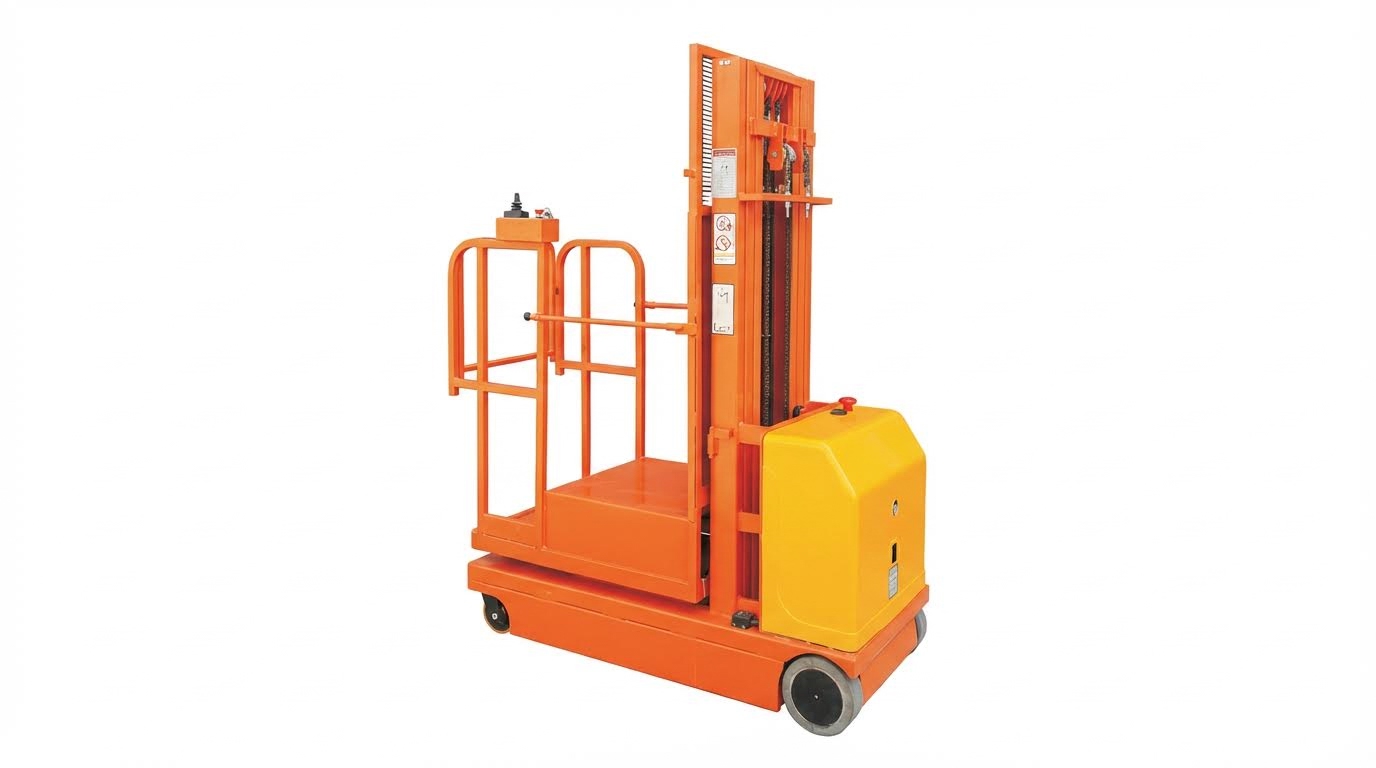
Picker‑packers support efficient operations by turning layout, slotting, KPIs, and safety rules into fast, low‑error order flow. When people ask “what does a warehouse picker packer do,” this section explains their impact on the whole system.
They do not just “pick and pack”; they influence how stock is stored, how fast orders move, and how safely teams work. Their performance data feeds continuous improvement across the warehouse.
Impact On Layout, Slotting, And Material Flow
Picker‑packers directly shape warehouse layout, slotting, and material flow because their travel paths and pick habits expose bottlenecks and wasted motion.
In real operations, most of the answer to “what does a warehouse picker packer do” is: walk, search, pick, and move products. That means every metre of travel and every extra reach or bend matters for speed, safety, and fatigue.
- Layout feedback: Picker‑packers report congestion points and long walking routes – this guides changes to aisle widths, one‑way systems, and pick paths.
- Slotting feedback: They identify “badly placed” SKUs (too high, too low, or too far) – this drives re‑slotting of fast movers closer to packing.
- Material flow feedback: They highlight where pallets, totes, or conveyors back up – this helps rebalance work between zones.
- Ergonomics feedback: They flag locations that require constant over‑reach or deep bending – this reduces musculoskeletal risk and slows future injuries.
- Accuracy feedback: They notice look‑alike SKUs stored side‑by‑side – this prompts physical separation to cut mispicks.
Engineers and supervisors then combine this feedback with data from the WMS to re‑design the physical layout.
| Design Element | Picker‑Packer Role | Operational Impact |
|---|---|---|
| Receiving → Storage → Picking → Packing → Shipping sequence | Report backtracking, cross‑traffic, and delays between areas | Supports streamlined layouts that cut walking distance and waiting time across the process |
| Fast‑mover zones near packing | Confirm which SKUs drive most of their daily picks | Enables volume‑based slotting that can reduce travel time by up to 40% for high‑volume items |
| Class‑based and complementary slotting | Highlight items often picked together on the same orders | Supports grouping by handling type and order affinity, cutting search time and errors in each pick tour |
| Clear signage and labelling | Use and test bin labels, zone IDs, and aisle signs every shift | Exposes unclear labels that slow navigation and cause mispicks during high‑volume periods |
| Picking method (single, batch, zone, wave) | Execute the chosen method and report interference or idle time | Helps select systems like batch or zone picking that better match order profiles for the site |
Because 70% of order processing labour time typically sits in picking, any layout or slotting change that reduces picker walking distance has an outsized effect on cost per order and throughput. That makes picker‑packers the main “sensors” in the system.
💡 Field Engineer’s Note: When optimising layouts, walk the routes with real picker‑packers during peak hours. Simulated paths on a screen often ignore real‑world obstructions like temporary pallets, damaged racking bays, or congested cross‑aisles that only operators see.
How picker‑packer feedback turns into layout changes
Supervisors collect comments from daily stand‑ups, merge them with heat‑map data from the WMS, then trial small changes: moving a fast‑mover closer to packing, widening a choke‑point, or changing a pick path. If pick rates and error rates improve after a few days, the change becomes permanent.
KPIs, Safety, And Continuous Improvement
Picker‑packers drive KPIs, safety, and continuous improvement because their accuracy, speed, and incident reports become the core data set for warehouse optimisation.
When someone asks “what does a warehouse picker packer do” from a management view, the answer is: they generate the numbers that show whether the warehouse is healthy or not.
| KPI / Safety Metric | Picker‑Packer Contribution | Operational Impact |
|---|---|---|
| Order accuracy rate | Scan each SKU, verify labels, and follow WMS prompts | High accuracy reduces returns and rework; barcode systems can cut errors by up to 67% when used correctly |
| Pick rate (lines or units per hour) | Maintain steady pace using optimised routes and methods | Shows whether layout, slotting, and technology (e.g. voice or pick‑to‑light) are effective for the order profile |
| Cycle time (order to ship‑ready) | Minimise delays between pick, pack, and hand‑off | Shorter cycle times improve customer lead times and capacity during peaks without extra staff |
| Cost per order | Reduce rework, mispicks, and unnecessary walking | Optimised picking methods and technologies can lift productivity by 30–50% at the same labour level |
| Fill rate (orders shipped complete first time) | Follow FIFO/LIFO or batch rules and confirm quantities at packing | Good practice in picking and packing reduces partial shipments and second‑wave picks that add hidden labour |
| Safety incidents and near‑misses | Report unsafe racks, blocked aisles, or poor ergonomics | Early reporting prevents injuries that remove experienced pickers from the workforce and slow throughput |
- Standard work: Clear SOPs for scanning, lifting, and packing – reduce variation and make KPI trends meaningful.
- Visual management: Dashboards showing pick rate, errors, and backlog by zone – help picker‑packers self‑correct during the shift.
- Root‑cause feedback: When errors occur, picker‑packers explain why (label confusion, bad slotting, WMS prompt) – this enables process fixes, not just blame.
- Continuous improvement loops: Teams review KPIs weekly, suggest changes, and test them – this keeps the warehouse adapting to new SKUs and volumes.
- Training focus: KPI trends highlight who needs coaching in scanning, WMS use, or ergonomic handling – raising the floor for the whole team.
Because picking and packing form a single flow, quality checks at the packing bench are a last line of defence. Final scans, weight checks, and visual inspections catch many upstream mistakes before the order leaves the building. Integrating these checks into standard work turns every picker‑packer into a quality inspector.
💡 Field Engineer’s Note: Never chase pick speed KPIs without a matching accuracy and safety target. In live projects, warehouses that pushed units/hour alone usually saw spike‑in injuries and mispicks within weeks, wiping out any labour “savings” through rework and compensation costs.
Examples of continuous improvement projects led by picker‑packers
Common initiatives include re‑slotting the top 50 SKUs by volume, adding colour‑coded labels for look‑alike items, introducing batch picking for small e‑commerce orders, or rearranging packing benches so tape, dunnage, and printers sit within a 500–700 mm reach zone. Each small change shaves seconds off every order, which compounds over thousands of orders per day.
Final Thoughts On The Picker‑Packer Role
The picker‑packer role sits at the heart of warehouse performance. Their work converts system plans into physical orders that leave the dock complete, on time, and damage‑free. When engineering teams design layouts, slotting, and routes around picker‑packer movement, they cut travel distance, fatigue, and errors at the same time.
Technical choices such as picking method, WMS logic, scanner rules, and packing‑bench design all meet in this role. Good route optimization and slotting reduce walking. Strong scan validation and clear SOPs prevent mispicks. Ergonomic packing stations and safe use of tools like trolleys and Atomoving pallet jacks protect the workforce and keep throughput stable.
Operations leaders should treat picker‑packers as both operators and sensors. Their KPIs show where the process fails, and their feedback points to the next improvement. Build standard work that balances speed, accuracy, and safety, then use daily data and floor walks to refine it.
The best practice is clear: design the warehouse around the picker‑packer flow, embed quality checks into every step, and support the role with simple tools and robust training. Do that well, and end‑to‑end order fulfillment becomes faster, safer, and more reliable.
Frequently Asked Questions
What does a pick packer do in a warehouse?
A pick packer in a warehouse is responsible for selecting items from inventory and packing them for shipping. They often use material handling equipment to move products efficiently. This role requires attention to detail to ensure the correct items are picked and packed accurately. Order Picker Career Guide.
Is working as a warehouse picker physically demanding?
Yes, working as a warehouse picker can be physically demanding. The job involves moving around the warehouse, lifting, and carrying items. It may also include operating material handling equipment safely and efficiently. Warehouse Picker Role.
What should I wear as a warehouse picker?
As a warehouse picker, you should wear well-fitting pants or jeans, a comfortable shirt, and sturdy work shoes. Safety equipment like gloves and helmets may also be required. Proper attire ensures safety and comfort while performing physically demanding tasks. Warehouse Dress Code.