
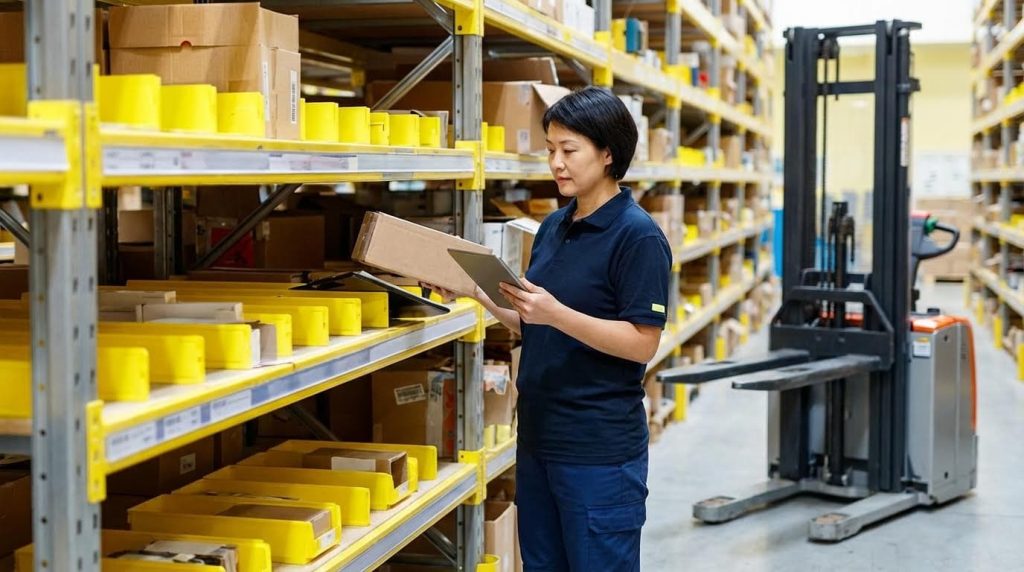
Wave picking groups many orders into timed “waves” so a wave picker warehouse can align picking with carrier cutoffs, labor, and manual pallet jack equipment capacity. This guide walks through the core principles of wave logic, the engineering of storage and hydraulic pallet truck material handling equipment, and how to size waves to protect downstream packing and shipping. You will see where wave picking fits versus other methods, what data and WMS structures it needs, and which operational profiles benefit most. Use it as a blueprint to decide if and how to deploy wave picking in your own facility for safer, faster, and more predictable fulfillment.
Core Principles Of Wave Picking Operations
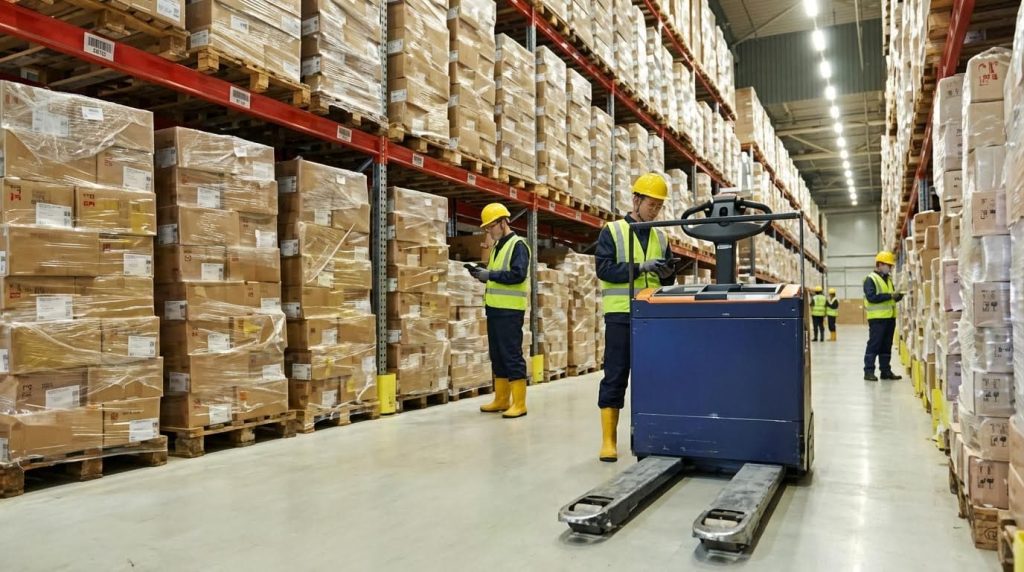
How Wave Picking Differs From Other Methods
Wave picking is an order release strategy, not just a picking path. Orders are grouped into “waves” using rules such as shipping deadlines, zones, or product families, then released together to pickers. Items are later sorted back into individual orders during or after picking. This structure is what makes a warehouse order picker behave very differently from discrete, batch, or pure zone systems. Orders are grouped into batches or waves and then sorted into individual orders.
| Method | Core Principle | Best For | Main Limitations |
|---|---|---|---|
| Discrete order picking | One picker handles one order at a time from start to finish | Low volume, simple order profiles | High travel time, poor labor utilization at scale |
| Batch picking | Picker handles several similar orders in one trip | Medium–high volume with repeated SKUs | Still weak on time-slot control and dock alignment |
| Zone picking | Pickers stay in assigned zones; orders pass through zones | Large facilities segmented by product type or temperature | Needs strong coordination between zones |
| Wave picking | Orders grouped into time-based waves, often combining batch and zone logic | High-volume operations needing alignment with shipping cutoffs | Needs capable WMS and careful wave balancing |
In practice, wave picking sits on top of other methods. Inside each wave you can still run zone, batch, or cluster picking. The wave layer adds time control, workload smoothing, and dock alignment that pure batch or zone methods lack. Within a wave, pickers may use zone, batch, or cluster picking and then sort orders.
Key advantages vs other methods
- Lower average travel distance per line by grouping similar picks.
- Better control of flow to packing and shipping via scheduled releases.
- Higher labor utilization through coordinated start/finish times.
- Scalability for peak volumes in a semi electric order picker without constant firefighting. Wave picking reduces travel time, improves workload management, and is scalable for peak volumes.
Wave Design: Triggers, Rules, And Time Slots
Wave design is where engineering discipline matters most. You define when a wave is created (triggers), which orders it contains (rules), and when it runs (time slots). Good design keeps pick, pack, and ship in balance; poor design creates congestion and missed cutoffs.
Typical wave creation triggers in a order picking machines combine business and physical constraints. The WMS groups orders based on these triggers, then sequences waves through the day. Common factors include order priority, shipping deadlines, zones, product characteristics, and available resources.
| Design Element | Typical Inputs | Engineering Objective |
|---|---|---|
| Wave triggers | Time-of-day, carrier cutoff, minimum batch size, order age | Ensure waves are large enough for efficiency but early enough for dispatch |
| Selection rules | Shipping method, zone, SKU family, temperature class, hazard class | Group orders that can be picked and packed together safely and efficiently |
| Capacity constraints | Pickers on shift, pick-face density, sorter rate, pack stations, dock doors | Prevent overloading any single resource during a wave |
| Time-slotting | Shift calendar, carrier schedules, dock appointments | Align wave completion with loading and dispatch windows |
Time slots convert those rules into a calendar. Each slot represents a block of time in which picking must complete so packing and loading can finish before cutoff. Time slots are linked to the facility working calendar and shipping routes to ensure timely dispatch.
- Morning waves typically feed early carrier departures and local routes.
- Mid-shift waves smooth pack-station utilization and avoid lunch dips.
- End-of-day waves are tightly tied to hard carrier cutoffs and dock capacity. Waves should align with carrier cutoffs, dock capacity, and pack-station throughput.
Common wave rule types
- Priority rules – expedite or premium orders bypass normal batching and form their own waves.
- SKU affinity rules – orders with overlapping SKUs are grouped to maximize pick density. Intelligent batching uses SKU affinity, order similarity, and pick density.
- Exclusion rules – hazardous, temperature-controlled, or oversized items are excluded from general waves.
- Single-line waves – all single-line orders in a time window form a dedicated wave for very fast processing. Grouping single line item orders into one wave reduces transport and avoids consolidation.
Fixed, Dynamic, And Multi-Level Wave Strategies
Wave strategies define how rigid or flexible your waves are once created. The choice affects responsiveness to rush orders, the stability of labor plans, and how tightly you can run a aerial platform against real-time conditions.
| Strategy | Definition | Operational Impact | Best Use Cases |
|---|---|---|---|
| Fixed waves | Orders are grouped into a wave and held until all picks in that wave complete | Predictable schedules, simpler staffing, but less flexible for late changes | Stable demand, clear carrier cutoffs, limited same-day changes |
| Dynamic waves | Waves are adjusted in real time; orders can be added, split, or released early | High responsiveness to rush orders and disruptions; requires stronger WMS and controls | E‑commerce, volatile order patterns, frequent expedites |
| Multi-level waves | Primary waves for global timing; secondary waves for zones, item types, or equipment | Fine-grained control of local workloads while honoring global ship windows | Large, complex sites with many zones or automation islands |
In fixed wave picking, the system waits for all picks in a wave to finish before releasing the full batch to packing. This simplifies staffing but can create a surge at pack stations when a large wave lands. Fixed waves hold orders until all items are picked, simplifying scheduling but increasing peak packing demand.
Dynamic waves relax that rule. The WMS can release completed orders from a wave directly to packing, or even re-balance the wave as conditions change. Dynamic wave picking sends orders for packing immediately after picking, and can also adjust composition in real time based on events such as equipment breakdowns or labor shortages. Dynamic wave planning adjusts wave composition in response to changing warehouse conditions.
- Dynamic waves are ideal when you must absorb rush orders without derailing the whole plan.
- They depend on accurate, real-time data from WMS, scanners, and possibly automation.
- They reduce idle time at pack stations by feeding work continuously instead of in big lumps.
Multi-level waves add another layer. You might run a primary wave tied to a carrier departure, then split that wave into secondary waves per mezzanine, temperature zone, or automation module. Primary waves handle overall scheduling, while secondary waves manage specific zones or product types. This lets each area run at its own optimal cadence while still meeting a common ship window.
Choosing the right strategy
- Start with fixed waves when first converting to a scissor platform; they are easier to understand and train.
- Layer in dynamic behavior where you see frequent expedites, short lead times, or unstable labor.
- Adopt multi-level waves once you introduce multiple zones, mezzanines, or automation that need independent control.
Engineering The Wave Picking System And Equipment

WMS Logic, Data Structures, And Integration
A wave picker warehouse lives or dies on its WMS logic. The system must group, release, and track waves while protecting downstream capacity and shipping promises.
- Group orders into waves by cut-off time, route, zone, or product attributes to reduce travel and align with dispatch windows. Orders are commonly grouped by shipping deadlines, zones, and product characteristics
- Use time slots and calendars so wave release aligns with carrier departures and dock capacity. Time slots are typically tied to the facility working calendar and shipping routes
- Support multiple pick methods (zone, batch, cluster) inside a wave and direct consolidation after picking. Waves often use zone, batch, or cluster picking with manual or automated sortation
- Continuously adjust wave contents based on real-time conditions such as rush orders, labor changes, or equipment downtime. Dynamic wave planning responds to changing warehouse conditions
Core WMS data structures for wave picking
The WMS must hold structured data that supports fast decisions and safe material flow.
| Data Object | Key Fields For Wave Picking | Engineering / Operational Use |
|---|---|---|
| Order header | Priority, carrier, ship-by time, order type (single-line / multi-line), temperature class | Wave grouping by deadline, shipping method, and compatibility rules |
| Order line | SKU, quantity, unit of measure, cube/weight, pick location | Calculates pick density, cart capacity, and downstream sorter load |
| Location master | Zone, aisle, level, slot, pick face type, replenishment source | Optimizes travel paths and supports zone or batch picking logic |
| Inventory record | On-hand, allocated, hold status, lot/expiry, temperature | Prevents short picks and respects quality/temperature constraints |
| Wave header | Wave type (fixed/dynamic), start/end window, assigned zones, status | Controls release timing and monitors progress of each wave |
| Task / work unit | Picker ID, route sequence, estimated time, equipment type | Balances workload and assigns the right equipment to the right task |
In an engineered wave picker warehouse, these objects must be normalized and indexed so routing and batching decisions run in seconds, not minutes.
Integration is as important as data modeling. Wave logic must coordinate with upstream order capture and downstream sortation, packing, and shipping.
- Integrate WMS with scanners, AS/RS, conveyors, and sorters so inventory and task status update in real time. Modern WMS platforms typically integrate directly with barcode scanners for real-time updates
- Align wave release rules with pack-station and sorter throughput to avoid blocking chutes or overflowing accumulation lines. Batch and wave sizes should match downstream sortation and packing capacity
- Expose APIs or message queues so planning, transport, and labor systems can drive or react to wave schedules.
Fixed vs dynamic wave logic in the WMS
| Aspect | Fixed Waves | Dynamic Waves |
|---|---|---|
| Order flow | Orders held until wave completes, then released to packing | Orders flow to packing as soon as their picks finish |
| Scheduling | Predictable; easier labor planning | More responsive to real-time changes |
| Risk | Peaks at packing if waves are oversized | Requires tighter WMS control and monitoring |
| Best for | Stable, repeatable profiles with clear cutoffs | Variable demand, rush orders, or mixed channels |
Both modes can coexist. Many sites run fixed waves for standard orders and dynamic logic for late or priority work. Fixed and dynamic wave strategies are commonly combined
Material Handling Equipment And Storage Design
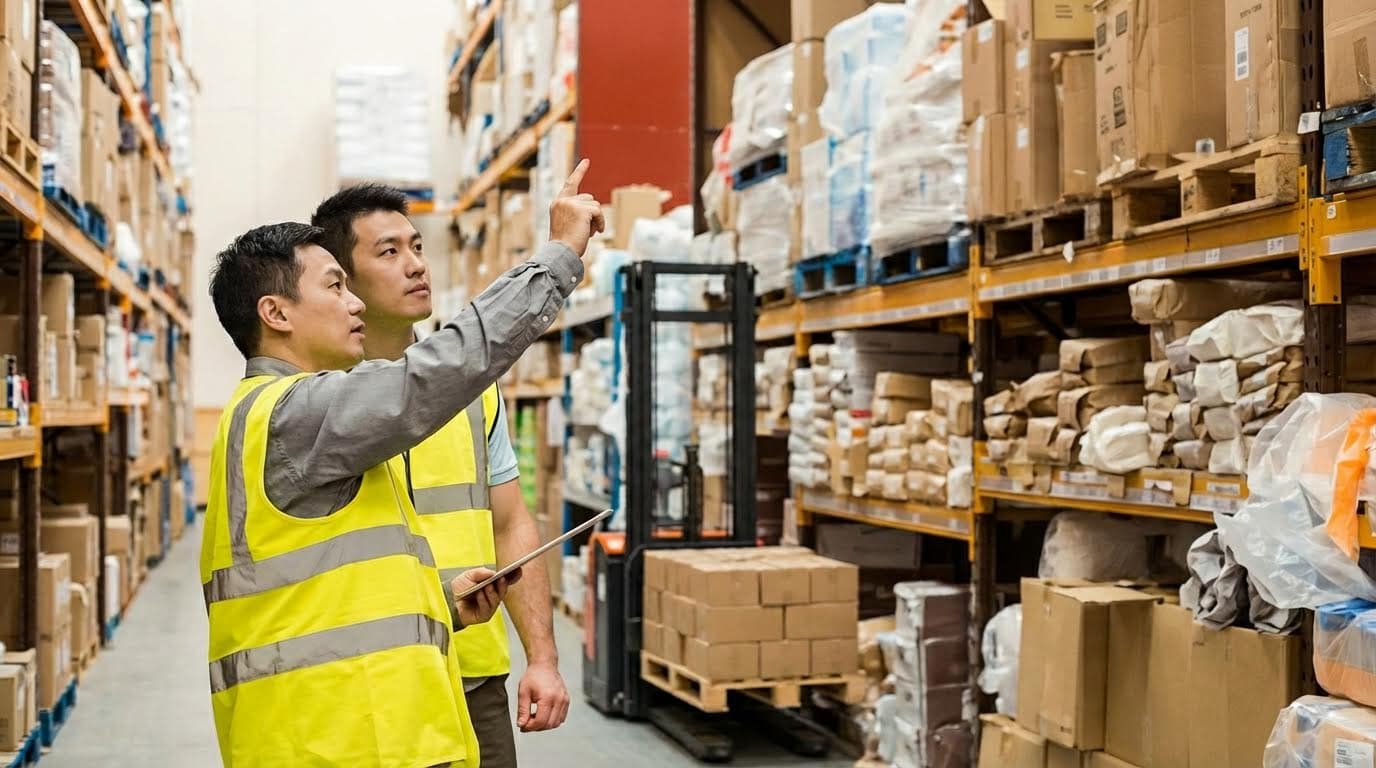
In a wave picker warehouse, MHE and storage geometry must support high-density picks with controlled, predictable flow. The goal is to convert WMS wave logic into safe, low-friction material movement.
- Use multi-tier picking carts, bins, and totes to keep orders or SKU families separated during multi-order waves. Picking carts, bins, and totes are standard tools for wave picking
- Deploy gravity conveyors and carton flow to convert manual carry into controlled rolling, reducing lifting and walk time. Gravity conveyors and carton flow systems use gravity to move product and keep pick faces full
- Consider AS/RS for high-volume, small-item profiles where machine travel can replace long human walks. ASRS can speed retrieval and support order consolidation in wave environments
| Equipment / Storage Type | Primary Function In Wave Picking | Engineering Considerations |
|---|---|---|
| Picking carts | Carry multiple orders or totes through a wave route | Cart footprint vs aisle width, wheel type, braking, maximum load, ergonomic shelf heights |
| Bins and totes | Segregate orders or SKUs on carts and conveyors | Standard footprint for conveyors, stackability, label area, durability in cold or damp zones |
| Gravity conveyors | Move totes/cartons between zones and to packing | Elevation change, roller pitch, side guards, accumulation length sized to wave batch sizes |
| Carton flow racking | High-density, FIFO pick faces for fast movers | Lane width vs carton size, track type, slope angle, replenishment aisles separated from pick aisles |
| Static shelving / pallet racking | Reserve and slower movers | Slotting strategy to keep wave-intensive SKUs near main travel paths |
| AS/RS | Automated retrieval and buffering for wave orders | Interface to WMS, decoupling of pick and pack via intermediate buffers, safety zoning |
Layout strategies for wave picker warehouses
Good layout shortens average pick paths and smooths flow to packing.
- Place high-frequency SKUs and single-line wave stock near induction points or main cross aisles.
- Separate replenishment paths from picker paths to avoid interference during peak waves.
- Provide accumulation space before pack and sortation to hold at least one full peak wave without blocking upstream conveyors.
- Design clear, one-way traffic patterns for carts to cut congestion when multiple waves overlap.
These choices reduce travel, cut idle time, and lower the risk of congestion that otherwise undermines wave efficiency. Slotting and batch sizing both depend on historical throughput data
Human–Machine Interfaces: Scanning, Voice, And Vision
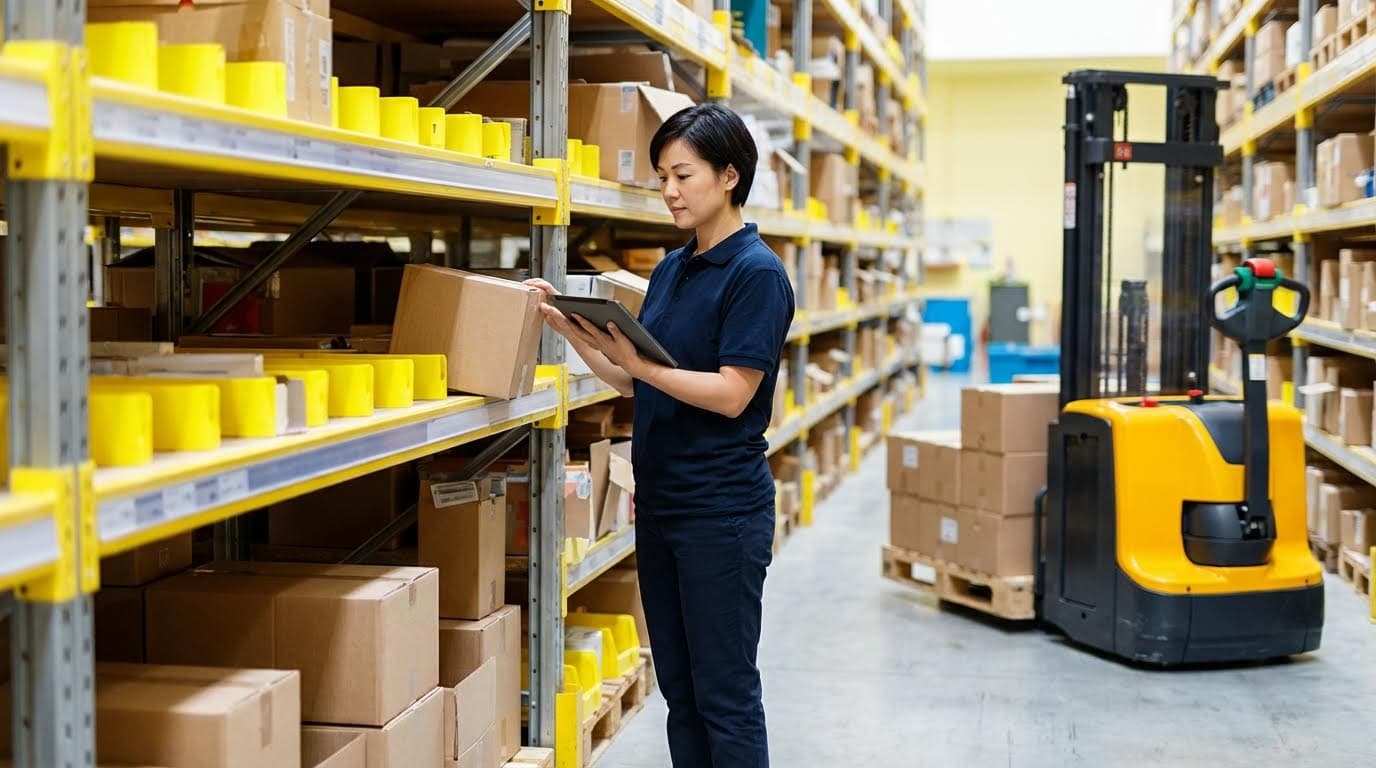
The human–machine interface determines how accurately and quickly pickers can execute each wave. For a wave picker warehouse, HMI design must balance speed, accuracy, and ergonomics across long shifts.
- Barcode scanning remains the baseline for item and location confirmation, tightly integrated with the WMS. Scanners update WMS records in real time and reduce errors
- Voice systems free hands and eyes, guiding pickers through locations and quantities with spoken prompts. Pick-to-voice workflows use verbal instructions and confirmations
- Vision systems overlay digital instructions on the picker’s field of view, supporting complex or dense storage areas. Vision-augmented systems provide real-time visual cues
| HMI Type | Strengths In Wave Picking | Limitations / Risks |
|---|---|---|
| Handheld RF scanners | Low cost, familiar, support batch/zone/wave workflows | Occupy a hand, can slow handling, susceptible to RF interference in dense facilities |
| Wearable or ring scanners | Near hands-free, faster scan cycles | Still rely on displays or paper for navigation if not paired with voice/vision |
| Voice-directed picking | Hands-free, eyes-up operation, good in simple pathing or low-visibility areas | Heavily audio-dependent; noisy environments may reduce intelligibility |
| Vision (smart glasses, HUD) | Visual cues at the pick face, strong for dense SKU locations | Higher hardware cost, needs careful ergonomic tuning |
| Hybrid voice + vision | Double confirmation, flexible across tasks, faster training | More complex to implement and support |
Choosing HMI by warehouse profile
Match HMI technology to building size, SKU range, and accuracy requirements.
- Large facilities (50,000+ sq ft) with broad SKU ranges benefit from voice or hybrid systems to keep pickers moving efficiently. Voice and vision systems are widely used in large warehouses with extensive inventories
- Environments where precision is critical, such as pharmaceuticals or cold storage, justify advanced voice/vision with strong confirmation logic.
- Operations with simpler profiles or lower volumes can remain with handheld scanners, focusing investment on WMS logic and layout first.
Whatever interface you select, design it so pickers can complete a full wave route with minimal screen touches, minimal backtracking, and clear, unambiguous confirmations.
When Wave Picking Works Best And How To Specify It

Operational Profiles Suited To Wave Picking
Wave picking is not universal. It fits specific demand, layout, and service profiles. Before you turn your facility into a wave picker warehouse, check that your operations match the patterns below.
- High order volume with many small orders
Ideal where you process hundreds or thousands of orders per shift, often with a few lines per order. Grouping these into waves cuts travel and stabilizes workload across zones and shifts. Orders are grouped into waves based on deadlines, zones, or product characteristics. - Time-sensitive shipping with clear cutoffs
Best where carrier pickups and dock schedules drive the day. Waves can be released against departure time slots so each wave is tied to a shipping route or carrier cutoff. Time slots can be linked to shipping routes to ensure timely dispatch. - E‑commerce and omni‑channel fulfillment
Very strong fit where you ship direct-to-consumer, run same‑day or next‑day SLAs, and face sharp peaks. Wave picking is particularly useful for e‑commerce warehouses with high order volumes and same‑day shipping. - Facilities with defined picking zones
Works well where inventory is divided into zones and pickers stay in their area. Workers are assigned to zones and use carts or totes to collect items per wave. This reduces cross-traffic and supports predictable wave routing. - Operations with stable, repeatable demand patterns
Best where order mix is relatively predictable by hour or day. Historical data then drives wave templates and predictive planning. Historical data and machine learning can anticipate busy periods and demand patterns. - Warehouses with adequate WMS capability
Wave picking depends on robust software. A WMS must group orders, schedule waves, and direct pickers on optimized routes, and it must integrate with scanners or other data-capture devices.
Operational profiles where wave picking is usually a poor fit
Wave picking is often inefficient where orders are extremely low volume, highly irregular, or dominated by urgent one-off requests. It also struggles in environments where product data, locations, or inventory accuracy are weak, because the WMS cannot reliably create or release waves.
Sizing Waves, Labor, And Downstream Capacity
Once you confirm that a wave picker warehouse profile fits, the next step is engineering wave size, staffing, and downstream capacity. The aim is simple: no bottlenecks at pick, sort, pack, or ship.
| Design Element | Key Question | Typical Engineering Approach |
|---|---|---|
| Wave size (orders / lines) | How many orders or lines per wave? | Use historical throughput to balance picker efficiency with sort and pack capacity. Oversized batches risk bottlenecks at pack stations. |
| Labor per wave | How many pickers and packers per wave? | Staff to keep pickers near target units/hour while keeping pack and ship utilization high but below overload (often 80–90% of demonstrated peak). |
| Wave duration | How long should a wave run? | Align with dock and carrier cutoffs. Stagger waves to create a steady flow to packing and shipping. |
| Sortation capacity | Can sorters clear each wave on time? | Size manual or automated sorters for peak batch releases. Sortation must match batch output. |
| Pack station throughput | Can packers absorb the wave output? | Design pack layouts for minimal touches and walking. Mix fast and slow orders in each wave to avoid spikes. Stations should receive a balanced mix, not a single spike. |
To specify wave size and staffing, start from downstream constraints and work upstream. The pack and ship areas usually limit flow, not the pick face. You therefore design waves so that their output curve fits within the safe operating envelope of your sort, pack, and dock resources.
- Quantify downstream capacity
Measure sustainable units/hour and orders/hour for sorters and pack stations during a representative peak. This sets the maximum safe output of a single wave. - Back-calculate maximum wave size
Given target wave duration, multiply downstream capacity by duration to get the upper bound on lines or orders per wave. Apply a safety factor so you do not run at 100% of theoretical capacity. - Set initial batching rules
Use WMS rules for SKU affinity, order similarity, and pick density. Batch based on SKU affinity and order similarity, and exclude incompatible items. - Align waves with calendar and cutoffs
Map waves to time slots in your working day. Time slots can be tied to shipping routes and carrier departures. - Iterate using live KPIs
Track pick rate, cycle time, accuracy, and on-time shipping by wave. KPIs such as pick rate, order accuracy, labor utilization, and on-time shipping help refine wave strategies. Adjust wave size, timing, or labor allocation based on real performance.
Practical tips for first-time wave sizing
Start with conservative, smaller waves and shorter durations. Use your WMS to simulate different wave sizes against historical order files before going live. Cross-train staff so they can flex between picking and packing when a wave finishes early or a downstream area falls behind. Over time, move toward dynamic waves that adjust size and composition in real time as conditions change. Dynamic wave planning lets you adjust wave composition based on changing conditions.
Final Thoughts On Deploying Wave Picking Effectively
Wave picking works when engineering discipline links software, layout, equipment, and people into one controlled flow. WMS logic turns raw orders into timed waves that respect labor, storage geometry, and carrier cutoffs. Material handling equipment then converts that plan into safe motion, using carts, flow rack, conveyors, and Atomoving pallet and order picking equipment sized to aisle widths, loads, and traffic patterns.
Human–machine interfaces close the loop. Scanning, voice, or vision guide each pick so waves move quickly without errors or unsafe shortcuts. Correct wave sizing protects downstream sorters, pack stations, and docks from overload. When you right-size waves from the pack area backward, you avoid congestion, blocked conveyors, and last‑minute carrier misses.
The best results come when operations teams treat wave picking as an engineered system, not just a software setting. Start with fixed, simple waves, validate capacity, and then add dynamic and multi-level behavior as data and control improve. Keep geometry clean, paths one‑way where possible, and confirmations simple and clear. If you design each element around safe, predictable flow, wave picking will raise throughput, stabilize labor, and improve on‑time shipping without sacrificing safety or accuracy.
Frequently Asked Questions
What is wave picking in a warehouse?
Wave picking is a method used in warehouses to organize and schedule the order picking process. It groups multiple orders into “waves,” which are then picked at specific times during the day. This approach improves efficiency by reducing travel time and streamlining workflows. For example, all orders for a particular zone might be grouped together and picked in one wave.
What are the benefits of using wave picking?
Wave picking helps improve productivity and accuracy in warehouses. Key benefits include:
- Reduced travel time for pickers by grouping similar orders.
- Better organization of tasks, leading to faster order fulfillment.
- Improved resource allocation, such as labor and equipment.
What does an order picker do in a warehouse?
An order picker in a warehouse is responsible for retrieving items from storage locations to fulfill customer orders. Their duties often include operating material handling equipment safely, moving items to packing stations, and ensuring accuracy in picking. This role can be physically demanding due to the need for constant movement and lifting.
Is working as a warehouse picker stressful?
Working as a warehouse picker can be stressful due to the fast-paced environment and high-pressure demands for efficiency. Common challenges include managing stress while staying focused and maintaining accuracy under tight deadlines. However, proper training and workflow management can help reduce stress levels for pickers.