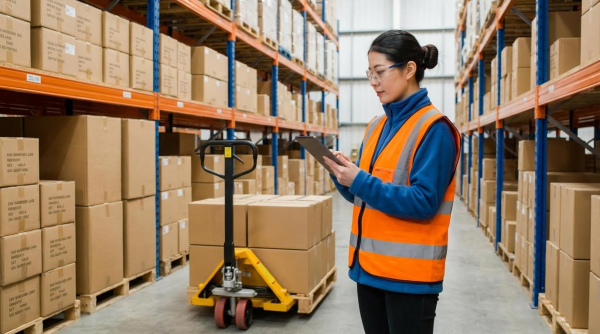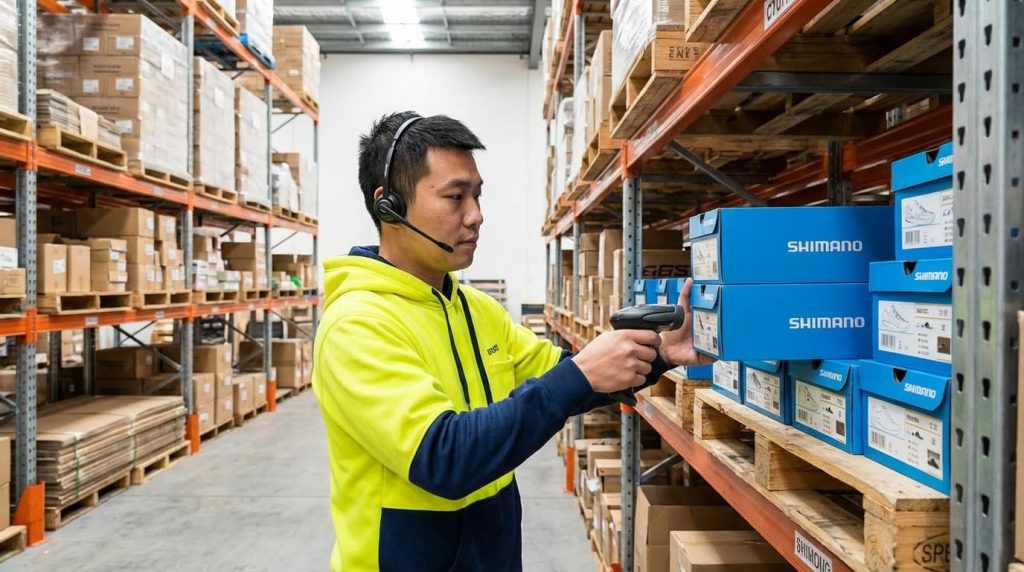
Voice‑directed picking is generally not hard for warehouse workers to learn, because it mirrors natural speech and guides every step, so most operators reach usable productivity within hours and full proficiency within days. If you are asking “is warehouse voice picking hard,” the data shows it is usually easier and faster to learn than paper or RF‑scanner workflows, especially for seasonal and multilingual teams.
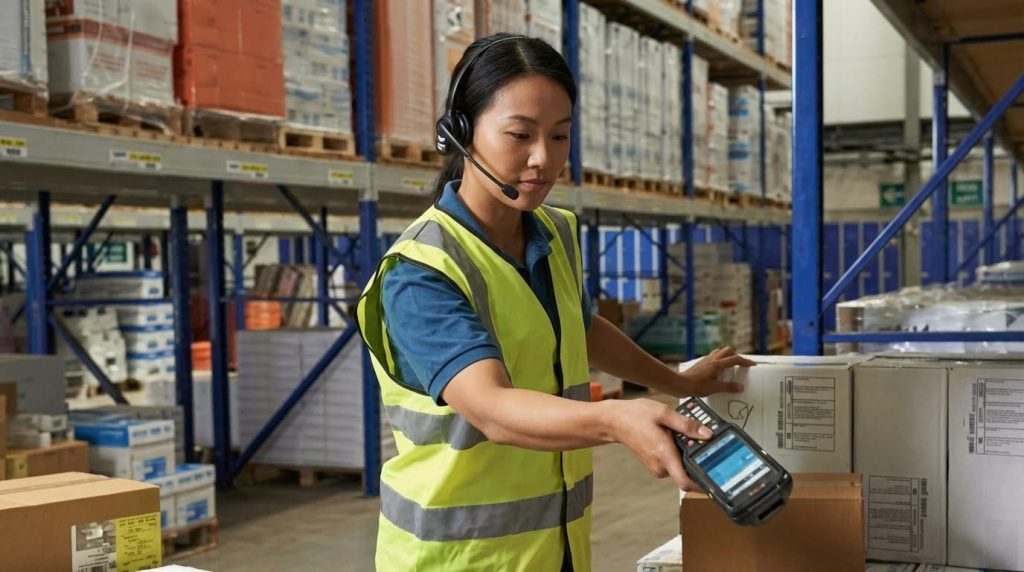
How Voice-Directed Picking Works in Practice
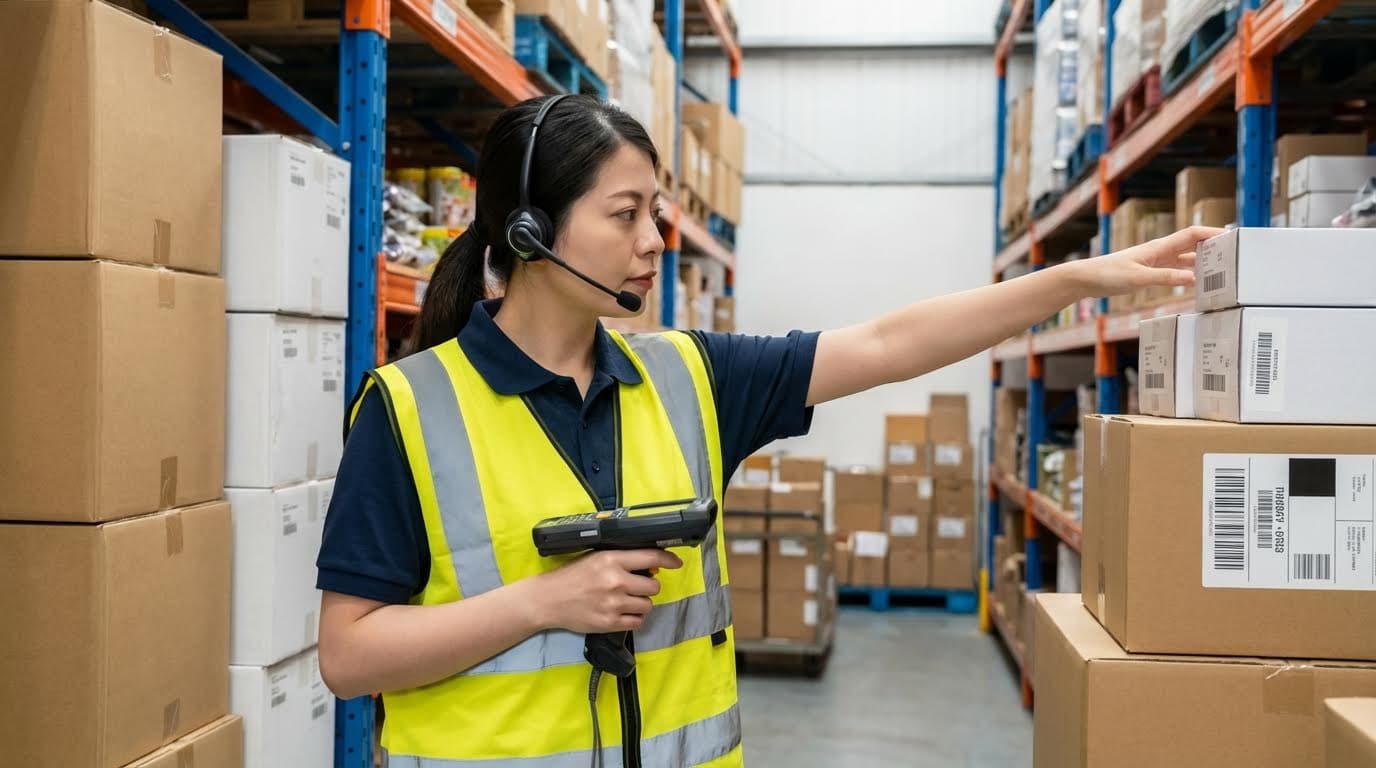
Voice-directed picking works as a spoken “layer” on top of your WMS, telling workers where to go and what to pick, then capturing confirmations in real time. Understanding this flow is key to judging whether is warehouse order picker hard for your team to adopt.
At a high level, the WMS creates tasks, the voice engine turns them into spoken prompts, and workers respond with short phrases. The system validates every step, updates inventory instantly, and logs who did what, where, and when.
| Element | What It Does | Typical Tech/Spec | Operational Impact |
|---|---|---|---|
| Headset + Microphone | Delivers prompts and captures worker responses | Noise‑cancelling, industrial or commercial grade, often wireless | Keeps hands free for cartons, pallets, and scanners in 1.8–2.7 m aisles |
| Mobile Device / Terminal | Runs voice client and connects to network | Belt‑worn terminal, rugged handheld, or smartphone | Moves with the picker, supports full‑shift battery life (8–10 h) |
| Voice Engine / Middleware | Converts WMS tasks to speech and parses replies | Speech synthesis and recognition, dialogue logic | Turns complex orders into short, easy prompts that new hires can follow in hours |
| WMS / ERP | Generates work and holds inventory data | Standard APIs, message queues, or DB calls | Maintains stock accuracy and order status in real time |
| Wireless Network | Links devices to voice and WMS servers | WLAN with coverage in all rack aisles | Prevents audio delays that frustrate workers and slow picks |
💡 Field Engineer’s Note: Before rollout, walk your longest aisles with a test terminal and headset under live traffic. If prompts lag or cut out in dense racking, fix WLAN dead zones first or workers will blame the “voice system,” not the network.
Core Components and System Architecture
The core architecture of voice-directed picking links headsets and mobile devices to a voice engine that sits in front of your WMS or ERP. This design keeps your existing systems while adding a spoken user interface that feels simple to workers.
- Headset and Microphone: Industrial headsets with noise‑cancelling microphones filter conveyor and truck noise so speech engines can interpret short commands reliably. This keeps recognition rates high even in loud loading bays. Technical overview of voice picking hardware
- Mobile Computing Device: A belt‑worn terminal, rugged handheld, or smartphone runs the client app and maintains the session with the voice engine. Workers carry only one compact device instead of paper lists and scanners. Hardware options and environments
- Voice Engine / Middleware: This layer receives tasks from the WMS, converts them to spoken prompts, and interprets worker responses into structured data. It controls the dialogue flow, check digits, and quantity checks. System architecture description
- Host Systems (WMS / ERP / WCS): The WMS or ERP still creates orders and inventory moves; voice simply becomes the front-end. This minimizes disruption to existing planning and reporting flows. Integration capabilities overview
- Network and Infrastructure: Stable WLAN coverage in all aisles is critical to avoid prompt delays and dropped sessions. Poor coverage is the fastest way to make warehouse voice picking feel “hard” to operators. Connectivity and reliability factors
| Architecture Layer | Key Role | Failure Risk | Operational Impact |
|---|---|---|---|
| Headset | Audio in/out | Physical damage, poor fit, wrong noise profile | Mis-heard prompts, repeated commands, fatigue in noisy aisles |
| Mobile Device | Runs client, manages session | Battery drain, OS crashes | Mid‑shift downtime, forced re-logins, lost trust |
| Voice Engine | Recognizes and generates speech | Accent handling, noisy input | Workers slow down, over‑enunciate, feel system is “too fussy” |
| WMS / ERP | Task generation and validation | Latency, interface errors | Slow prompt updates, frozen orders, manual workarounds |
| WLAN | Real-time communication | Dead zones, interference | Prompt delays, dropped sessions in long or high‑bay aisles |
How this architecture makes training easier
Because the voice layer sits on top of existing WMS logic, you can keep location codes and product IDs unchanged. New workers only need to learn a small command set and how to respond to prompts, not the full system structure, which is why many sites trained independent pickers in less than one day. Training time reduction details
Typical Voice Picking Workflow on the Floor
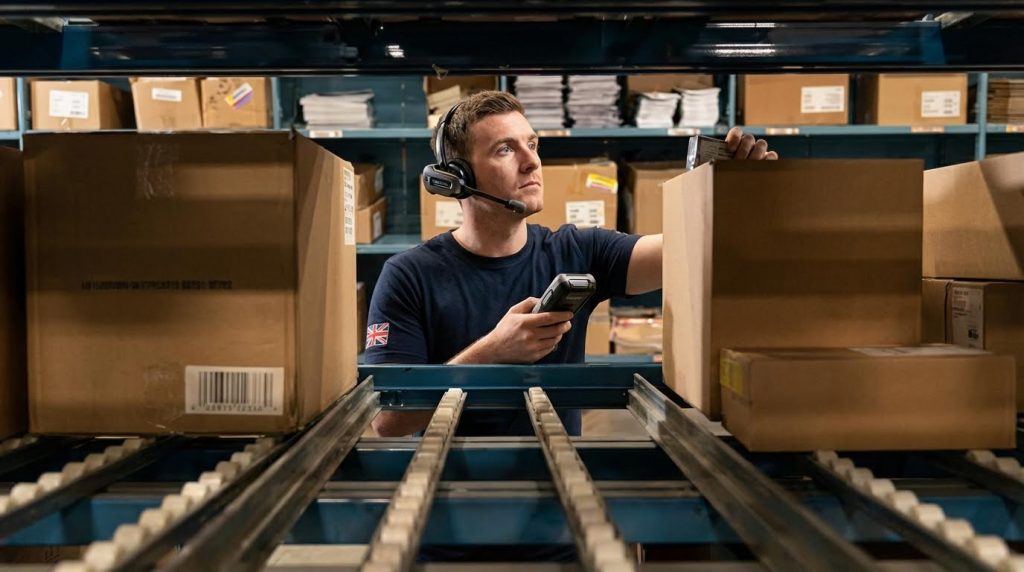
A typical voice picking workflow guides the operator step by step: log in, get an assignment, travel to a slot, confirm the location, pick the quantity, and close the order. This predictable pattern is why many workers learn the basics in minutes, not days.
- Step 1: Log in and get assignment – The picker logs in via a short voice command or ID, and the system downloads tasks from the WMS, so there is no paper or screen navigation. Workflow description
- Step 2: Travel to the first location – The system speaks aisle, bay, and level codes while the picker drives or walks, keeping eyes on trucks, racks, and pedestrians for safety. Safety and ergonomic benefits
- Step 3: Confirm the location – At the slot, the worker reads a short check digit printed on the rack; the system validates this against the WMS to prevent mis-picks. Check digit and accuracy discussion
- Step 4: Pick and confirm quantity – The prompt states the quantity; the worker picks and then speaks the quantity or a simple confirmation keyword, which the system checks in real time. Error reduction figures
- Step 5: Move to next line – Immediately after confirmation, the next location is spoken, minimizing idle time between picks and cutting travel and search time by 15–20% compared with traditional methods. Time comparison study
- Step 6: Close order and report exceptions – At the end of the assignment, the worker uses simple phrases to report shorts, damages, or slot issues, which the system logs with time and location for traceability. Error traceability discussion
| Workflow Stage | Traditional Method | Voice Method | Operational Impact |
|---|---|---|---|
| Task access | Scan screen or paper list | Spoken assignment | No time spent reading or scrolling small screens |
| Travel + search | 13.49 s average | 11.45 s average | ~15% faster navigation between slots |
| Pick action | 12.35 s average | 10.55 s average | Less handling of devices, more continuous motion |
| Error rate | 0.75–0.90% typical | 0.01–0.02% (99.98–99.99% accuracy) | 1–2 errors per 1,000 picks instead of 7–9 |
| Training to basic use | 1 day or more | 15–60 minutes | Seasonal staff productive in first shift |
Time and training data and error rate comparison show how this simple pattern drives real gains.
What this means for “is warehouse voice picking hard?”
Because the workflow uses short, repetitive prompts and confirmations, most workers became basically productive within 15 minutes to a few hours and reached standard performance in under a week. Rapid proficiency figures and 15-minute training case suggest that the system architecture and workflow, not worker ability, are the main determinants of difficulty.
💡 Field Engineer’s Note: During pilots, script prompts to be as short and consistent as possible (same word order, same phrasing). In my experience, trimming just 1–2 unnecessary words per instruction cuts cognitive load and makes new hires far more confident with voice by the end of their first shift.
Learning Curve, Performance Gains, And Human Factors
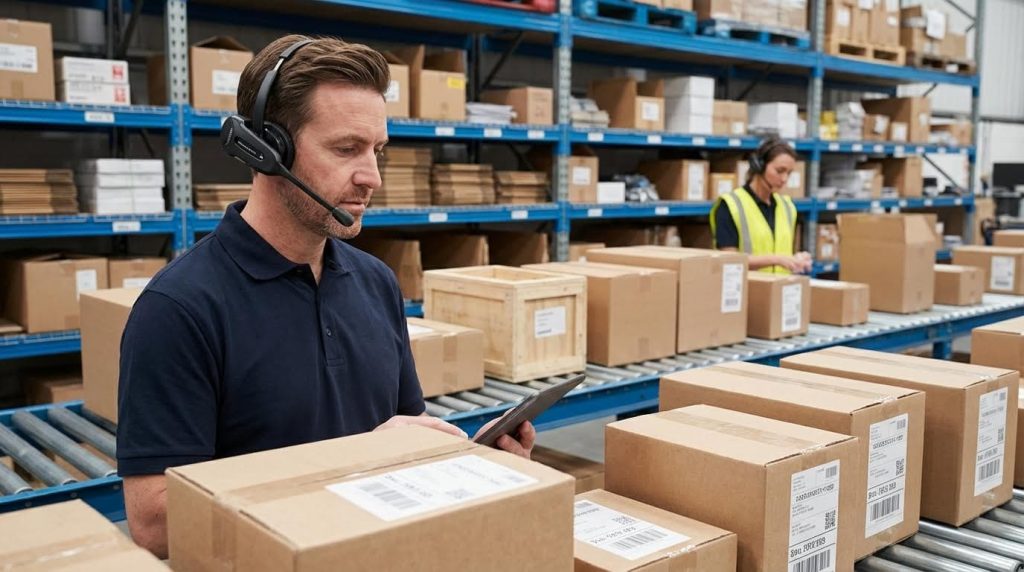
Voice-directed picking is generally easy for warehouse workers to learn, while delivering strong gains in speed, accuracy, and safety that directly answer “is warehouse voice picking hard” with data instead of opinion. The real constraints come from process design, acoustics, and workforce diversity, not worker capability.
In this section we translate lab metrics into floor reality: how fast people ramp up, what performance gains you can realistically expect, and how noise and multilingual teams affect day-to-day usability.
💡 Field Engineer’s Note: When evaluating “is warehouse voice picking hard,” always pilot on your toughest area: highest noise, tightest aisles, or most seasonal temps. If voice works there with real pickers, the rest of the site will feel easy.
Training Time, Ramp-Up Curves, And Seasonal Labor
Voice-directed picking has one of the shortest learning curves of any picking technology, which is why it fits seasonal and high-turnover warehouses so well. Most new hires reach usable productivity in hours, not weeks.
Multiple studies and field reports show that workers can learn basic voice commands within minutes and become fully operational in 1–2 days, with many sites seeing standard performance within a week. Documented implementations reported that voice cut formal training time from roughly one full day down to about 15 minutes for core commands, with independent operation reached the same or next day. Other operations trained new pickers to work independently in less than one day, with full proficiency in one to two weeks.
| Training Aspect | Typical Voice Picking Result | Conventional Methods | Operational Impact |
|---|---|---|---|
| Time to learn basic actions | ≈ 15 minutes for core commands (study data) | Several hours of screen/menu training | Faster onboarding; temp workers can contribute in first shift |
| Time to independent operation | Same day to 1–2 days (case studies) | Several days to a week | Shorter ramp-up during seasonal peaks |
| Time to full proficiency | ≈ 1–2 weeks for stable high performance (field reports) | Multiple weeks | Quicker ROI on training spend |
| Seasonal labor suitability | Very high – minimal memorization; follow prompts | Moderate – more location and code memorization | Ideal for short-term staff and agencies |
- Spoken instructions, not screens: Workers follow step-by-step voice prompts – no need to memorize complex menus or location schemes.
- Consistent dialog logic: Every task follows the same “go–confirm–pick–confirm” pattern – muscle memory builds quickly, even for new hires.
- Low reading requirement: Minimal dependence on literacy or screen reading – helps mixed-education and multilingual teams ramp faster.
- Fast correction learning: Systems respond within 20–50 ms to confirmations (measured times) – immediate feedback reinforces correct behavior.
How to judge if voice is “too hard” for your workforce
Run a 1–2 hour pilot with a mix of your slowest, newest, and strongest pickers. If all groups can complete full routes with only voice prompts and minimal supervisor help by the end of the session, the system is not “too hard” for your site. If they struggle, the issue is usually dialog design or training approach, not the basic technology.
Accuracy, Speed, And Error Traceability Metrics
Voice-directed picking is not only easy to learn; it also pushes accuracy and speed beyond paper or basic RF scanning when engineered correctly. The combination of hands-free work and forced confirmations is what moves the needle.
Several independent sources report productivity gains from 15–35% in typical deployments, with some studies documenting improvements up to 70% in specific environments. Hands-free, eyes-free workflows cut non-value-added time spent handling paper or devices. Controlled comparisons showed time efficiency gains of 15–20%, with travel plus search time dropping from about 13.49 s to 11.45 s, and pick time from 12.35 s to 10.55 s per line. These studies also observed productivity rising from about 130 to 170 lines per hour on average, with top performers exceeding 200 lines per hour.
On accuracy, voice systems routinely reach 99.9%+ line accuracy. Error rates of 0.75–0.90% with traditional methods dropped to around 0.01–0.02% with voice, meaning 1–2 errors per 1,000 picks. Other facilities that were already at 99.9% with scanning still cut residual errors by 25% or more after migrating to voice, reaching error rates near 0.08%. These gains came from enforced check digits, quantity confirmations, and real-time validation against the host system.
| Metric | Typical Before Voice | Typical With Voice | Operational Impact |
|---|---|---|---|
| Productivity gain | Baseline | +15–35% common; up to 70% in some studies (field data) (study) | Fewer pickers needed for same volume, or higher throughput per shift |
| Lines per hour | ≈ 130 lines/h average (observed) | ≈ 170 lines/h average; >200 for top pickers | Supports growth without expanding headcount |
| Error rate | 0.75–0.90% typical (traditional) | 0.01–0.02% (99.98–99.99% accuracy) | Huge reduction in credits, reships, and customer complaints |
| Travel & search time | ≈ 13.49 s per line (paper/RF) | ≈ 11.45 s per line | Higher lines per hour, less fatigue |
| Pick time at slot | ≈ 12.35 s | ≈ 10.55 s | Faster cycle time per order |
Voice also adds strong error traceability that paper systems simply cannot match. Every confirmation is time-stamped and tied to a worker, location, and quantity. Supervisors can see exactly when and where a mis-pick occurred, which SKU was involved, and how the worker responded to prompts. This makes root-cause analysis and coaching faster and more objective.
- Check digits at locations: Worker must speak a code printed at the slot – prevents picking from the wrong bay or level.
- Quantity confirmations: Worker states the quantity picked – reduces short-picks and over-picks on high-count lines.
- Real-time host validation: Confirmations are checked against WMS rules – stops invalid quantities or locations immediately.
- Event logging: Each step is logged with worker ID, time, and location – enables precise error traceability and fair performance reviews.
💡 Field Engineer’s Note: When you see a site asking “is warehouse voice picking hard,” it is often because they only look at headset hardware. The real value is in dialog and validation design; that is what delivers 99.9%+ accuracy and makes the system feel simple on the floor.
Using traceability data without killing morale
Best practice is to use error logs to fix slotting, labels, and process issues first, then for coaching. Share team-level metrics on boards and keep individual data for one-on-ones. Workers accept tracking when they see that it also protects them from blame for system or inventory errors.
Cognitive Load, Noise, And Multilingual Workforces

Voice picking does shift mental workload: workers listen, speak, and move at the same time, often in noisy aisles. Done well, this reduces cognitive load versus reading screens; done poorly, it can increase fatigue.
Modern engines support many languages and dialects, with some solutions recognizing up to 46 dialects and nearly 70 languages. This multilingual support is a direct answer to “is warehouse voice picking hard” in diverse teams: workers can often use their native or strongest language, which cuts errors and speeds training. Systems are increasingly speaker-independent, so they do not require long enrollment sessions for each worker.
Noise is the main engineering challenge. Warehouses with conveyors, pallet movers, and stretch wrappers can generate background noise that masks speech. Studies noted that poor acoustics reduce signal-to-noise ratio at the microphone, forcing workers to speak louder and concentrate harder on diction. Over long shifts this can increase cognitive fatigue and offset some safety benefits if not addressed through headset selection and noise-cancelling tuning.
| Human Factor | Voice Picking Effect | Risk if Poorly Designed | Mitigation / Best For… |
|---|---|---|---|
| Cognitive load vs. RF guns | Lower: no screen navigation, simple repeatable dialog | Higher if prompts are long or complex | Keep prompts short; use simple phrases and consistent flows |
| Background noise | Handled by noise-cancelling headsets and tuned engines | Mis-recognition, repeats, vocal strain | Choose industrial headsets; test in loudest zones before rollout (engineering guidance) |
| Multilingual workforce | Workers can use supported native languages or accents | Frustration if language not supported or badly tuned | Map each worker to best-fit language pack; avoid mixed-language prompts |
| Physical strain | Reduced: hands-free, less bending for screens, fewer device movements (ergonomic findings) | Neck strain if headset poorly adjusted | Fit-test headsets; train on correct wearing and cable routing |
| Mental fatigue over shift | Often lower than screen-based work if prompts are clean | Higher if workers must constantly fight noise or repeat phrases | Limit shift length in extreme-noise areas; rotate tasks where possible |
Where Voice Picking Fits, And How To Specify A System
This section explains where voice workflows make sense, how to decide if is warehouse voice picking hard in your context, and what to check so the system fits your layout, processes, and IT stack.
💡 Field Engineer’s Note: Before buying headsets, walk your aisles with a spectrum analyzer and a cheap Wi‑Fi device. If the signal drops behind racking or in mezzanines, voice sessions will drop too, and operators will blame the “hard” new system rather than the RF design.
Matching Voice To Warehouse Processes And Layouts
Voice picking fits best in high‑volume, repeatable order picking where workers walk long distances and need both hands free, and it feels “hard” only when the process itself fights the technology.
Order picking already consumed around 55% of warehouse operating costs, with 55% of that time spent just travelling between locations in one study. Voice systems that optimize travel and guide workers along efficient routes cut travel by 30–50% in some AI‑based designs, directly attacking your biggest cost block through path planning. When workers see fewer steps and simpler instructions, they usually judge the system as “easy,” not “hard.”
Process / Layout Pattern Voice Picking Fit Why It Works (or Struggles) Operational Impact High‑volume case picking in long aisles (50–120 m) Excellent Travel dominates time; voice removes paper/scanner handling and optimizes paths. Typical productivity gains of 30–40% reported in DCs using voice. Piece picking with many small lines per order Good Fast prompts and confirmations reduce per‑line transaction time. Transaction time per pick drops from several seconds to tens of milliseconds with voice. Cold store with long travel and simple SKUs Very good (with proper hardware) Hands‑free is valuable with gloves; devices must handle low temperatures. Improved safety and fewer drops when workers keep three points of contact on equipment. Complex kitting with many checks and documents Partial / multimodal Dense, conditional instructions overload pure audio. Best with hybrid flows: voice for navigation, scans/images for quality steps to keep errors low. Highly variable project or one‑off orders Limited Constantly changing instructions and exceptions reduce the benefit of fixed dialogues. Consider scan or vision‑based workflows for rich visual guidance instead of pure voice. - Travel‑heavy processes: Prioritize zones where walking between 30–120 m racks dominates time – this is where voice delivers the clearest ROI and feels easiest to operators.
- Repetitive, low‑ambiguity tasks: Use voice where instructions are short (location, SKU, quantity) – keeps audio prompts simple and reduces mental load.
- Stable slotting and layout: Avoid constant re‑slotting in early phases – workers build a mental map faster, so voice feels like a helper, not a crutch.
- Minimal paperwork needs: If orders need signatures, photos, or dense notes – plan a multimodal flow instead of forcing everything through audio.
- Safety‑critical aisles: Use voice where workers share space with forklifts – hands‑free, heads‑up operation improves awareness and reduces incidents in practice.
How this relates to “is warehouse voice picking hard?”
Workers usually call a system “hard” when it adds steps or conflicts with how the aisle actually works. If you align voice with your highest‑travel, most repetitive processes, the technology removes friction instead of adding it, so adoption feels natural.
Hardware, Connectivity, And Integration Requirements
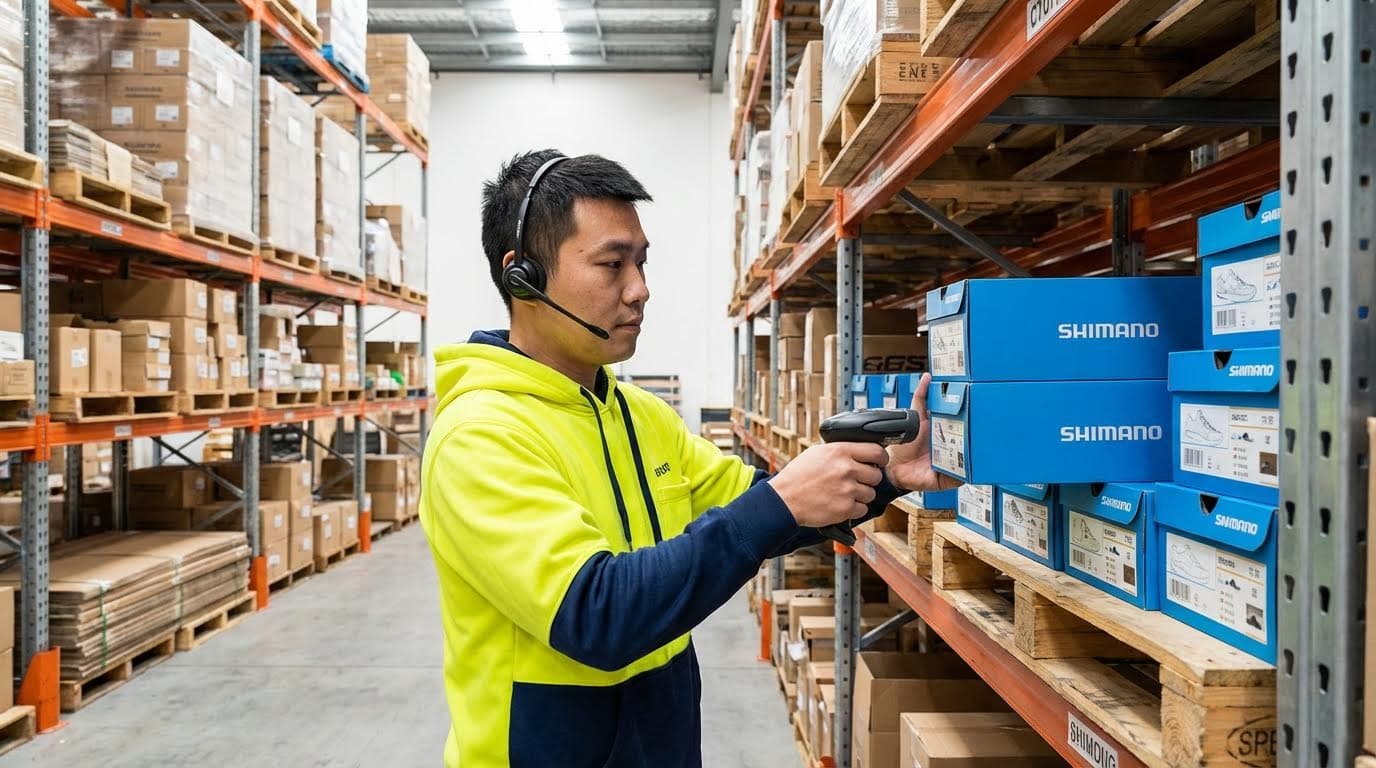
Voice picking only feels hard to workers when hardware is uncomfortable, Wi‑Fi is unreliable, or the integration lags; get these three right and the learning curve stays short.
Modern voice workflows used a headset and mobile device linked to a voice engine and WMS, with workers confirming each step by short spoken responses that the system turned into real‑time data for the host system. This front‑end layer exchanged tasks and confirmations with WMS or ERP via APIs, queues, or database calls, while voice software handled dialogue and local validation on top of existing platforms. If prompts arrive instantly and devices are comfortable, most operators become independent in less than a day and fully proficient in one to two weeks, which strongly counters the idea that is warehouse voice picking hard to learn during ramp-up.
Design Aspect Key Options / Requirements Engineering Considerations Operational Impact Headsets Industrial or commercial units with noise‑cancelling microphones are typical. Match to noise levels; select comfortable, adjustable designs for long shifts. Better speech recognition and less fatigue make commands easier to learn and repeat. Mobile device Belt‑worn terminal, rugged handheld, smartphone, or multimodal device running client software. Check battery capacity for full shift; consider drop resistance and ingress protection. Fewer mid‑shift reboots or swaps reduce frustration and perceived system difficulty. Environment Cold, dusty, or humid zones need sealed and sometimes heated devices for reliability. Prevent condensation on electronics and microphones; avoid cable stiffening in cold. Stable audio quality keeps recognition accurate so workers do not need to “fight” the system. Wireless network Stable WLAN with coverage in dense racking and mezzanines is critical. Survey for dead zones, high latency, and roaming issues under full load. Prevents delayed prompts and session drops that make workflows feel slow or confusing. Integration Voice middleware exchanges tasks/status with WMS, ERP, or WCS via APIs or queues as a front-end layer. Define which system owns task logic, sequencing, and validations. Clean design avoids double work and keeps operator dialogues short and predictable. Response time Voice engines can respond in 20–50 ms per action versus seconds for manual entry. Ensure back‑end and network latency do not mask this benefit. Snappy feedback makes the workflow feel intuitive, supporting rapid training in minutes. - Specify hardware to your harshest zone: Design for the coldest, dustiest, or noisiest aisle – this prevents operators in “tough” areas from deciding the system is hard or unreliable.
- Over‑engineer Wi‑Fi for roaming: Test at full traffic with multiple devices moving – voice drops during picks are the fastest way to lose worker trust.
- Clarify system roles: Decide if WMS or voice middleware owns sequencing – avoids conflicting instructions that confuse staff.
- Plan for multilingual workforces: Use engines that support many languages and accents – modern solutions recognized dozens of languages and dialects in real deployments.
- Align training with system design: Because workers often become operational within 1–2 days or even faster, focus training on exceptions and safety, not basic commands.
Integration depth vs. rollout risk
Starting with a thin integration (voice as a simple front‑end to existing WMS tasks) reduces project risk and lets workers adapt to audio prompts first. Once they are comfortable and the question “is warehouse voice picking hard?” has been answered on the floor, you can add advanced features like AI‑based travel optimization or dynamic batching.
“”
Final Thoughts On Ease Of Use And Adoption
Voice-directed picking is not difficult for warehouse workers to learn when engineering teams design it around real floor conditions. The architecture keeps existing WMS logic and adds a spoken layer, so operators only learn short commands and a simple, repeatable dialog. Hands-free, eyes-up work improves safety in forklift aisles and cold stores, while enforced check digits and quantity checks push accuracy toward 99.9% and higher.
The data shows clear gains: faster picks, shorter travel, and fewer errors, with new hires often productive in their first shift. When workers struggle, the root cause is usually weak Wi‑Fi, poor headsets, or overlong prompts, not worker ability. That means engineering and operations leaders control most adoption risk.
Best practice is to design for your harshest zone, pilot with your newest and slowest pickers, and keep prompts short and consistent. Match voice to high-travel, repeatable processes, and use multimodal flows where documents or rich visuals matter. If you follow these rules, voice picking will feel natural to staff, deliver measurable performance gains, and position your warehouse for scalable growth with Atomoving or any future automation you add.
Frequently Asked Questions
What is Voice Picking in a Warehouse?
Voice picking is a technology-driven process where warehouse workers use headsets to receive verbal instructions for picking items. This system helps improve accuracy and efficiency by guiding employees step-by-step through their tasks. Voice Picking Pros and Cons.
Is Voice Picking Hard to Use?
Voice picking can be challenging initially due to cognitive overload, as workers need to focus on instructions while blocking background noise. However, with proper training and user-friendly systems, most employees adapt quickly. The key challenges include managing stress in a fast-paced environment and ensuring clear communication. Picker Job Challenges.
Is Being a Warehouse Picker Physically Demanding?
Yes, being a warehouse picker is physically demanding. Workers often walk 6 to 10 miles per day on hard floors, lift heavy loads, and make repetitive high-reach moves. These factors contribute to physical strain, making the job exhausting over time. Warehouse Hiring Challenges.
How Can Employers Make Warehouse Jobs Easier?
Employers can implement better hiring practices, provide comprehensive training, and invest in technologies like voice picking to reduce physical strain and improve efficiency. Ensuring a supportive work environment can also help retain workers in physically demanding roles. Order Picking Best Practices.