If you are asking “how do I reset my scissor lift,” the safest answer is: follow a structured reset, not guesswork. This guide explains what “reset” really means, common fault patterns, and when only a qualified technician should touch the system.
We will walk through power and emergency-stop checks, control-console and joystick issues, scissor platform and sensor lockouts, and the hard safety limits set by regulations and manufacturers. Use this as a practical field framework to protect people, equipment, and productivity whenever a scissor platform lift refuses to move.
Understanding Scissor Lift Resets And Safety Limits
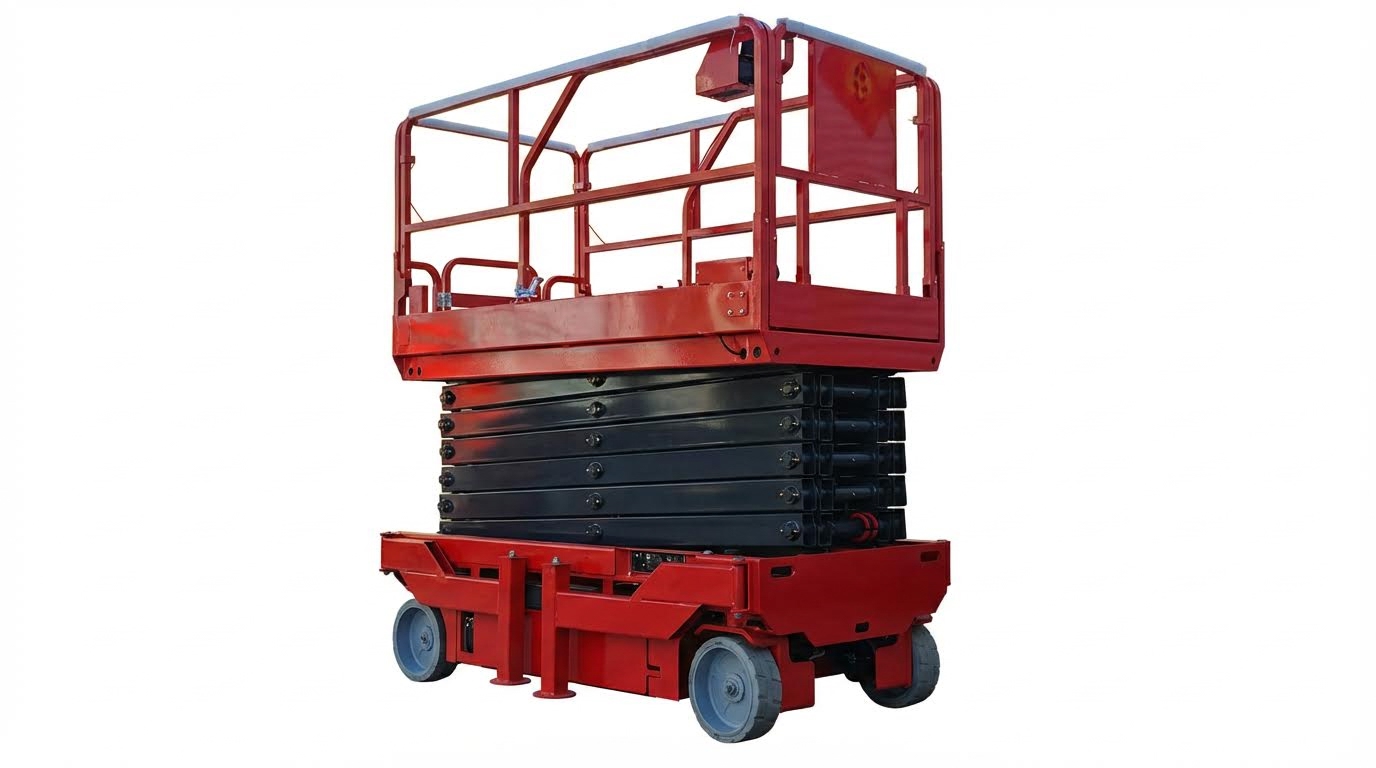
Scissor lift reset procedures are safety-critical sequences that clear faults only after the machine is proven safe, not a shortcut to “make it move again.” If you are asking “how do I reset my scissor lift,” you must first understand what the reset does, which limits you must respect, and when only a qualified technician is allowed to touch the system.
💡 Field Engineer’s Note: Treat every reset as if you are re-authorizing the machine to lift a person 10–15 m in the air. If you clear a fault without understanding why it appeared, you may be disabling the one thing that was stopping an overload, a tilt event, or an uncontrolled descent.
What “Resetting” A Scissor Lift Really Means
Resetting a scissor lift means restoring its control system from a fault or lockout state to normal operation after verifying that the original hazard is removed. It is not just cycling the key or hitting a magic “reset” button; it is a structured safety check that re-enables motion only when the machine, load, and environment are back within safe limits.
Modern scissor lifts use electronic control units (ECUs), sensors, and interlocks to monitor power, load, tilt, and control inputs. When these systems detect a dangerous condition, they trigger a fault code and often block lift, drive, or both. A reset is the final step in a process that should include inspection, correction, and function testing.
- Control-system reset: Clearing ECU or console faults – Restores logic so valves and motors can operate again.
- Emergency-stop reset: Releasing E‑stop buttons and re-energizing main power – Allows the control circuit to power up safely.
- Sensor/limit reset: Returning tilt, overload, or height sensors to normal conditions – Confirms the hazard (e.g., overload or excessive tilt) is gone.
- Power-cycle reset: Turning key and main power off/on in the correct sequence – Forces a fresh self-test of electronics and interlocks.
Typical basic reset flow (high level, always check your manual)
- Step 1: Lower platform fully if possible – Reduces stored energy and fall risk.
- Step 2: Remove load and clear the area – Eliminates overload and collision hazards.
- Step 3: Verify all emergency stops are released – Ensures the control circuit can energize correctly.
- Step 4: Turn key and main power off, wait, then on – Forces ECU self-test and clears transient errors.
- Step 5: Perform a function test at ground level – Confirms safe operation before lifting anyone.
If you search “how do I reset my scissor lift” expecting a universal button sequence, you will not find a safe answer. Each model has its own logic, fault codes, and required checks, and some faults are intentionally designed so only a technician with diagnostic tools can clear them.
Regulatory And OEM Limits On DIY Resets
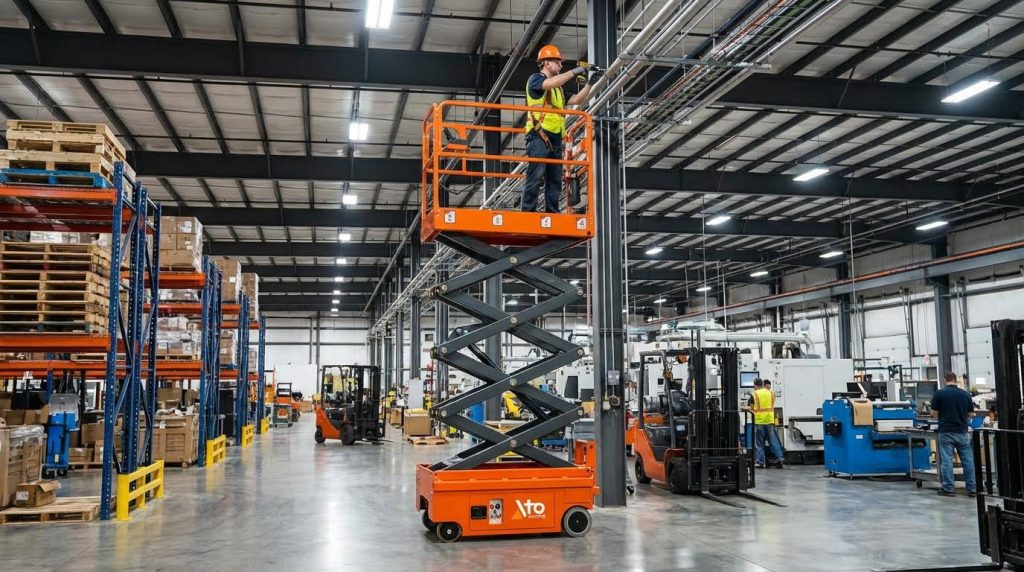
Regulations and manufacturers strictly limit what an operator or in-house team may reset on a scissor platform, because bypassing interlocks or clearing critical faults can violate safety law and create serious accident liability. Your ability to “DIY reset” stops where structural integrity, safety devices, or advanced electronic diagnostics begin.
In most regions, scissor lifts fall under mobile elevating work platform (MEWP) rules aligned with standards such as ISO 16368, EN 280, or ANSI A92 / CSA equivalents, plus local occupational safety law. These frameworks require that safety devices remain functional and that only “qualified persons” perform repairs, adjustments, or modifications that affect safe operation.
- Operator-level resets: Releasing E‑stops, cycling the key, and correcting obvious misuse (overload, tilt, gate open) – Acceptable when you follow the operator’s manual.
- Maintenance-level resets: In-house technicians using OEM procedures for minor electrical, battery, or hydraulic issues – Allowed if they are trained and the work stays within OEM instructions.
- Technician-only resets: Clearing protected fault codes, updating software, or changing safety parameters – Requires certified personnel and often OEM diagnostic tools.
- Prohibited actions: Bypassing limit switches, bridging sensors, or defeating overload/tilt protection – Usually illegal and a direct breach of safety standards.
| Reset / Action Type | Who May Do It | Typical Examples | Operational Impact |
|---|---|---|---|
| Basic power / E‑stop reset | Trained operator | Release E‑stops, cycle key and main power, confirm indicators | Restores normal controls after a nuisance stop, with no safety devices altered. |
| Usage-condition reset | Trained operator | Remove excess load, move to level ground, close gates, then retry | Resolves overload or tilt alarms by restoring safe geometry and mass. |
| Minor maintenance reset | Site maintenance tech | Replace a damaged switch, clean connectors, then clear related code | Repairs simple faults while keeping original safety logic intact. |
| Protected diagnostic reset | Qualified lift technician | Use OEM tool to clear persistent ECU, sensor, or parameter faults | Revalidates complex systems after testing; often required by standards. |
| Bypassing safety interlocks | Nobody (prohibited) | Jumping tilt switches, bridging overload sensors, defeating gate switches | Creates uncontrolled risk of tip-over or crush; usually illegal and non-compliant. |
Why standards and OEMs lock down some resets
Some faults indicate conditions that can cause immediate serious injury if ignored: repeated overload alarms, tilt faults on apparently level ground, structural or weld damage, or inconsistent sensor readings. Standards and OEM policies require that these are investigated and documented by a competent person, not simply cleared. That is why certain codes will only clear after a full diagnostic sequence, and why your manual often states that the machine must be “removed from service” until inspected.
From a compliance point of view, if you override or ignore safety-related faults and then reset the lift into operation, you may become responsible for any resulting accident, even if the hardware “allows” it. The correct answer to “how do I reset my scissor lift” often is: you reset only what the operator’s manual explicitly permits, and for anything beyond that, you shut the unit down and call a qualified technician.
Common Faults And Structured Reset Procedures
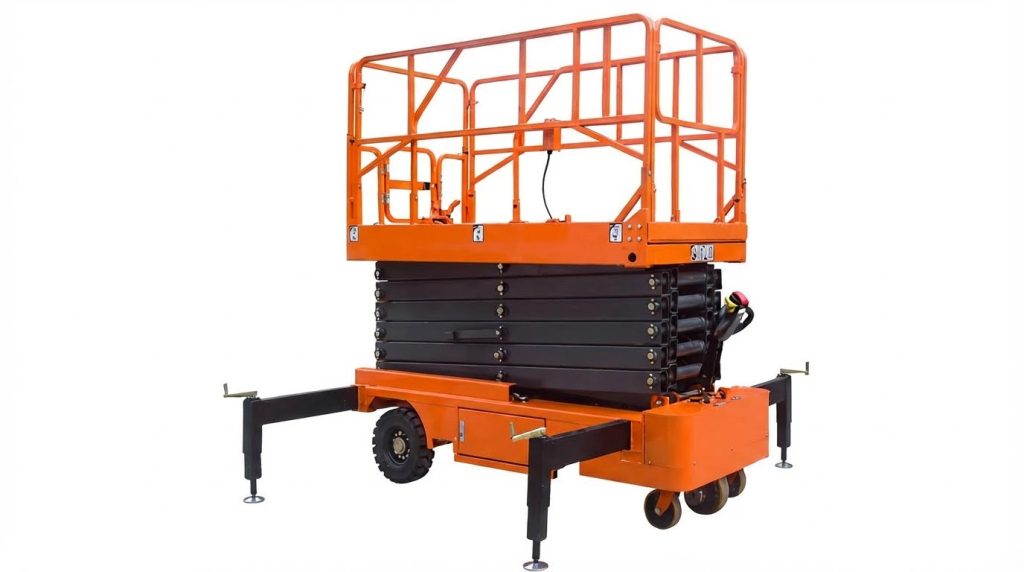
This section explains how to reset a scissor lift safely after common faults, using a structured, step-by-step approach instead of random button-pushing. It answers “how do I reset my scissor lift?” in practical, fault-based workflows.
- Always start safe: Lower platform, chock wheels, isolate power – Prevents unexpected movement during reset.
- Read the manual: Follow your model’s fault-code and reset instructions – Maintains compliance with OEM and local regulations.
- Log the fault: Note code, symptoms, and conditions – Makes later diagnosis and technician support faster.
- Reset in stages: Power, E‑stops, controls, then hydraulics – Avoids missing simple causes and replacing good parts.
- Stop at red flags: Burning smell, fluid leaks, repeated trips – Signals the need for a qualified technician, not more resets.
💡 Field Engineer’s Note: Treat every “reset” as a controlled test, not a magic fix. If the same fault returns more than twice in one shift, you likely have a real component or wiring failure that needs diagnosis, not more cycling of switches.
Power-Up Failures And Emergency-Stop Resets
Power-up faults and emergency-stop issues are the first things to check when a scissor platform lift will not start or move, before diving into complex electronics or hydraulics.
- Symptom – Dead machine: No lights, no beeps, no movement – Usually a power path or E‑stop circuit issue, not a “bad ECU.”
- Symptom – Lights on, no functions: Indicators work but no lift/drive – Often an E‑stop, key, or interlock chain problem.
- Symptom – Resets then dies again: Works briefly after cycling power – Suggests loose connections or failing switches.
Typical safe reset sequence for “no power / no response”
Use this only as a generic logic guide. Always follow your model’s manual and lock-out/tag-out rules.
- Step 1: Lower platform and secure area – Prevents fall or crush risk if power returns unexpectedly.
- Step 2: Turn key switch fully OFF – Resets control logic and removes power from most circuits.
- Step 3: Release all emergency-stop buttons – Restores the control circuit path so power can reach the ECU.
- Step 4: Check base power switch / battery isolator is ON – Confirms main power feed to the machine.
- Step 5: Visually inspect battery cables and connectors – Looks for loose lugs, corrosion, or damaged Anderson plugs.
- Step 6: Turn key switch ON at base controls first – Allows you to test basic functions close to the power source.
- Step 7: Try horn or simple function test – Quickly shows whether control power is restored.
- Step 8: If still dead, remove from service and escalate – Prevents unsafe “wiggling wires” troubleshooting by operators.
- Emergency-stop reset basics: Every E‑stop on the machine must be pulled or twisted out – One engaged button will keep the lift locked out.
- Key-switch position: Select base or platform correctly – Wrong position makes it look “dead” from the other console.
- Post-emergency checks: After any emergency descent or E‑stop event, run a full function test – Verifies that the fault cause (e.g., obstruction, overload) is gone.
💡 Field Engineer’s Note: In cold or wet environments, E‑stop and key switches often fail internally before anything else. If “how do I reset my scissor lift” always seems to mean “hit the E‑stop twice,” have maintenance check those switches for moisture ingress and contact wear.
Control Console, Joystick, And Interlock Issues
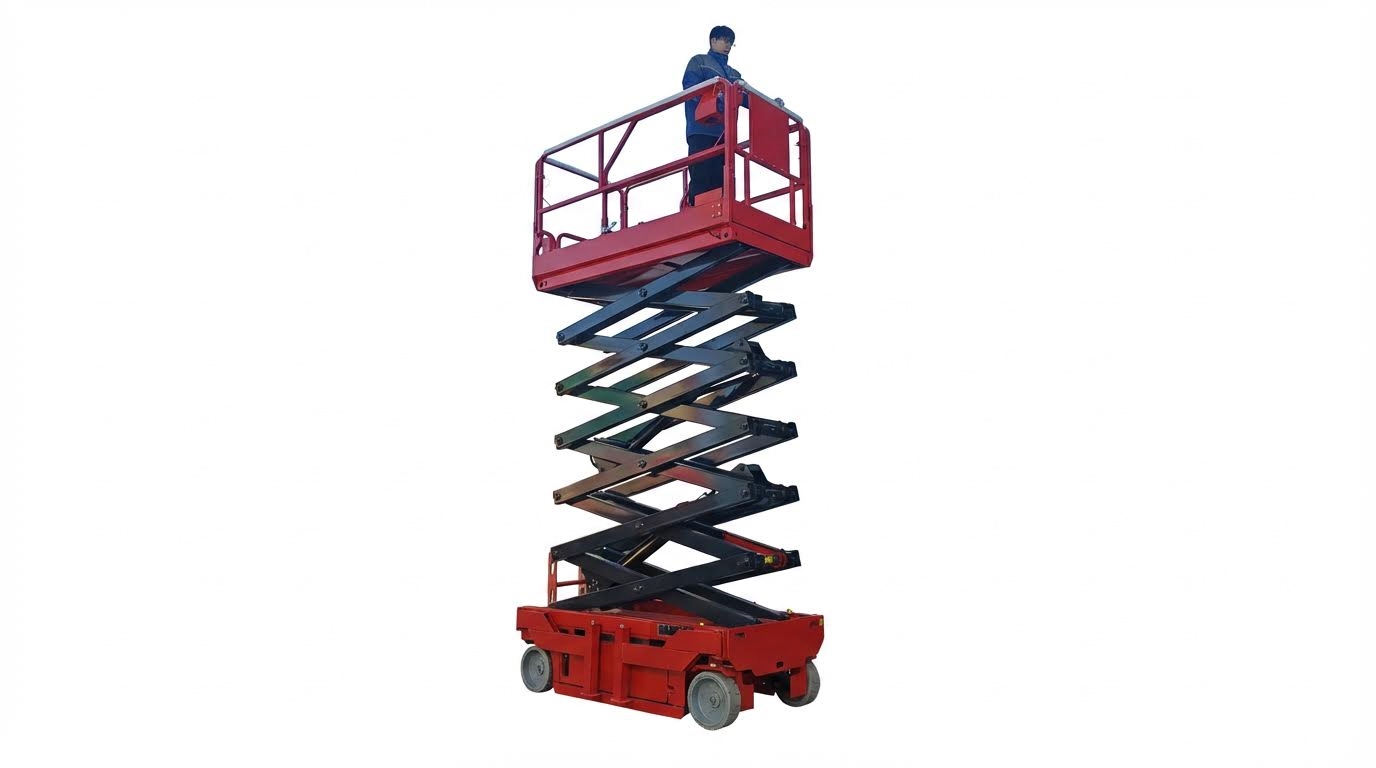
Control-console and joystick faults often allow lights and alarms to work but block motion, so structured checks focus on enables, interlocks, and correct control sequence.
- Typical symptom – Controls alive, no motion: Indicators and alarms function, but no lift/drive – Suggests interlock, enable, or joystick chain issue.
- Typical symptom – Jerky or delayed response: Lift or drive starts late or surges – Often a worn joystick or poor signal wiring.
- Typical symptom – One console works, other does not: Base OK, platform dead (or vice versa) – Points to selector or console harness faults.
Structured reset and check for control-console faults
Use this as a logic flow; always refer to the OEM control diagram.
- Step 1: Confirm correct console selected on key switch – Prevents chasing “faults” that are just wrong selector position.
- Step 2: Return joystick and switches to neutral – Many ECUs will not reset while a command is active.
- Step 3: Release and re-engage the enable (deadman) switch – Resets the “operator present” logic.
- Step 4: Cycle the key OFF–ON with controls in neutral – Forces a soft reboot of the control electronics.
- Step 5: Perform a slow, single-axis test (lift only) – Reduces risk if the fault was a stuck or mis-wired joystick.
- Step 6: If drive but no lift (or vice versa), stop use – Indicates a partial control or interlock failure needing a technician.
- Interlock awareness: Guardrail gates, platform extensions, tilt and overload sensors all feed into the control logic – Any one can legitimately block motion.
- Operator error vs fault: Many “how do I reset my scissor lift” questions come from missed steps like not pressing the enable while moving the joystick – Re-training often solves these.
- Post-reset function test: Always test lift, lower, drive, and steer at ground level – Prevents discovering control issues while elevated.
💡 Field Engineer’s Note: If operators report that the machine only moves when they “wiggle the joystick just right,” assume a failing joystick or loose console harness. Do not coach them to keep using the trick; lock the machine out and have maintenance replace or repair the console.
Hydraulic, Load, And Sensor-Related Lockouts
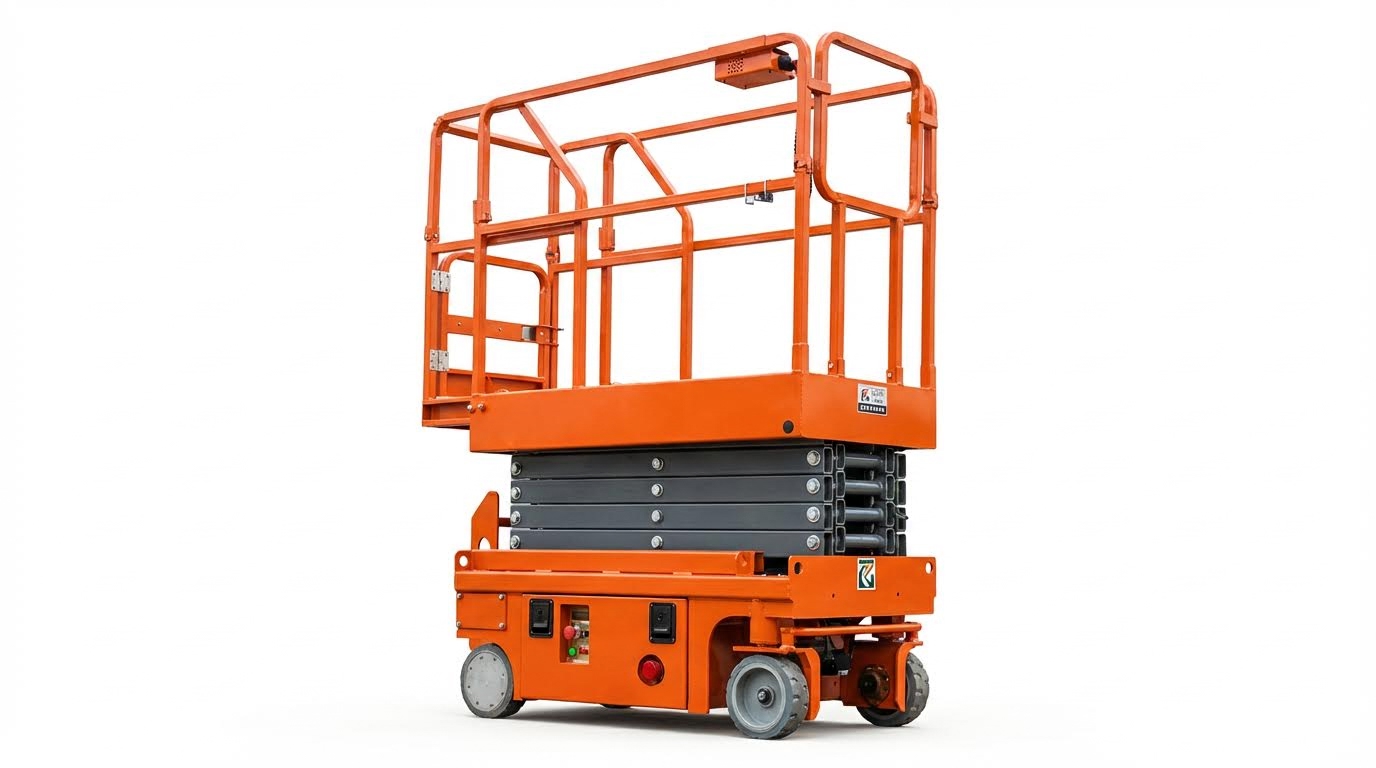
Hydraulic, load, and sensor lockouts protect against overload, tilt, and uncontrolled movement, so resets must confirm real safety conditions before attempting to clear any alarms.
- Symptom – Overload (OL) alarm: Lift refuses to raise or only lowers – System believes the platform is above rated capacity.
- Symptom – Tilt / level (LL) alarm: Functions limited or blocked – Machine thinks it is on an unsafe slope.
- Symptom – No lift but drive OK: Travel allowed, platform stuck down – Often a hydraulic, load, or height-sensor interlock.
Safe reset logic for hydraulic and sensor lockouts
Never bypass or jumper safety sensors. Use this decision path instead.
- Step 1: Lower platform fully and remove all loose material – Returns system to the safest, lowest-energy state.
- Step 2: Verify actual load vs rated capacity plate – Ensures you are not trying to reset a valid overload protection event.
- Step 3: Move the machine to firm, level ground – Removes genuine tilt as a cause of LL alarms.
- Step 4: Cycle power with platform empty and lowered – Many controllers re-check sensors at startup in this safe state.
- Step 5: Perform a short lift test to 0.5–1.0 m – Confirms that hydraulics and sensors respond correctly under minimal risk.
- Step 6: If OL/LL alarms persist with no load on level ground, tag out the lift – Indicates faulty sensors, wiring, or calibration, requiring a technician.
- Hydraulic “no lift” checks: Listen for pump running and watch for jerky or slow motion – Helps distinguish electrical interlock vs hydraulic supply problems.
- After emergency lowering: Inspect for leaks, damaged hoses, and low oil level – Prevents cavitation and jerky lifting on the next cycle.
- Sensor resets are not DIY calibration: Basic power cycles and environment checks are fine, but angle and load sensor adjustment belongs to trained technicians – Incorrect setup can defeat safety systems.
💡 Field Engineer’s Note: If your crew keeps asking “how do I reset my scissor lift after an overload alarm,” the real fix is often better load planning and weighing tools. Treat frequent OL or tilt alarms as a training and site-planning problem, not a button-reset problem.
When To Troubleshoot In-House Vs Call A Technician
Maintenance teams can safely handle basic checks and simple resets, but complex faults, structural risks, and repeated errors demand a qualified scissor lift technician for safe, standards-compliant repair.
If you are asking “how do I reset my scissor platform,” the real question is whether it is safe and legal for you to touch that fault. The answer depends on fault type, your training, and what your local regulations allow.
- Rule 1 – People First: If anyone was nearly hurt, stop and call a technician – near-misses mean you may have hidden failures.
- Rule 2 – Read The Manual: Follow the OEM manual for which resets are user-allowed – this protects you under OSHA / EN280 style rules.
- Rule 3 – One Reset Only: If the same fault comes back after one clean reset, stop – repeating resets hides a real defect.
- Rule 4 – No Bypassing: Never bridge sensors, switches, or alarms – bypassing interlocks is a fast route to tip-overs and legal trouble.
💡 Field Engineer’s Note: Any time a lift stopped because of overload, tilt, or structural concern, treat it as a safety event, not a nuisance. Document it, tag the machine out, and get a competent person to sign off before the next use.
Faults Maintenance Teams Can Address Safely
Well-trained in-house maintenance can safely handle basic power, control, and simple hydraulic issues, as long as work stays within the OEM manual and local safety rules.
- Dead machine after parking: Check key switch, main power switch, battery isolation, and emergency stops – often a control is still “off” or an E‑stop is pressed.
- Low battery / weak performance: Verify battery state-of-charge, cable tightness, and charger connection – many “faults” are just undercharged or loose batteries.
- Emergency-stop reset: Confirm all E‑stops are pulled out, then cycle key power – this restores control after an intentional stop.
- Platform controls not active: Ensure the key is set to platform, enable button held, and joystick in neutral before command – prevents chasing a “fault” that is just control logic.
- Simple function test failures: If pre-use tests show one slow or jerky motion, check for obvious leaks, debris, or damage – you can tag out and report early before major failure.
- Hydraulic oil level checks: With platform fully lowered and machine secured, check reservoir sight glass or dipstick – low oil often explains noisy or uneven lift.
- Routine cleaning of sensors and switches: Gently clean accessible tilt sensors, limit switches, and control boxes from mud and paint – contamination frequently causes nuisance alarms.
- Fuse and indicator checks: Verify accessible fuses and indicator LEDs per the manual – a blown low-voltage fuse is a common, safe in-house fix.
How to structure a safe in-house troubleshooting attempt
- Step 1: Tag out the lift and secure it on level ground – prevents unintended motion.
- Step 2: Read the fault label, manual, and decals – OEMs define what you may reset.
- Step 3: Perform only visual and basic electrical checks (switches, cables, oil level) – low risk, high value.
- Step 4: Perform a single reset cycle as instructed – key off, wait, key on, function test.
- Step 5: If the fault returns, stop and call a technician – repeating resets is unsafe.
Red-Flag Symptoms Requiring A Qualified Technician
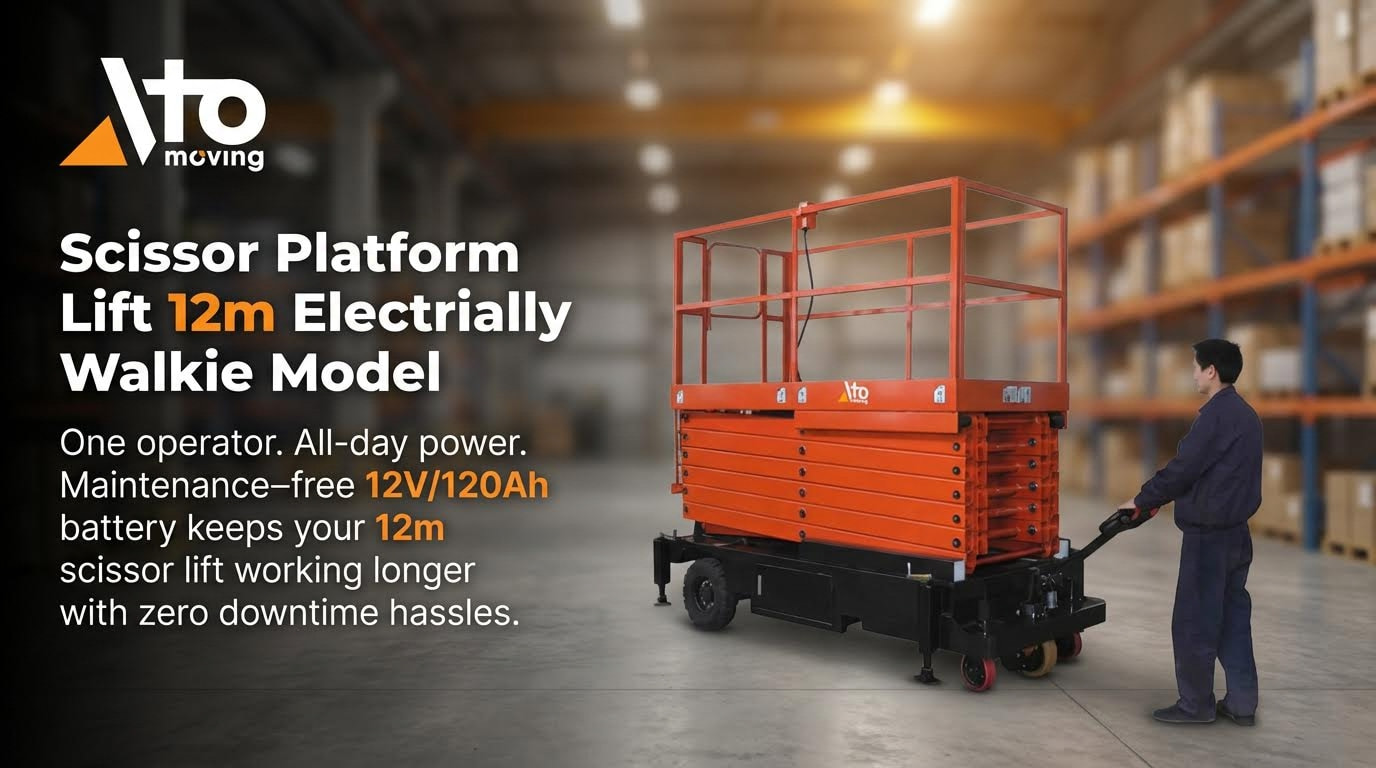
Serious electrical, hydraulic, structural, or stability-related symptoms mean you must stop asking “how do I reset my scissor platform lift” and instead remove it from service and call a qualified technician.
- Any structural damage: Bent scissor arms, cracked welds, distorted guardrails, or platform floor damage – these are engineering issues, not reset problems.
- Overload or tilt alarms on level ground: Repeated OL or tilt alarms with normal load and level floor – suggests faulty sensors or calibration that require specialist tools.
- Uncommanded movement: Lift raises, lowers, drives, or steers without input – indicates serious control or valve failure and immediate lockout.
- Lift will not stop smoothly: Jerky stops, coasting, or drifting down at rest – points to hydraulic or brake issues that can cause runaway movement.
- Strong burning smell or smoke: Any sign of overheating cables, motors, or electronics – stop power, evacuate, and do not re-energize.
- Repeated fault codes after reset: If the same code returns after a clean reset and basic checks, – deeper diagnostics and possibly software tools are required.
- Manual lowering used from height: After any emergency or manual descent event – the machine needs a full inspection before next use.
- Hydraulic leaks under pressure: Hoses sweating oil, visible jets, or oil pooling under the chassis – risk of hose burst, slip hazards, and fire.
- Electrical shocks or tingling: Any shock sensation from controls or platform – immediate lockout and electrical safety investigation.
- Non-standard modifications found: Added switches, bridged wires, or welded attachments not in the manual – these invalidate OEM assumptions and must be assessed by a competent person.
Why “just one more reset” is dangerous
Every time a scissor lift locks out, the control system is telling you that a limit, sensor, or component detected something unsafe. Repeatedly clearing that warning without finding the cause is like covering a warning light on a car dashboard. You may restore motion, but you also remove the only thing standing between your team and a tip-over, crush, or fall-from-height event.

Final Considerations For Safe Scissor Lift Resets
Safe scissor lift resets rely on one idea: you must prove the lift is safe before you let it move. Power checks, E‑stop resets, joystick logic, and hydraulic or sensor lockouts all exist to protect people at height. When you reset without finding the cause, you turn those protections into blind spots.
Engineering limits on load, tilt, and structure define what is safe. Standards and OEM rules then decide who may reset what. Operators handle basic power and usage errors. Trained maintenance staff handle simple electrical and hydraulic issues. Only qualified technicians should touch protected codes, sensor calibration, or anything that affects stability or structure.
For operations teams, the best practice is clear. Treat every lockout as a safety event. Follow the manual step by step. Perform one clean reset and a full ground-level function test. If the fault returns, or you see structural damage, leaks, uncommanded motion, or repeated overload or tilt alarms, tag the lift out and call a technician.
This disciplined approach keeps resets from becoming shortcuts. It protects your crew, your Atomoving equipment, and your legal compliance on every job.
Frequently Asked Questions
How do I reset my scissor lift?
To reset your scissor lift, follow these steps:
- Remove any weight from the platform.
- Press and hold the down arrow on the control pad until the lift reaches its lowest point. Continue holding for 10 seconds, then release to reinitialize the lift. Lift Reset Instructions.
- If the above method doesn’t work, push in and pull out the red Emergency Stop button to reset the system. If the platform is still overloaded, the warning light will continue flashing.
What should I do if the scissor lift doesn’t reset?
If your scissor lift fails to reset after following the standard procedure, check for these common issues:
- Ensure the platform isn’t overloaded. Remove all weight before attempting another reset.
- Inspect the Emergency Stop button to confirm it’s functioning properly.
- Verify that there are no obstructions or mechanical faults preventing the lift from lowering fully.
If problems persist, consult the manufacturer’s troubleshooting guide or contact a certified technician for assistance. Scissor Lift Operator Manual.