Warehouse picking accuracy is the percentage of order lines picked exactly right the first time, and it is the single biggest driver of customer satisfaction and rework cost. This guide explains how to improve warehouse picking accuracy by fixing process discipline, engineering better slotting, and deploying the right level of technology. You will see how layout, data, and automation combine to cut mispicks, reduce travel distance, and raise first-pass accuracy towards 99%+. By the end, you will have a practical roadmap to redesign your operation, not just add more checks or labor.
Why Picking Accuracy Fails And How To Fix The Process
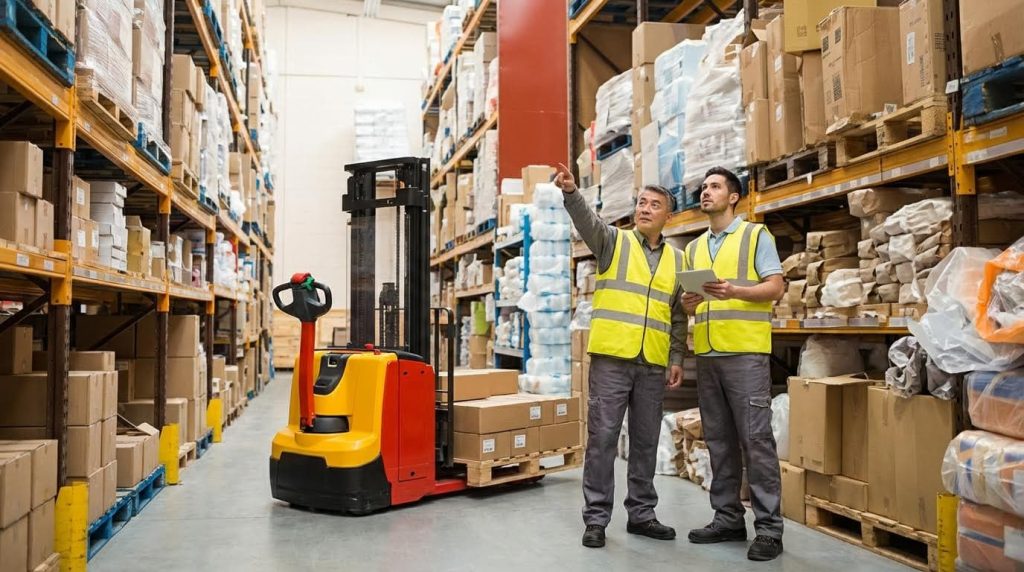
This section explains how to improve warehouse picking accuracy by attacking process causes first: measuring mispicks, redesigning workflows, and standardizing methods before you invest in layout changes or expensive technology.
Quantifying mispicks and operational impact
Improving picking accuracy starts with hard numbers: you must measure mispicks per order line, per picker, and per zone, then translate those errors into time, cost, and customer impact.
- Define a mispick clearly: Wrong SKU, wrong quantity, wrong unit of measure, wrong batch/expiry, or missing line – allows consistent tracking across shifts and sites.
- Track at line level: Use “errors per 1,000 order lines” instead of only order-level accuracy – reveals hidden problems in multi-line orders.
- Separate error types: Wrong location vs wrong item vs count errors – points you to process vs layout vs training issues.
- Tag where found: At picking, packing, shipping, or by the customer – shows how much rework and customer pain each error creates.
- Log root cause quickly: Short dropdown reasons on the terminal or scanner – builds a usable dataset in days, not months.
Picking errors drove major inefficiency for 62% of operators in one survey, highlighting that mispicks are usually the largest avoidable cost in manual warehouses. One industry study linked picking errors directly to delays, higher returns, and more manual checks.
| Metric | What It Measures | Typical Range | Operational Impact |
|---|---|---|---|
| Mispicks per 1,000 lines | Error frequency at detail level | 0.5–10 | Above 3–4 indicates poor process control and training. |
| Order accuracy (%) | Orders shipped without any error | 96–99.9% | Below 98% usually drives customer complaints and returns. |
| Rework time per error (min) | Minutes to find, fix, and re-ship | 5–30 min | Hidden labour cost that erodes capacity in peak periods. |
| Return rate due to mispicks (%) | Share of returns caused by wrong items | 1–5% | Shows how accuracy affects freight, handling, and reputation. |
| Cost per mispick | Labour + materials + freight | Varies by sector | When quantified, it justifies process and tech investments. |
To connect mispicks to money, build a simple cost model that multiplies average rework minutes, hourly labour rate, extra packaging, and extra freight per corrected order. This makes “how to improve warehouse picking accuracy” a financial discussion, not just a quality slogan.
How to start measuring within 1–2 weeks
Begin with a manual tally at packing: every time packers correct a picker error, they record order number, error type, and where it was found. Upload this daily into a simple spreadsheet or BI tool. After 1–2 weeks, you will see clear patterns by SKU, picker, and zone, even before you upgrade systems.
💡 Field Engineer’s Note: When you first expose mispick data, accuracy often looks worse before it looks better. That is healthy. You are surfacing existing problems. Lock the definition of a mispick early, or teams will “game” the metric by quietly fixing issues without logging them.
Standardizing picking methods and work instructions
Fixing picking accuracy at the process level means standardizing how every picker works: common methods, clear work instructions, and enforced scan-and-confirm steps drastically cut variation and errors.
In most sites, different pickers follow different habits for the same task, which guarantees inconsistent results. Before leaning on technology, you need a single “best known way” for each picking mode (single-order, batch, cluster, zone) and each storage type (pallet rack, shelving, flow rack, bin locations).
- Standard route logic: Define whether pickers follow serpentine, U-shaped, or WMS-optimized routes – reduces backtracking and distractions.
- One picking method per area: Avoid mixing batch, cluster, and discrete picking in the same zone – prevents mental overload and order mixing.
- Scan to enter, scan to confirm: Require location scan before item scan – ensures picker is at the right slot before grabbing anything.
- Visual location cues: Large, consistent labels and arrows at eye level – cuts search time and near-miss mispicks.
- Standard container logic: Colour or label totes by route or customer – reduces cross-contamination of orders on the cart.
Scanning technology and a robust Warehouse Management System can enforce these methods by mapping bin locations to item barcodes, guiding the picker, and confirming each pick in real time. Barcode and RFID workflows validate items and update stock on every scan, while a WMS manages routes and picker performance.
| Standardization Element | What To Define | How It Improves Accuracy | Operational Impact |
|---|---|---|---|
| Work instructions (WI) | Step-by-step method for each picking mode | Removes guesswork and “personal shortcuts”. | Faster onboarding; consistent results across shifts. |
| Location labelling | Font size, position, coding pattern (e.g., aisle-bay-level) | Reduces reading errors and slot confusion. | Lower search time; fewer “near-miss” mispicks. |
| Scanner workflow | Mandatory scans, exception handling, re-scan rules | Catches wrong item or wrong location instantly. | Less rework at packing; stronger inventory accuracy. |
| Cart / tote standards | Max orders per cart, tote labelling, colour rules | Prevents items landing in wrong order container. | Supports safe batch and cluster picking. |
| Training & certification | Minimum supervised picks before working solo | Ensures pickers can follow WI under pressure. | Reduces spike in errors from new hires. |
- Step 1: Map current methods – Walk with pickers, document how they actually work, not how SOPs say they should.
- Step 2: Design the “golden path” – Combine best practices into one standard per area and picking strategy.
- Step 3: Convert into visual WI – Use photos and short text at the workstation or on mobile devices.
- Step 4: Train and certify – Run short, focused sessions, then observe and sign off per picker.
- Step 5: Audit and coach weekly – Supervisors check compliance and coach on the floor, not just in reports.
Real-world case studies showed that combining optimized layouts with scanning and WMS logic delivered 100% picking accuracy and drastic lead-time reductions, from days to hours, when the process and methods were disciplined. One operation achieved this by aligning layout, WMS routing, and scan-based work instructions.
Checklist: Are your picking methods really standardized?
Ask these questions: Do all pickers in the same zone follow the same route pattern? Are location and item scans mandatory, or only “encouraged”? Are work instructions visible at the point of use? Do supervisors audit method, or only output numbers? If you answer “no” to any of these, your process is not yet stable enough to sustain high accuracy.
💡 Field Engineer’s Note: When you roll out new standard methods, start with one pilot zone and your most coachable team. Prove that mispicks per 1,000 lines drop there first. Then roll out by copying a proven pattern, not by re-inventing the method in every aisle.
Engineering Slotting Design For High-Accuracy Picking

Engineering-grade slotting design is one of the most powerful levers for how to improve warehouse picking accuracy because it cuts travel, prevents mispicks, and enforces ergonomic, repeatable picker behavior.
Done correctly, slotting turns your layout into a physical “error-proofing” system: fast SKUs are near dispatch, similar items are separated, and locations are engineered around human reach, SKU geometry, and demand patterns.
Data-driven ABC and velocity-based slotting
Data-driven ABC and velocity-based slotting use order history and SKU movement to place the right items in the most accessible locations, cutting walking distance and mispicks at the same time.
Instead of “gut feel” locations, you assign storage positions using sales frequency, order lines, and cube movement so that the layout reflects real demand, not old assumptions.
- ABC by demand: Class A SKUs (top ~10–20% of lines) go closest to packing and dispatch – minimizes walking and speeds every order.
- Velocity-based slotting: Use pick frequency, not just value – places true fast-movers in prime “golden zone” locations.
- Family / co-pick grouping: Store SKUs often ordered together nearby – reduces travel per order and cluster picking complexity.
- Seasonal slotting: Temporarily re-slot high-season SKUs closer – absorbs peak volume without extra headcount.
- Data refresh cadence: Recalculate classes monthly or quarterly – prevents layouts from getting stale as demand shifts.
| Slotting Method | Key Data Inputs | Typical Location Strategy | Operational Impact on Picking Accuracy |
|---|---|---|---|
| ABC analysis | Order lines per SKU, sales value | A near packing/dispatch, B in mid zones, C in remote storage | Less travel fatigue, fewer rushed picks, better focus on complex SKUs |
| Velocity-based slotting | Picks per day/week, cube movement | Fast movers in golden zone, near main travel aisles | Reduces search time and repeated bin visits per shift |
| Co-purchase grouping | Orders containing multiple SKUs together | Families in the same aisle or bay | Shorter pick paths and fewer opportunities to enter wrong aisle |
| Seasonal dynamic slotting | Seasonal uplift factors, promo calendars | Temporary prime slots near dispatch | Maintains accuracy and speed during demand spikes |
Proper slotting can reduce order fulfillment time by up to 35% and labor costs by 20–40%, while also enhancing order accuracy and reducing returns when combined with data-driven layout decisions.
How to build an ABC and velocity model from scratch
Export 6–12 months of order line data. For each SKU, calculate total order lines, total units, and total cubic volume moved. Rank by order lines to define A/B/C classes, then by lines per day to determine velocity. Use these rankings to allocate your closest, most ergonomic locations to the highest-velocity A SKUs.
💡 Field Engineer’s Note: In narrow-aisle sites, I often see all fast movers crammed into one congested zone. Split A SKUs across at least two aisles so multiple pickers can work without blocking each other; congestion-driven waiting time quickly eats any travel savings.
Ergonomics, safety, and SKU compatibility rules
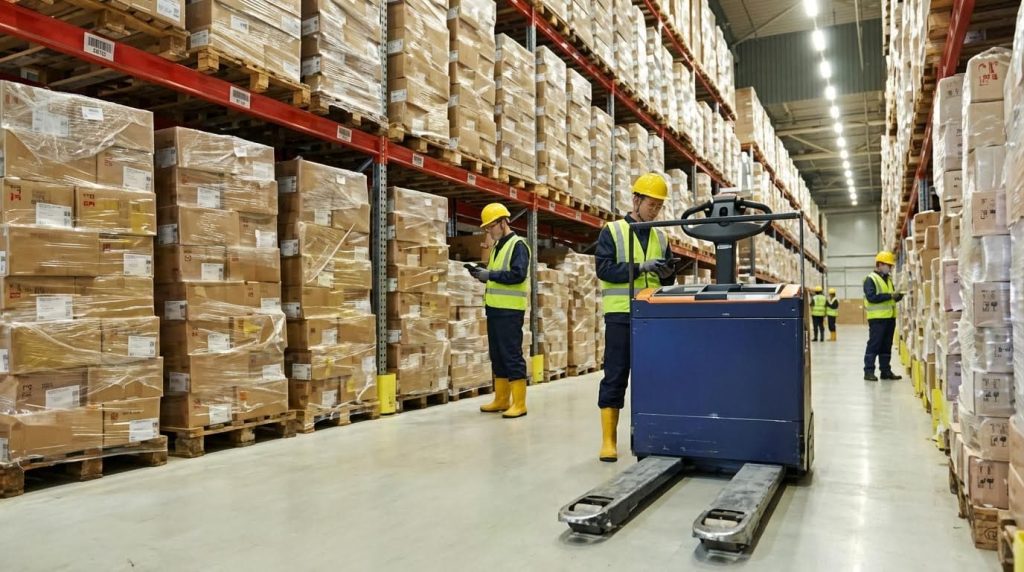
Ergonomics, safety, and SKU compatibility rules translate human body limits and product physics into concrete slotting constraints that prevent injuries, product damage, and mispicks.
You are not just deciding “where it fits”; you are engineering each pick face so that the picker’s reach, lift, and line of sight naturally support high accuracy and low fatigue.
- Golden zone height: Store high-velocity SKUs roughly 800–1,400 mm from floor – keeps most picks in neutral spine and shoulder positions.
- Heavy SKUs low: Items above ~15–20 kg should live below ~1,000 mm – reduces over-shoulder lifts and back injuries.
- Small parts containment: Use bins, dividers, and front lips – prevents spillover and accidental “double bin” picking.
- Similar SKU separation: Do not place visually similar SKUs side by side – cuts look-alike mispicks dramatically.
- Compatibility rules: Separate crushable items from heavy cartons; segregate hazmat and liquids – avoids damage, leaks, and safety incidents.
| Design Rule | Typical Numeric Guideline (Metric) | Best For… | Operational Impact |
|---|---|---|---|
| Golden zone storage | 800–1,400 mm pick height | Fast-moving cases and totes | Higher accuracy due to better visibility and lower fatigue |
| Heavy item placement | >15–20 kg stored <1,000 mm | Bags, pails, heavy cartons | Lower injury risk; pickers maintain pace without strain |
| Small parts binning | Bins 100–400 mm deep with dividers | Fasteners, fittings, electronics | Reduces mixing and miscounts at pick face |
| Look-alike separation | >1 bay or >1 m spacing | Similar labels, colors, or sizes | Forces scanner + label check, reducing visual confusion |
| Hazmat segregation | Dedicated racks / containment | Chemicals, flammables, aerosols | Improves compliance and prevents cross-contamination |
Common slotting mistakes include ignoring data, placing fast movers too far from dispatch, neglecting ergonomics, and not considering product compatibility, all of which increase travel, fatigue, and mispicks according to warehouse slotting best-practice guidance.
- Clear labeling and signage: Large, consistent location IDs at eye level – reduces search time and wrong-aisle entries.
- Safe access paths: Leave at least 800–1,000 mm clear for foot traffic in pick aisles – prevents collisions with equipment and improves flow.
- Returns and QA zones: Dedicated areas near, not inside, main pick paths – keeps rework from contaminating good stock.
Quick ergonomic audit checklist
Walk a typical pick path and note: How many picks are above shoulder height? How many require bending below 600 mm? How many heavy lifts occur above 1,000 mm? Count the number of visually similar SKUs within one armspan. Each of these is a design defect you can fix with re-slotting.
💡 Field Engineer’s Note: If you see pickers “customizing” the layout (moving heavy SKUs to lower beams, writing their own labels), treat that as free ergonomic consulting. Formalize those changes into your slotting rules instead of fighting them.
AI-driven dynamic slotting and layout re-optimization
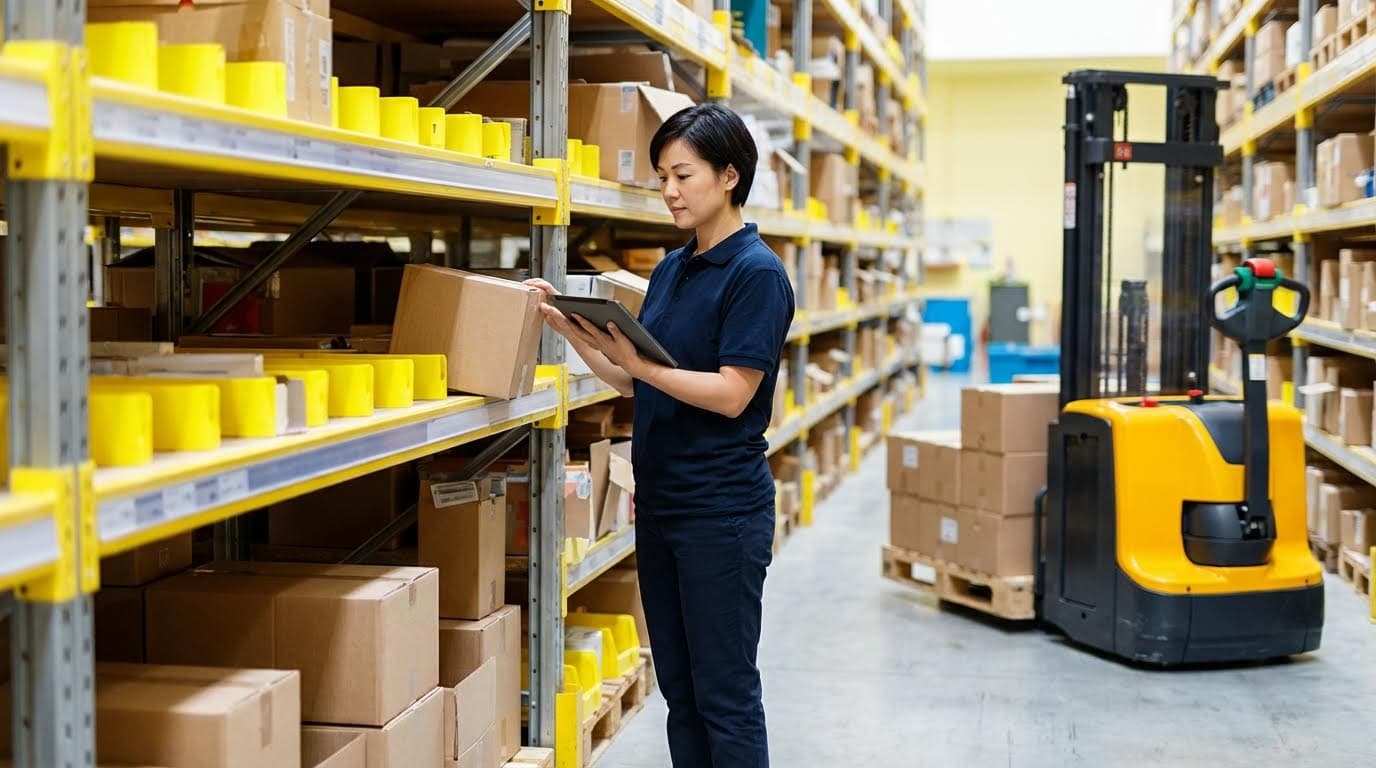
AI-driven dynamic slotting and layout re-optimization continuously adjust SKU locations using real-time data, so your warehouse layout always reflects current demand and directly supports how to improve warehouse picking accuracy.
Instead of annual relayout projects, AI models watch order streams, test new slotting patterns virtually, and then propose or execute controlled changes in the WMS.
- Demand forecasting models: Use LSTM, Random Forest, or reinforcement learning to predict SKU demand – anticipates which SKUs should move into prime slots next month.
- AI slotting optimization: Factor dimensions, weight, turnover, and co-purchase history – builds layouts that cut travel and mispicks simultaneously using clustering and learning-based methods.
- Dynamic rules in WMS: Use rule-based or temporary overrides during peaks – moves seasonal or promo SKUs closer to dispatch automatically for higher throughput.
- Continuous layout learning: Reinforcement learning simulates layouts and learns from real performance – improves slotting quality with every wave of orders by reducing travel and mispicks.
| AI / Dynamic Slotting Feature | Main Inputs | What It Optimizes | Operational Impact on Picking |
|---|---|---|---|
| Demand forecasting | Historical orders, seasonality, promotions | Future velocity per SKU | Pre-positions tomorrow’s fast movers near dispatch |
| Clustering-based slotting | Co-pick patterns, SKU attributes | Product groupings and bay assignments | Shorter routes and fewer aisle changes per order |
| Reinforcement learning layouts | Simulated pick paths, real KPI feedback | Global layout structure | Progressive reduction in travel and error hot-spots |
| Dynamic seasonal slotting | Real-time sales uplift, event calendars | Temporary prime locations | Maintains accuracy and speed during peaks |
Advanced WMS and analytics tools support real-time inventory tracking, zone-based picking, and route optimization, enabling data-driven slotting decisions that respond quickly to demand spikes and layout changes for more accurate and efficient picking.
Practical roadmap to implement AI-driven slotting
Step 1: Clean your location and SKU master data. Step 2: Centralize 12–24 months of order history. Step 3: Start with simple ABC and velocity slotting inside the WMS. Step 4: Layer on clustering for co-picks. Step 5: Pilot AI or reinforcement-learning optimization in a single zone before rolling out site-wide.
💡 Field Engineer’s Note: Do not let AI re-slot your entire warehouse overnight. Cap daily moves (for example, <1–2% of SKUs per day) and align changes with replenishment cycles; otherwise, your team spends more time chasing stock moves than enjoying the travel savings.
Technology Options To Boost Picking Accuracy
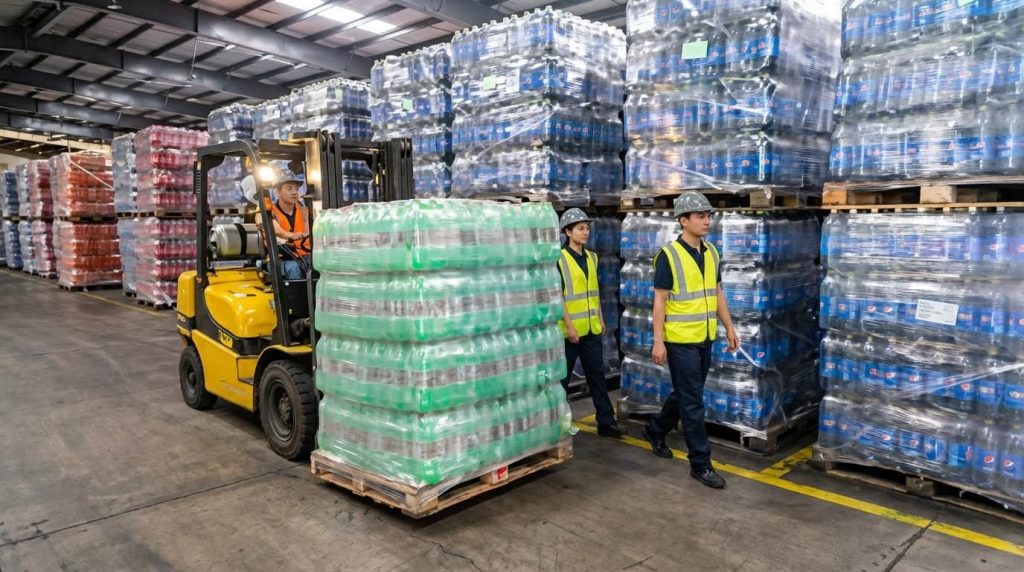
Technology improves warehouse picking accuracy by forcing real-time verification at each pick, optimizing routes, and removing guesswork from operators. The right mix of scanning, WMS logic, and automation is the fastest answer to how to improve warehouse picking accuracy.
- Anchor your design: Start with scanning and WMS logic – then layer light, voice, AMRs, or AS/RS where volumes and labor costs justify the investment.
- Design around process, not gadgets: Map current pick flows first – then select tech that removes specific errors or wasted travel.
💡 Field Engineer’s Note: Treat every new technology as a “control layer” on top of process. If your locations are wrong or SKUs are mislabeled, scanners, lights, and robots will only help you make the same mistakes faster.
Barcode, RFID, and mobile scanning workflows
Barcode, RFID, and mobile scanning workflows improve warehouse picking accuracy by enforcing scan-based confirmation for each line, updating inventory in real time, and eliminating manual keying errors at the shelf.
Scanning is usually the first and highest-ROI move when deciding how to improve warehouse picking accuracy. It directly attacks mispicks by forcing a machine check between what the picker grabs and what the order requires.
| Technology | How It Works | Typical Accuracy Impact | Best For… | Operational Impact |
|---|---|---|---|---|
| Handheld barcode scanning | Picker scans location and item barcode against WMS task list. | Can boost productivity ~25% while cutting errors through real-time validation (barcode scanning impact). | Most warehouses with basic WMS. | Turns every pick into a go/no-go check; ideal foundation before higher automation. |
| RFID scanning | Tags read without line-of-sight using handhelds, portals, or cart readers. | Reduces mis-picks by hands-free verification and faster confirmation (RFID pick-by-scan). | High-value SKUs, dense picks, or where labels are hard to see. | Speeds multi-item verification; useful for sealed cartons or totes. |
| Mobile WMS app + scanner | Smartphone or rugged PDA showing tasks with integrated scanner. | Real-time inventory updates and fewer manual entry errors (mobile scanning & WMS). | Fast-growing eCommerce and 3PL operations. | Combines directions, confirmation, and exception handling in one device. |
- Scan every pick: Location + item barcode – prevents “right shelf, wrong SKU” errors.
- Block manual overrides: Limit “skip scan” rights – keeps discipline during rush peaks.
- Use on-screen images: Show SKU photo on mobile app – helps new staff avoid look-alike items.
- Pair with layout: Clean labels and visible barcodes – reduce scan time and misreads.
How scanning directly reduces mispicks
Most mispicks happen when operators rely on memory or paper lists. Scan-based workflows require the system to confirm each item, which cuts the error rate that 62% of operators flagged as a main cause of inefficiency. (picking errors and scanning)
WMS logic, routing, and KPI tracking for pick quality

WMS logic, routing, and KPI tracking improve warehouse picking accuracy by guiding pickers to the right bin, in the right sequence, and exposing error patterns by user, SKU, and zone.
A robust WMS becomes the “brain” of your operation, tying location data, scanning, and routes into one controlled process. It is the core software layer behind almost every high-accuracy warehouse case study on how to improve warehouse picking accuracy.
| WMS Capability | What It Does | Accuracy / Efficiency Effect | Best For… | Operational Impact |
|---|---|---|---|---|
| Bin–barcode mapping | Links every SKU to specific locations and barcodes. | Reduces location confusion and supports scan validation (WMS mapping). | Any operation moving off spreadsheets. | Enables system-driven picks instead of tribal knowledge. |
| Route optimization | Calculates shortest walking path for each pick run. | Cuts travel time and fatigue; supports batch/cluster picking strategies (route optimization). | Medium–large warehouses with long aisles. | More lines per hour without rushing pickers into mistakes. |
| Picker performance KPIs | Tracks lines/hour, error rate, and rescans by user. | Highlights training gaps and chronic mispick sources (KPIs for errors). | Sites with 10+ pickers per shift. | Enables targeted coaching instead of blanket blame. |
| Multi-channel inventory sync | Updates stock across channels in real time. | Reduces short-picks and cancellations from phantom stock (inventory sync). | Omnichannel and D2C operations. | Fewer “picked but not shippable” situations. |
- Standardize pick paths: Use WMS routing for all waves – removes random walking and inconsistent habits.
- Exploit ABC and zoning: Combine WMS logic with ABC layout – places fast movers on the shortest routes.
- Measure errors, not just speed: Track mispicks per 1,000 lines – prevents “faster but sloppier” behavior.
- Use case studies as benchmarks: A D2C operation in KSA cut order-to-delivery from 4–6 days to 2–3 hours and reached 100% picking accuracy by combining WMS, optimized layout, and scanning (Laverne case study).
💡 Field Engineer’s Note: When you deploy a WMS, lock down “ad hoc” picks. Every manual bypass of the system is an untracked error risk and will quietly destroy the accuracy gains you expect from the software.
Practical WMS setup checklist
- Clean master data first: Correct SKUs, units, and locations before go-live.
- Define pick methods: Single, batch, or cluster picking by zone and order size.
- Set exception rules: What happens if stock is short or barcode fails?
- Pilot in one zone: Stabilize there, then roll across the building.
Pick-to-light, voice, AMRs, and AS/RS integration

Pick-to-light, voice, AMRs, and AS/RS improve warehouse picking accuracy by physically guiding workers (or robots) to the right location, reducing search time, and automating checks so that wrong picks become rare exceptions.
These technologies sit on top of your WMS and scanning foundation. They are powerful answers to how to improve warehouse picking accuracy in high-volume or labor-constrained environments, but they require disciplined process and good slotting to pay off.
| Technology | How It Works | Typical Performance | Best For… | Operational Impact |
|---|---|---|---|---|
| Pick-to-light | Lights on rack locations show quantity to pick; operator confirms via button. | Can raise productivity 30–50% with accuracy often above 99% (pick-to-light performance). | High-volume, small-item, repeatable orders. | Removes search; ideal along dense flow racks or carton live storage. |
| Voice-directed picking | Headset gives spoken instructions; operator confirms by voice. | Accuracy commonly 99%+ and can reach ~99.99% in some studies (voice accuracy). | Hands-busy environments (cases, bulky goods). | Frees hands and eyes; consistent guidance even for new staff. |
| Autonomous Mobile Robots (AMRs) | Robots move totes or shelves; humans pick, robots travel. | Can cut labor needs by up to 50% and increase throughput with fewer errors (AMR impact). | Large sites with long walks and stable SKU mix. | Shifts time from walking to picking; supports 24/7 operations. |
| AS/RS | Automated cranes/shuttles bring totes or pallets to pick stations. | Can reach ~99% inventory accuracy and cut fulfillment times by up to 50% (AS/RS performance). | High-density, high-value, or temperature-controlled storage. | Minimizes human travel; accuracy comes from controlled machine movements. |
- Start with a pilot zone: Automate one fast-pick area – prove ROI and refine processes before full rollout.
- Integrate tightly with WMS: Lights, voice, and robots must read WMS tasks – otherwise you just add complexity.
- Protect ergonomics: Ensure pick faces are at 800–1,400 mm height – keeps high-speed tech from driving unsafe reaches or lifts.
- Match tech to order profile: Small-piece eCommerce suits pick-to-light; case picking suits voice and AMRs – wrong match kills ROI.
💡 Field Engineer’s Note: With AMRs and AS/RS, the physical bottleneck often moves to the pick station. Design enough stations, conveyors, and buffer locations so robots are not queuing and operators are not waiting for the next tote.
Choosing the right advanced picking technology
- If labor is the main pain: Look at voice and AMRs to raise lines per operator-hour.
- If space and accuracy are critical: Evaluate AS/RS to densify storage and control every movement.
- If search time dominates: Pick-to-light is usually the cleanest fix along fast-mover zones.
- Always simulate first: Use your historical order data to model throughput before buying hardware.
Final Thoughts On Building A High-Accuracy Picking Operation
High picking accuracy does not come from one tool or one layout change. It comes from a stable system where process, slotting, and technology reinforce each other every shift. When you measure mispicks in detail, you turn vague complaints into hard data that points to root causes and payback for change. Standard methods and scan-to-confirm workflows then remove operator guesswork and make accuracy the default, not a lucky outcome.
Engineered slotting translates data and ergonomics into the rack. Shorter walks, golden-zone storage, and clear separation of look‑alike SKUs cut both fatigue and confusion. AI-driven re-slotting keeps that design aligned with real demand instead of last year’s profile. On top of this, WMS logic, scanning, and, where justified, lights, voice, AMRs, or AS/RS act as control layers that block errors before they leave the aisle.
The best operations follow a clear roadmap: stabilize process, engineer slotting, then layer technology where volume and labor costs justify it. If you do that with discipline, you can push first-pass accuracy toward 99%+, protect workers, and free capacity for growth. Atomoving solutions can then amplify those gains by supporting safe, efficient movement of people and goods inside the warehouse.
Frequently Asked Questions
How to reduce warehouse picking errors?
To reduce warehouse picking errors, start by optimizing your warehouse layout. Group commonly picked items together and ensure clear labeling to minimize confusion. Reducing travel time between picking locations also helps improve both speed and accuracy. Warehouse Picking Tips.
How do you ensure accuracy when picking orders?
Ensuring accuracy in order picking involves several strategies. First, assess your order profiles to understand common patterns. Implement slotting techniques in your warehouse racks to organize items efficiently. Additionally, using technology like barcode scanners or pick-to-light systems can greatly enhance accuracy. Picking Efficiency Guide.
What are the key ways to improve picking in a warehouse?
- Optimize the warehouse layout by storing high-demand items closer to packing areas.
- Organize items by type, size, or demand to speed up the picking process.
- Implement efficient processes such as ABC SKU strategy for better inventory management.
- Create hot zones for frequently picked items to reduce travel time.
These methods collectively contribute to improved picking efficiency and accuracy. Pick Rate Improvement.