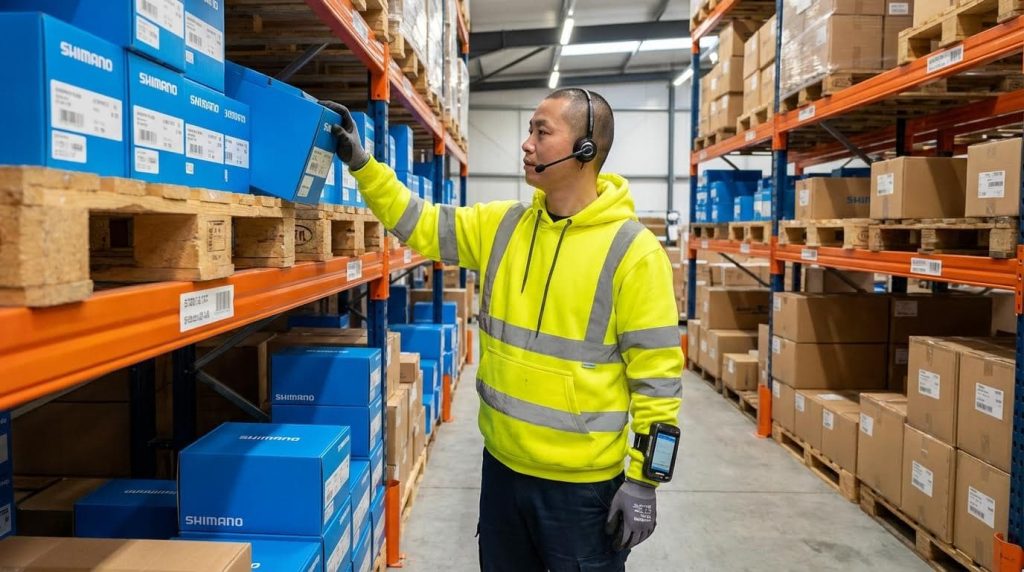
Warehouse voice picking is a picking method where operators receive spoken instructions through headsets and confirm actions verbally, creating a fast, hands-free, and highly accurate workflow. For managers asking “how does warehouse voice picking work,” the core value is higher pick rates, fewer errors, and safer, heads-up operation compared with paper or RF scanning. This guide explains the underlying technology, the step‑by‑step workflow, and what you must get right in process design, network, and integration to achieve ROI within 6–12 months. You will also see how voice compares to RF and vision systems so you can choose the right fit for your warehouse and deployment roadmap.
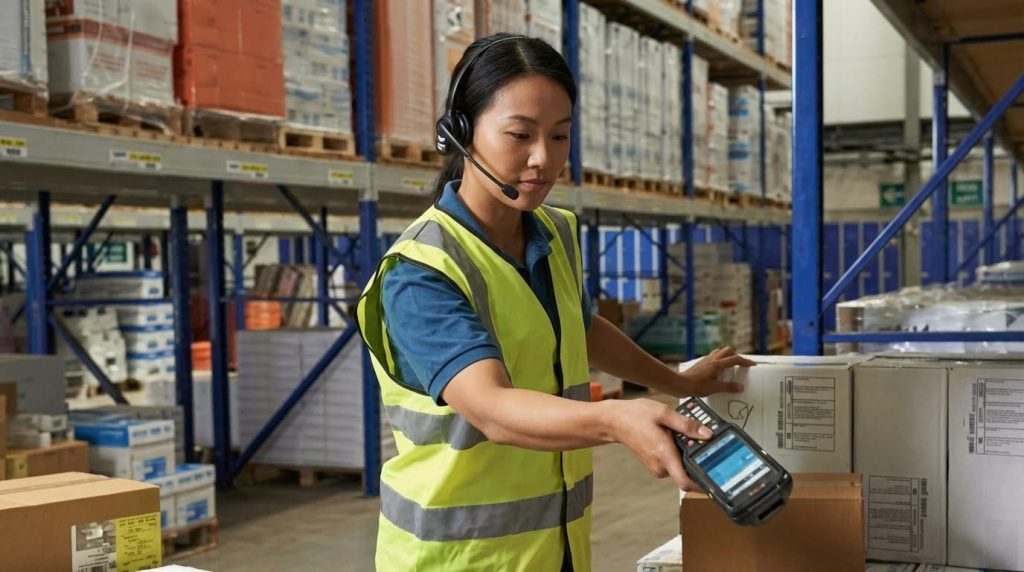
Core Principles Of Warehouse Voice Picking
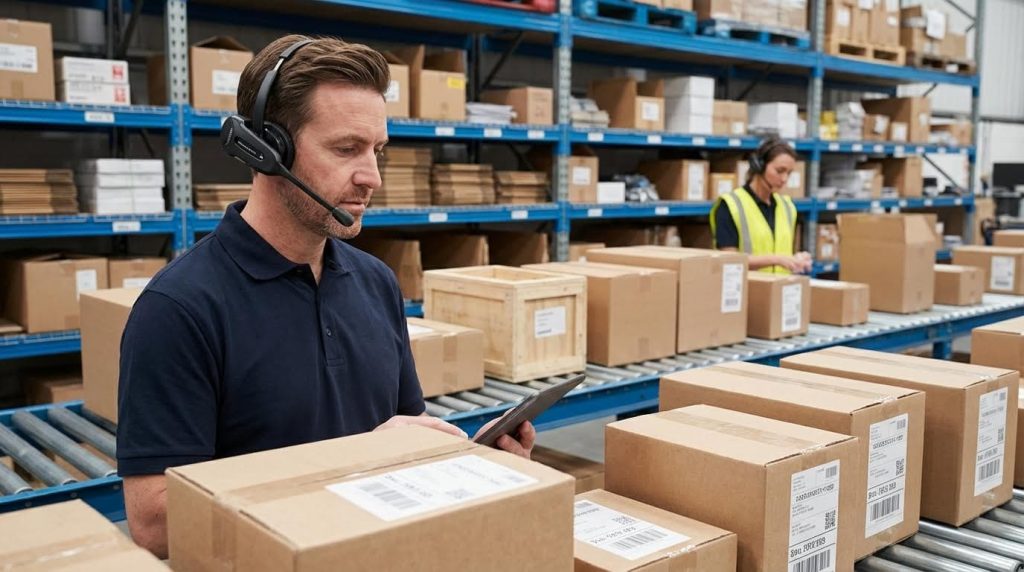
Core principles of warehouse voice picking explain how spoken instructions, verbal confirmations, and real-time WMS integration turn digital orders into safe, accurate, hands-free picking workflows that boost productivity and cut error rates.
When operations leaders ask “how does warehouse voice picking work,” they are really asking how tasks move from the WMS to a picker’s headset and back as validated inventory movements. At its core, voice picking replaces paper or RF screens with a structured dialogue: the system speaks, the picker responds, and every interaction posts as a transaction in your WMS or ERP with timestamps and KPIs. This section breaks down that flow and the typical step-by-step workflow you’ll actually see on the floor.
From WMS Task To Spoken Instruction
From WMS task to spoken instruction means the WMS creates pick work, voice middleware converts it into dialogue steps, and the picker hears location, item, and quantity prompts through a headset, then confirms verbally.
Voice picking always starts with the host system, usually your WMS or ERP. The WMS organizes work assignments and releases them as tasks or waves; voice middleware then sequences those tasks and manages the dialogue logic. It sends spoken instructions to the picker’s headset via a mobile device, and receives verbal confirmations that are turned into structured messages back to the WMS. This closed loop is the technical answer to “how does warehouse voice picking work” at the system level. Voice picking systems integrate with WMS to deliver instructions and capture confirmations.
| Stage | What Happens Technically | What The Picker Experiences | Field Impact |
|---|---|---|---|
| 1. Task creation | WMS groups orders into pick tasks (by wave, batch, zone, etc.). | No direct interaction yet; work is queued. | Determines how balanced work is across pickers and zones. |
| 2. Task handoff | Voice middleware pulls tasks via API, message queue, or DB call. Standard interfaces exchange task and status messages. | Picker logs in and is assigned a route or batch. | Clean integration avoids delays and “missing” work on the floor. |
| 3. Dialogue generation | System converts tasks into step-by-step prompts (location, item, quantity). | Picker hears “Go to aisle 12, bay 04, level 2.” | Clear prompts reduce cognitive load and training time. |
| 4. Instruction delivery | Prompts stream over WLAN to a mobile device and headset. | Continuous spoken instructions, no paper or screen needed. | Hands-free, eyes-up operation improves safety and ergonomics. |
| 5. Verbal confirmation | Speech engine parses responses (check digits, quantities, exceptions). | Picker says “three” or “location one-two-four,” etc. | Real-time validation cuts mis-picks and short-picks. |
| 6. Transaction posting | Middleware updates WMS with time-stamped events and statuses. Events stream back to the server layer in real time. | No visible change; picker just hears the next task. | Enables live KPIs like lines per hour and error rate. |
Modern systems use robust speech recognition tuned to warehouse vocabularies like aisle codes and bin IDs. They keep response times within a few hundred milliseconds so the picker’s rhythm is never broken, even in noisy environments with conveyors, forklifts, and manual pallet jacks. Noise handling strategies include directional microphones, DSP, and adaptive noise suppression, and most solutions now require minimal or no per-user training, which is critical when you onboard seasonal staff.
- Multilingual operation: The same workflow logic can run in different languages per user profile, so instructions and confirmations match the picker’s preferred language while KPIs stay consistent for management. Multilingual support improves inclusion and reduces training time.
- Validation options: For higher-risk SKUs, the voice flow can require extra checks, like speaking a check digit and then scanning a barcode or RFID tag for dual validation. Voice workflows can combine spoken confirmations with scans.
- Exception handling: Pickers can speak standard exception codes (short, damage, location empty), and the system posts those as structured events to the WMS for inventory and service recovery.
💡 Field Engineer’s Note: When you design check digits, avoid long strings or visually similar characters (like B/8 or O/0) posted on rack labels. Overly complex schemes add reading errors and extra travel, offsetting the accuracy gains you expect.
How does warehouse voice picking work with existing RF or paper processes?
Voice is usually layered over your existing WMS logic. Instead of printing pick lists or pushing tasks to RF screens, you route eligible tasks to the voice middleware. Many sites run hybrid modes where some zones stay RF or paper (e.g., very low-volume reserve storage) while high-velocity pick faces move to voice first.
Typical Voice Picking Workflow Steps

A typical voice picking workflow is a repeatable loop where the picker logs in, receives a route, travels to a location, confirms it, picks and confirms quantities, handles exceptions, and repeats until the assignment is complete.
On the floor, “how does warehouse voice picking work” translates into a very specific sequence of actions that every operator repeats hundreds of times per shift. The power of voice is that once this loop is well designed, it becomes almost muscle memory, which is why facilities see both accuracy and productivity jump after implementation. Pick-to-voice systems guide workers step-by-step from location to location with verbal confirmations.
- Login and assignment: Picker logs into the voice client on a mobile device, selects a function (e.g., “picking”), and receives an assignment or batch based on labor planning and priority rules.
- Travel to first location: System issues spoken directions: “Go to aisle 08, bay 12, level 3.” Route logic aims to minimize walking distance and backtracking using WMS location data. Algorithms can cut travel by 30–50% with optimized batching and routing.
- Location confirmation: At the slot, the picker reads a short check digit or location code from the label to confirm they are at the correct bay or bin. This prevents off-by-one errors in dense racking.
- Quantity instruction: System announces the item and quantity, such as “Pick 4 cases of SKU 12345,” sometimes with extra attributes like lot or expiry for regulated products.
- Physical pick and verbal confirm: Picker grabs the product and speaks the picked quantity (and any required attributes). The system validates that response against the task and inventory rules in real time.
- Exception capture: If the quantity is short, the location is empty, or product is damaged, the picker states an exception phrase (e.g., “short two,” “location empty”), which the system translates into a structured exception for the WMS. Integration must support exception handling and transaction integrity.
- Task completion and next step: Once the line is satisfied or closed with an exception, the system immediately issues the next location or directs the picker to a staging or loading area when the assignment is complete.
- Continuous KPI capture: Every step—arrive, confirm, pick, exception—is time-stamped and sent to the server, feeding dashboards that show lines per hour, pick density, travel ratios, and error rates by user or zone. Supervisors access dashboards aggregating this event data into KPIs.
Because the workflow is highly structured, operations often see very fast performance gains. Case studies show pick accuracy increasing from 97.6% to 99.8% within the first week, and picks per labor hour rising by 20–25% as operators adapt to the voice-guided loop. Voice-directed systems have delivered 20–25% productivity gains and rapid accuracy improvements.
- Hands-free, eyes-up safety: With no paper or handheld to manage, pickers keep three points of contact on ladders and stay more aware of forklifts and pedestrians, contributing to lower incident rates.
- Training efficiency: New hires can become productive in days instead of weeks because they simply follow spoken prompts and a small set of standard responses. Some facilities train new pickers to productivity in as little as two days.
- Scalable coverage: Once the workflow is tuned, the same pattern can be rolled out across zones and shifts, with sites reporting that up to 90% of order lines move to voice within a few months of a successful pilot. Operations have scaled voice to cover the majority of order lines within three months.
💡 Field Engineer’s Note: When mapping the workflow, walk the route with a headset and stopwatch. Any time you find yourself waiting for a prompt or repeating a phrase, you’ve found latency or dialogue design issues that will silently tax pick rates across every shift.
Where do barcode scans fit into a “pure” voice workflow?
In most deployments, 70–90% of picks run on voice-only confirmations with check digits. Scans are reserved for high-risk or regulatory-sensitive SKUs (pharma, high-value electronics, controlled items). The workflow simply inserts a “scan now” step after the verbal location or quantity confirmation, so you keep speed on standard items while adding dual validation where it really matters.
Key Technologies, Integration, And Performance
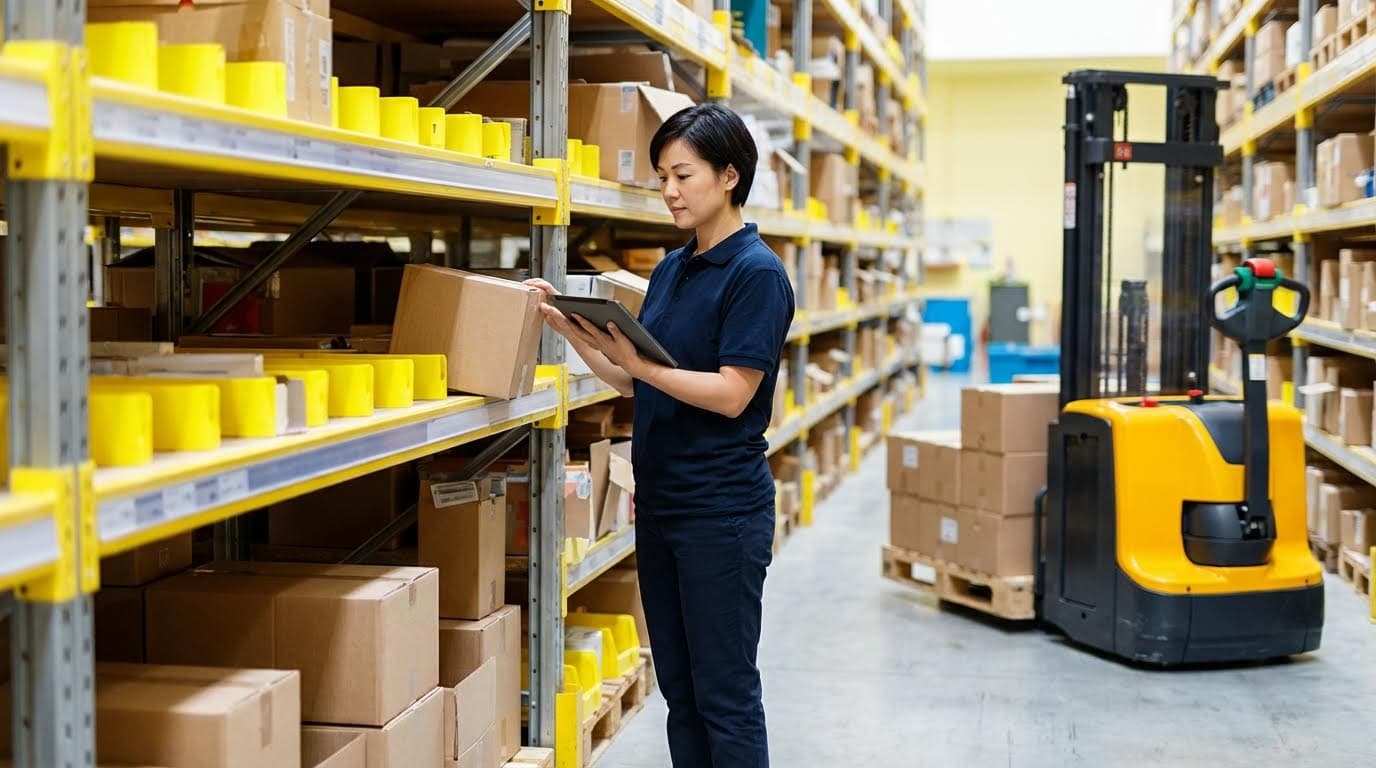
Key technologies for warehouse voice picking are the headsets, mobile devices, speech engine, wireless network, and WMS/ERP integration that together determine how does warehouse voice picking work, its speed, and its accuracy.
This section explains the “stack” behind voice systems: what hardware you actually put on people and trucks, how speech recognition copes with noise and languages, and how data flows into your WMS/ERP to generate KPIs and ROI.
💡 Field Engineer’s Note: When sites ask “how does warehouse voice picking work in practice?”, I start with Wi‑Fi heatmaps and battery math—most failures come from dead zones or flat batteries, not the speech engine.
Headsets, Mobile Devices, And Network Design
Headsets, mobile devices, and network design form the physical layer of warehouse voice picking, turning WMS tasks into reliable audio prompts and confirmations without adding weight, latency, or dead spots for the picker.
| Component / Spec | Typical Options / Requirements | Field Impact on Voice Picking |
|---|---|---|
| Headset type | Industrial, over-head or behind-the-neck, with noise‑cancelling mic hardware requirements | Stable audio in 80–90 dB warehouse noise; fewer “say again” repeats, higher pick rate. |
| Microphone directionality | Directional / boom mic close to mouth noise strategies | Rejects pallet truck and conveyor noise, protects speech recognition accuracy. |
| Mobile device form factor | Belt‑worn terminal, rugged handheld, smartphone, or multimodal device mobile platforms | Trade‑off between pure hands‑free voice and adding screen/scanner for validation. |
| Cold‑store capability | Insulated/heated batteries and low‑temperature‑rated displays cold storage devices | Prevents shutdowns and voltage drops at −20 °C, keeps shifts running without device swaps. |
| Vehicle‑mounted computers | Truck terminals paired with wireless headsets vehicle-mounted | Ideal for long‑travel case picking; reduces dismounts and idle time. |
| WLAN coverage | Full coverage in aisles, docks, and staging; roaming optimized connectivity and reliability | Prevents audio lag and session drops that directly slow picks per hour. |
| Network latency | Round‑trip times in the low hundreds of milliseconds | Keeps dialogue snappy so pickers never “wait for the voice.” |
| Battery strategy | Spare packs, charging racks, or hot‑swap design battery management | Avoids mid‑shift shutdowns that kill productivity and frustrate operators. |
How this hardware layer fits into how does warehouse voice picking work
Voice clients on the mobile devices receive tasks from the WMS, convert them to spoken prompts in the headset, then send back verbal confirmations over the WLAN to update inventory and task status in real time workflow overview.
Speech Recognition, Noise Control, And Multilingual Use
Speech recognition, noise control, and multilingual support are the software “ears and brain” that let voice systems understand pickers quickly and accurately in loud, multilingual warehouses without long per-user training.
| Capability | Technical Approach | Field Impact on Accuracy & Training |
|---|---|---|
| Speech recognition model | Phonetic and word‑based models tuned to structured vocabularies like aisle/bin codes speech models | Fast recognition (hundreds of ms) keeps workflows fluid and reduces dialog “stutters.” |
| Noise handling | Directional mics, digital signal processing, adaptive noise suppression noise strategies | Maintains low error rates even with forklifts, conveyors, and PA announcements nearby. |
| User training requirement | Minimal or no per‑user voice training rapid onboarding | New hires become productive in days instead of weeks, cutting training cost and ramp‑up time training efficiency. |
| Multilingual instructions | Language set per user profile with shared workflow logic multilingual support | Same process and KPIs across English, Spanish, etc.; improves inclusion and reduces errors from language barriers. |
| Check digits & phrase lists | Designed phrases and location check digits optimized for pronunciation check digit design | Balances security and speed; avoids hard‑to‑say codes that increase misreads or extra walking. |
| Accuracy performance | Error rates down to 0.08% vs ~1.5% for paper, with accuracy rising from ~97.6% to 99.8% after implementation accuracy improvements accuracy gains | Fewer mis‑picks and rework, better customer OTIF, and stronger safety where wrong product is a hazard. |
💡 Field Engineer’s Note: The biggest multilingual trap is using similar‑sounding check digits across languages; always test codes with real pickers from each language group before freezing the design.
Where noise control fits in how does warehouse voice picking work
In live operation, the system listens only during short “response windows,” applies noise filters, and matches the spoken phrase to a limited expected vocabulary (location, quantity, function), which is why it stays accurate even in very loud DCs noise and workflow.
WMS/ERP Integration, Data Flow, And KPIs
WMS/ERP integration, data flow, and KPIs are the control layer that tells voice systems what to pick, captures every picker action in real time, and turns it into measurable performance and ROI.
| Integration / Data Element | How It Works Technically | Field Impact on Operations & KPIs |
|---|---|---|
| Core integration pattern | Voice middleware exchanges tasks and status with WMS/ERP via APIs, message queues, or DB calls WMS/ERP integration | Ensures inventory, orders, and voice tasks stay synchronized, avoiding double‑picks or missed lines. |
| Task generation | WMS creates work (waves, batches, tasks); voice system manages dialog and local sequencing pick-to-voice workflow | Flexible to re‑prioritize rush orders while keeping pickers on optimized paths. |
| Real‑time event streaming | Each confirmation, exception, or status change is time‑stamped and sent to server in real time real-time data flow | Supervisors see live progress by zone, user, and wave; easier to rebalance labor mid‑shift. |
| KPIs available | Lines per hour, picks per labor hour, error %, travel ratio, pick density by zone operational KPIs | Quantifies gains: 20–40% productivity improvement and cost‑per‑pick reductions around 28% in some sites operational results. |
| Route & batch optimization | System groups orders and optimizes paths using slot sequences and coordinates route optimization | Reduces travel distance by roughly 30–50%, driving higher picks per hour and better labor utilization. |
| Exception handling | Voice dialogs capture shorts, damages, substitutions, and re‑slotting events | Improves inventory accuracy and gives planners cleaner data for root‑cause analysis. |
| Security & reliability | Authentication, encryption, and WLAN reliability checks built into architecture cybersecurity and reliability | Protects transaction integrity and keeps sessions stable, which is critical once most lines flow through voice. |
| ROI profile | Capex for devices, network, licenses; payback often 6–12 months via higher pick rates and fewer errors ROI expectations payback data | Supports business cases that justify large‑scale deployment and integration with robotics. |
💡 Field Engineer’s Note: If you want to understand how does warehouse voice picking work as a system, follow a single order line: from WMS wave creation, through each spoken prompt and confirmation, to the final KPI entry on your dashboard.
Voice, WMS, and robotics working together
Some operations also integrate voice with autonomous mobile robots, where the same integration layer tells pickers which robot to meet and lets robots signal battery or congestion events back to the WMS voice and AMRs.
Designing, Selecting, And Implementing Voice Picking
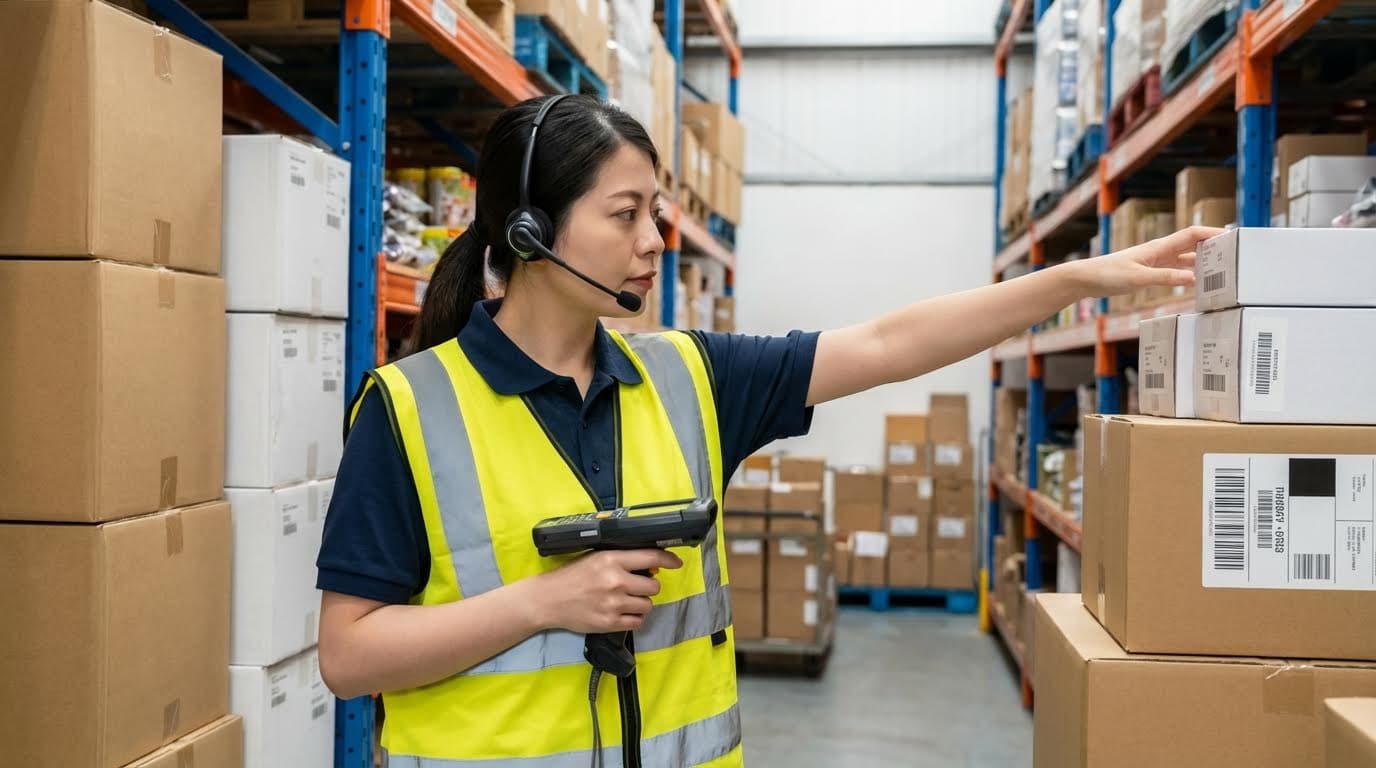
Designing and selecting a voice picking solution means reshaping processes, data, and technology so the system actually removes walking, errors, and training time instead of just “reading RF screens out loud.” When people ask how does warehouse voice picking work in the real world, the difference between success and failure is almost always in process design and integration, not just the headset. This section explains how to redesign routes and slotting for voice, then compares voice with RF and vision so you choose the right tool per workflow and facility profile.
💡 Field Engineer’s Note: Never drop voice on top of yesterday’s RF process. If you don’t re‑design routes, slotting, and check‑digits, you often get the headset cost without the travel and accuracy savings.
Process Design, Slotting, And Route Optimization

Process design for voice picking is the discipline of reshaping tasks, slotting, and travel paths so the voice engine can minimize walking while maintaining very high pick accuracy and safety. Modern voice systems batch orders and compute optimized travel paths using slot coordinates or sequences, cutting travel by roughly 30–50% when batching and routing are tuned together (route optimization and batch picking).
- Map current-state processes: Walk the floor and document how pickers actually move, confirm, and stage orders by zone, temperature class, and customer priority.
- Analyze slotting quality: Identify high-velocity SKUs and ensure they sit in ergonomic, low-travel locations; quantify travel time vs. pick time by zone.
- Define voice-friendly locations: Standardize aisle, bay, level, and position codes so they are short, distinct, and easy to pronounce and recognize in multiple languages.
- Design check-digit schemes: Use 2–4 character check digits that sound different from each other to reduce reading errors and extra motion at locations (accuracy improvements).
- Group work into smart batches: Configure the system to batch compatible orders by zone, temperature, carrier, or route so each assignment fills the cart or pallet with minimal backtracking.
- Optimize pick paths: Let the voice or WMS engine compute forward-only or serpentine travel paths through each zone to avoid U‑turns and dead legs.
- Define exception flows: Script clear voice dialogs for shorts, damages, substitutions, and slot not found, so operators stay in the workflow without calling a supervisor.
- Pilot and time-study: Run side‑by‑side trials of old vs. new routes; measure travel time ratio, picks per hour, and error rate to verify gains before scaling.
- Iterate slotting and paths: Re-slot top movers and adjust path logic quarterly using KPI data, especially where congestion or rush orders create recurring delays.
- Standardize training scripts: Build simple, repeatable training routes so new hires can reach productive pick rates in 1–2 days using voice dialogs and prompts (training efficiency).
Why route optimization is central to how warehouse voice picking works
Voice systems do more than “speak RF screens.” They continuously analyze location sequences and batch rules from the WMS to steer pickers through the warehouse with minimal backtracking, which is where 30–50% travel reduction comes from when combined with intelligent batching (route optimization and batch picking). Without that design work, you usually see far smaller productivity gains.
💡 Field Engineer’s Note: In practice, the biggest early win is often just re‑sequencing heavy case picks so operators build pallets progressively as they move forward. That reduces double-handling and cuts strain injuries long before any advanced AI routing is turned on.
Comparing Voice, RF, And Vision-Assisted Picking
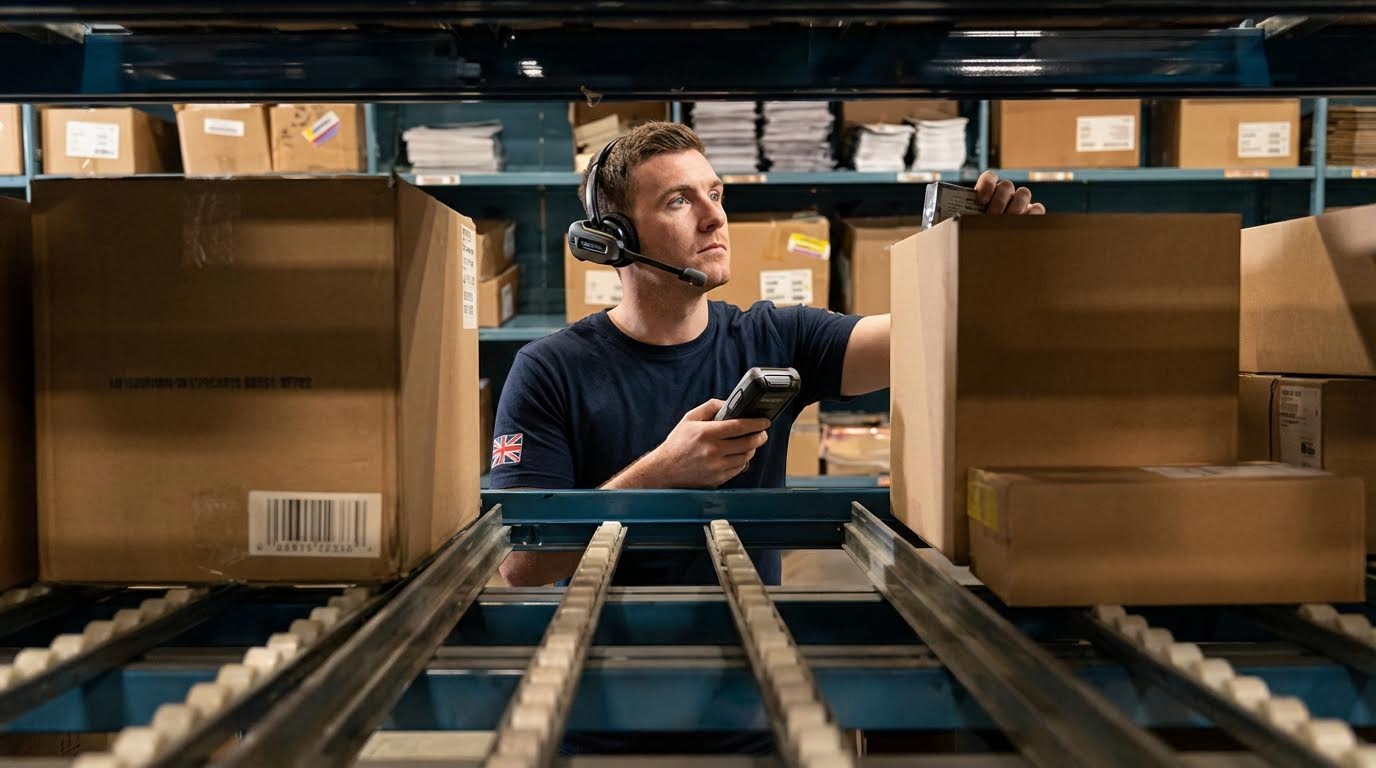
Comparing voice, RF, and vision-assisted picking means matching each technology to the right task mix, accuracy requirement, and ergonomic constraints rather than assuming one tool fits every workflow. Voice-directed picking routinely delivers 20–40% productivity gains and error rates under 0.1% when processes and check-digits are well designed (productivity and accuracy), while RF and vision can be stronger in scan-intensive or visually complex tasks.
| Technology | Core Characteristics | Best-Fit Use Cases | Operational Advantages | Operational Limitations | Field Impact |
|---|---|---|---|---|---|
| Voice Picking | Audio prompts via headset; verbal confirmations; often combined with barcode/RFID validation (workflow) | High-volume case or each picking; grocery, pharma, e‑commerce, large DCs (≈4,600–93,000 m²) where walking dominates (applicability) | Hands-free, eyes-up; 20–40%+ productivity gains; accuracy up to ≈99.8%; fast training in ≈2 days (productivity & training) | Relies on good WLAN and noise control; poorly designed dialogs/check-digits can slow operators (noise & accuracy) | Maximizes pick rate per labor hour in travel-heavy operations; reduces mis-picks and rework cost per order line. |
| RF (Handheld / Vehicle-Mounted) | Screen-based prompts on RF terminal; barcode scans for confirmation; long-proven in warehouses (RF comparison) | Scan-intensive tasks; low-to-medium volume; environments where workers already rely heavily on labels and detailed text | Strong data capture and validation; familiar to most operators; supports batch, zone, and wave picking | Not fully hands-free; operators look down at screens; potential scanning errors and RF interference in dense storage areas (limitations) | Good baseline control and traceability but typically lower pick rates vs. well-implemented voice in travel-heavy workflows. |
| Vision-Assisted (Smart Glasses, Displays) | Visual cues via smart glasses or displays; may combine with voice prompts and scanning (vision benefits) | Complex kitting, assembly, or high-SKU environments where images, diagrams, or attributes matter | Reduces cognitive load by overlaying visual data on physical items; supports very detailed instructions | Hardware comfort and durability considerations; may be overkill for simple case picking; requires careful UI design | Improves quality and reduces errors in visually complex tasks, especially when combined with voice for dual confirmation. |
| Voice + Vision Hybrid | Voice prompts plus visual confirmation; often used for double-check of item and location (combined systems) | Operations needing both speed and very high accuracy, or mixed simple and complex tasks in one workflow | Double confirmation minimizes errors; flexible—use voice for simple picks, vision for intricate tasks; supports controlled training speed | Higher solution complexity and cost; change management is heavier; WLAN and device management must be robust | Best suited where mis-picks are extremely costly (pharma, medical, high-value parts), justifying extra confirmation steps. |
- Safety and ergonomics: Voice and vision keep eyes up and hands free, which supports safer travel and can reduce repetitive strain incidents by around 40% in some deployments (operational results).
- Scalability and ROI: Well-implemented voice projects often reach payback in ≈6–12 months and can move 90% of order lines to voice within three months of a successful pilot (ROI expectations) (scalability).
- Integration flexibility: All three technologies integrate with WMS/ERP, but voice and vision often use middleware that manages dialogue or visual flows while the WMS owns task generation and inventory integrity (integration).
- Labor profile impact: Voice’s rapid training and multilingual support make it particularly strong for seasonal or temp-heavy operations, while RF is adequate where staff are stable and already skilled.
💡 Field Engineer’s Note: Don’t “rip and replace” RF everywhere. Many of the best operations run voice for fast-moving case and each picks, RF for heavy scan/exception work, and vision only where visual complexity truly demands it.

Final Thoughts On Voice Picking Adoption
Voice picking works when engineering, IT, and operations treat it as a system, not just a headset swap. Hardware, speech recognition, WLAN, and WMS integration must act as one closed loop that delivers clear prompts, captures fast responses, and posts clean transactions. Good process design then turns that loop into real gains. Route logic must cut travel, slotting must favor high movers and ergonomics, and check digits must be short and easy to say in every language on the floor.
When these elements align, sites see higher pick rates, near‑zero mis-picks, faster training, and safer, eyes-up travel. When they do not, operators wait on audio, fight dead zones, and bypass workflows, and ROI slips. The practical path is to pilot in a high-volume zone, time-study the new routes, and tune dialogs and slotting before scaling. Keep RF or vision where scan density or visual complexity demand it, and let voice carry the travel-heavy work.
For most mid- to large-scale warehouses, a well-engineered voice program is now a core productivity tool. Teams that design it with data, test it on the floor, and iterate quarterly will keep extracting value long after go-live, especially when paired with material handling solutions from Atomoving.
Frequently Asked Questions
What is voice picking in a warehouse?
Voice picking is a paperless, hands-free solution for order fulfillment workers. It uses voice prompts to direct employees to the correct locations in the warehouse and instructs them on which products to pick for customer orders. This system is also referred to as an “eyes-free” solution, particularly useful in bulk picking industries. Learn More About Voice Picking.
How does voice picking improve warehouse efficiency?
Voice picking improves warehouse efficiency by reducing errors and increasing speed. Workers receive clear instructions through headphones, allowing them to focus on the task without needing to read or carry papers. However, user experience plays a crucial role. Cognitive overload can occur if employees struggle to block background noise or hear instructions clearly. Voice Picking Pros and Cons.
What are the disadvantages of voice picking?
While voice picking enhances productivity, it has some drawbacks. One disadvantage is cognitive overload, where workers may find it challenging to concentrate due to background noise or unclear instructions. Ensuring the system is user-friendly and minimizing distractions is essential for maximizing its benefits.