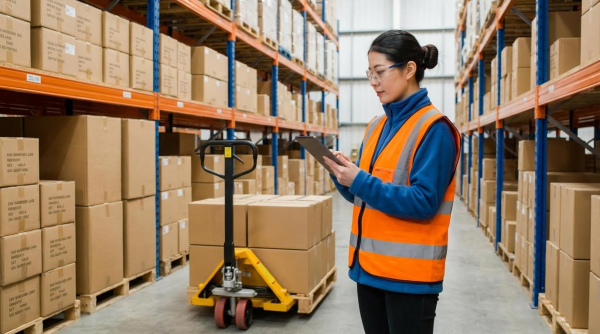
Operations teams that ask how to speed up warehouse picking usually face rising order volumes but fixed headcount. This article explains how to cut travel time, redesign pick methods, and use smarter slotting so each picker handles more lines per hour without burnout.
You will see how WMS logic, voice and light systems, and real-time data guide pickers along faster routes with fewer errors. The article then explores automation options such as AMRs, conveyors, and goods-to-person systems, plus AI and digital twins for continuous optimization. The final section summarizes the main levers so engineers, supervisors, and logistics managers can build a practical roadmap to higher picking productivity without adding staff.
Reducing Travel Time With Smarter Pick Methods
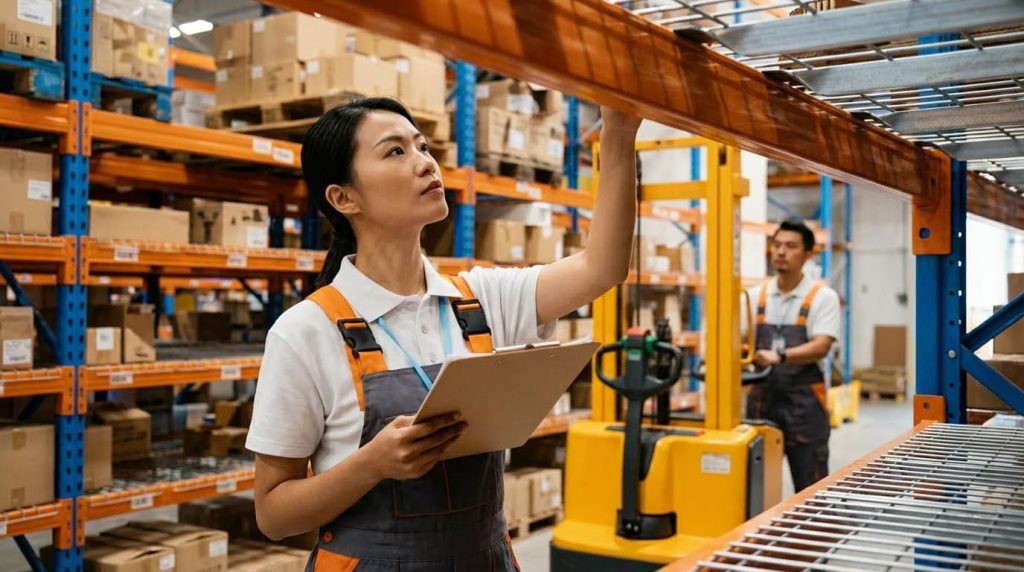
Travel time dominated picker effort in most warehouses. Knowing how to speed up warehouse picking started with smarter pick methods, not more people. This section explained how pick strategies, slotting, and layout design cut walking distance. It also showed how to track the impact using simple, reliable productivity metrics.
Batch, Wave, and Zone Picking Design
Batch, wave, and zone methods all reduced walking when designed correctly. Batch picking grouped orders so a picker collected lines for several orders in one pass. This cut repeat trips to the same locations and raised lines per hour. Wave picking released groups of orders by carrier, cut-off time, or zone, which smoothed workload and avoided peaks in one area.
Zone picking split the warehouse into defined areas. Each picker stayed inside one zone, which reduced travel distance and congestion. A typical design used:
- Fast-mover zones near packing
- Dedicated bulky-item zones
- Separate mezzanine or high-bay zones
Engineers evaluated each method with simple comparisons: average distance per pick run, lines per hour, and touches per order. Hybrid designs were common. For example, batch picking inside zones with short waves during peaks.
Slotting Optimization for High-Velocity SKUs
Slotting directly affected how to speed up warehouse picking because it set where feet moved. High-velocity SKUs created most lines, so engineers placed them in golden zones. These zones sat between knee and shoulder height and close to main travel aisles or packing. This reduced bending, reaching, and long walks.
Typical slotting rules included:
- Rank SKUs by pick frequency and cube movement.
- Place the top 20% of SKUs (by lines) in the closest locations.
- Group common-order SKUs to reduce zig-zag travel.
- Keep heavy items low and close to pallet paths.
A WMS or simple spreadsheet supported periodic re-slotting when demand shifted. Engineers checked that the gain in lines per hour justified the labor of re-slotting. They also watched congestion around fast-mover bays and adjusted aisle width or number of faces per SKU.
Optimized Pick Paths and Layout Redesign
Pick-path logic decided how a picker moved through the layout. A good path flowed in one direction with minimal backtracking. Common patterns were serpentine paths in narrow aisles and U-shaped paths that started and ended near packing. The goal was simple: fewer steps per line without hurting accuracy.
Layout redesign supported better paths. Engineers reviewed:
| Aspect | Design focus |
|---|---|
| Aisle length | Limit dead-ends that force backtracking |
| Aisle width | Allow two-way traffic where pick density is high |
| Pick face depth | Balance replenishment frequency and reach distance |
| Packing location | Place near fast-mover zones and main travel corridors |
Simple changes, like moving high-volume SKUs to the first third of an aisle, often cut travel time by double-digit percentages. Simulation or digital maps helped test different path rules before changing racking. Over time, teams refined layouts using heat maps from scan data to show high-traffic zones and bottlenecks.
Metrics: Lines per Hour and Travel Time
Clear metrics showed whether new methods really sped up warehouse picking. Lines per hour measured output per picker. Travel time per line measured how much walking each picked line required. Together, they separated true process gains from short-term effort spikes.
Common metric practices included:
- Track lines per hour by pick method and zone.
- Estimate travel time using step counters or time-motion studies.
- Compare before-and-after results for any layout or slotting change.
Engineers also watched secondary indicators. These included error rate, overtime hours, and near-miss incidents. A design that boosted lines per hour but raised errors or fatigue was not sustainable. The best setups delivered higher throughput, stable quality, and consistent picker effort over a full shift.
Leveraging WMS, Voice, and Light-Based Systems
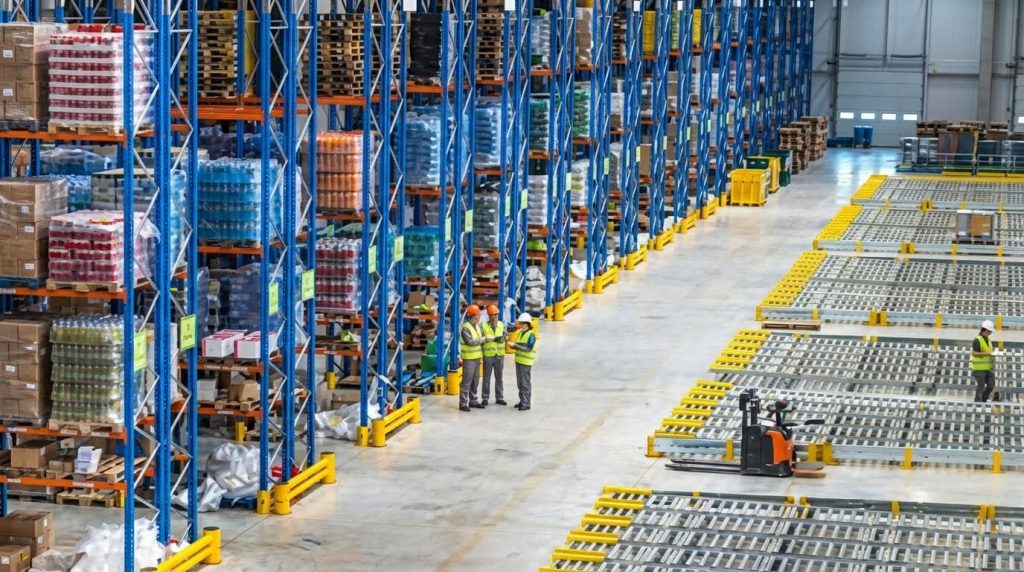
Modern software and guidance tools gave operations new answers to how to speed up warehouse picking. This section explains how WMS logic, voice workflows, and light-directed systems worked together to cut travel, errors, and idle time. It focuses on practical design choices that raised lines per hour without adding headcount. The goal is a clear playbook that engineers and managers could adapt to different warehouse sizes and SKU profiles.
WMS-Driven Order Release and Task Grouping
A capable WMS sat at the center of faster picking. It controlled when and how orders were released to the floor. Instead of first-in-first-out release, the system grouped work by:
- Shared locations or zones to shorten walking distance
- Order priority and carrier cut-off times
- Common carton sizes or handling type
Batch and cluster picking logic allowed one pass through an area to support many orders. This reduced duplicate travel and made better use of each picker’s route. Zone assignment inside the WMS limited each picker to a defined area, which cut congestion and simplified training. Engineers used historic order data to tune wave size, batch limits, and zone boundaries. They tracked before-and-after metrics such as average travel time per line, lines per hour, and pick density per meter walked.
Pick-by-Voice and Wearable Technologies
Pick-by-voice answered how to speed up warehouse picking while keeping hands and eyes free. Operators wore headsets and small mobile devices. The system gave spoken instructions and confirmed each pick by voice input or simple codes. This removed constant screen checks and reduced pauses at each location.
Wearable scanners and camera-based readers sat on the wrist or finger. They allowed instant barcode capture without setting cartons down. Sites that moved from RF guns to voice and wearables often reported double-digit gains in pick rate and lower fatigue. From an engineering view, voice worked best in repeatable, medium-velocity areas with clear location numbering. Planners had to verify network coverage, battery capacity, audio quality in noisy zones, and integration with WMS task management. Standard operating procedures defined exception handling, such as short picks or location mismatches, so flow stayed smooth.
Pick-to-Light, Put-to-Light, and Order Walls
Light-directed systems used visual cues instead of paper or screens. In pick-to-light, LEDs and displays mounted on rack faces lit up to show the active location and quantity. This suited dense storage with many small SKUs, where search time dominated. Operators moved along a line of lights and confirmed each pick with a button press. This cut visual search and reading errors.
Put-to-light and order walls reversed the logic. Workers brought bulk-picked items to a wall of light-equipped cubbies. Lights showed which order slot needed which quantity. This supported batch picking upstream and fast order sortation downstream. It worked well for e-commerce and piece-pick operations with high order counts and small line counts per order. Engineers assessed ROI by comparing lines per hour, error rates, and labor per 1 000 lines before and after deployment. They also checked mounting options, power and data cabling, and how quickly layouts could change when SKU ranges shifted.
Typical comparison factors included:
| Aspect | Pick-to-light | Put-to-light / Order wall |
|---|---|---|
| Main use | Line picking in dense pick faces | Order sortation and consolidation |
| Best for | High-velocity SKUs | High order count, low lines per order |
| Key benefit | Fast picks, low search time | High consolidation speed |
Real-Time Visibility and Error Reduction
Real-time data made every other method more effective. WMS dashboards, mobile apps, and large screens showed open work, picker status, and congestion points. Supervisors could reassign tasks when they saw queues build in one zone and slack in another. This supported dynamic answers to how to speed up warehouse picking during peaks.
Scanning at pick, pack, and ship created a traceable path for each order line. Systems flagged wrong-location scans or wrong item scans before cartons left the station. Some sites added automated weighing or vision checks at pack benches to catch quantity or item errors. Engineers monitored key indicators such as:
- Order accuracy rate and line accuracy rate
- Short picks and re-picks per 1 000 lines
- Average cycle time from release to ship confirm
They used this feedback to refine slotting, batch rules, and training. Over time, continuous tuning of rules and layouts often delivered more gain than one-time hardware changes.
Automation, Robots, and Advanced Analytics
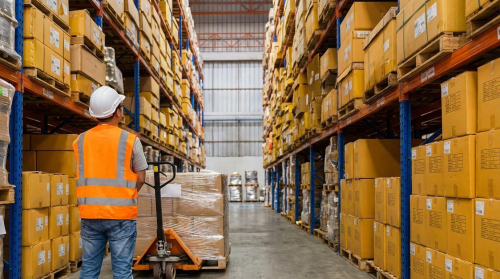
This section explains how to speed up warehouse picking using automation, robotics, and data analytics. The focus stays on cutting travel time, raising lines per hour, and improving accuracy without hiring new staff. Each technology ties back to practical gains in pick rate, walk time, and labor cost per order.
AMRs, AGVs, and Goods-to-Person Solutions
Mobile and goods-to-person systems change how to speed up warehouse picking because they cut unproductive walking. Autonomous mobile robots (AMRs) carried totes and carts between pick zones and packing, which reduced manual travel time by up to about 40–50% in reported projects. Automated guided vehicles (AGVs) followed fixed paths and kept cycle times stable in high-volume lanes. These systems let human pickers stay in small zones and focus on value-added picking.
Goods-to-person solutions moved shelves, trays, or totes to fixed workstations. Case studies reported more than 300 line picks per hour per station in well-designed systems. This worked because the system buffered and sequenced items so the operator never waited. To select between AMRs, AGVs, and goods-to-person, engineers compared:
- Required throughput and peak order volume
- Building constraints and rack layout
- SKU count and order profile (single-line vs multi-line)
- Needed flexibility for future re-slotting
When designed well, these systems increased throughput by roughly 25–40% while holding headcount flat.
Conveyor Integration and High-Bay Handling
Conveyors supported how to speed up warehouse picking by turning long walks into short hand-offs. A mid-sized operation that used zone-based conveyors and automated sortation reported about a 40% cut in manual travel and around a 25% rise in throughput. Conveyors linked pick modules, high-bay storage, packing, and shipping so cartons moved continuously. Pickers stayed in their zones and worked in a steady flow instead of chasing orders across the building.
High-bay handling used shuttles, cranes, or narrow-aisle solutions with conveyor-fed aisles. One narrow-aisle concept with roller conveyor trolleys reported about a 35% jump in productivity in tall racking. Typical layouts used:
- Automatic infeed with checking, scanning, and alignment of load carriers
- Vertical or shuttle storage for dense, high-bay buffering
- Conveyor take-away from pick or replenishment points
Mechanical engineers checked pallet or tote stability, transfer angles, accumulation pressure, and emergency stops. They also verified that conveyor speeds matched target pick rates so workers did not face surges or starvation.
AI, Machine Vision, and IoT for Route Optimization
AI, vision, and IoT gave a data-driven answer to how to speed up warehouse picking. Machine learning models analyzed past pick runs, travel paths, and congestion points. Some reinforcement learning approaches reportedly cut average pick-run distance by about 20%. These tools suggested better pick paths, zone boundaries, and task assignments. They also supported dynamic slotting based on current order mix.
Machine vision and optical recognition helped workers or robots find items faster. Vision systems identified cartons or items on shelves and in totes, which reduced search time and mis-picks. Reported projects saw error reductions of roughly 40–60% with AI-powered verification and optical checks. IoT sensors and RFID tags streamed location and status data in real time. This gave accurate inventory visibility and reduced time lost to hunting for stock.
Typical use cases included:
- Real-time route updates when congestion or blockages appeared
- Automatic exception flags when a wrong item entered a tote
- Condition monitoring of conveyors and shuttles to avoid unplanned stops
Together, AI, vision, and IoT raised lines per hour and cut rework without adding pickers.
Digital Twins and Data-Driven Continuous Improvement
Digital twins turned the question of how to speed up warehouse picking into a simulation problem. A digital twin mirrored racks, conveyors, AMRs, and labor rules inside a software model. Engineers tested new pick methods, slotting, and routing in the model before changing the real site. This reduced risk and shortened improvement cycles.
Data platforms fed the twin with live metrics such as pick rate, travel time per line, and queue length at each workstation. Teams then tried scenarios like new AMR fleet sizes, different batch sizes, or revised wave rules. They compared outcomes on:
- Lines per labor hour
- Average and peak travel distance per order
- Utilization of key assets such as conveyors and high-bay cranes
Over time, this approach supported continuous improvement loops. Operations teams applied small layout or rule changes, measured impact, and fed results back into the model. This kept the system near its best operating point even as order profiles and SKU ranges changed.
Summary: Key Levers to Boost Picking Productivity
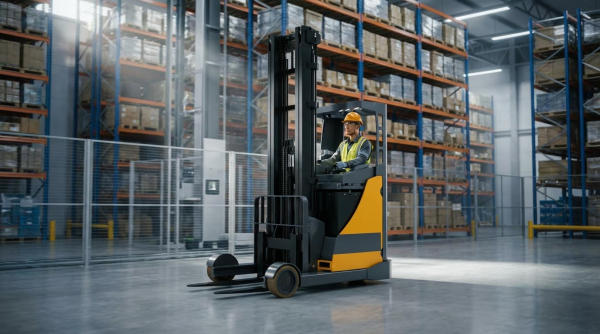
Operations teams that ask how to speed up warehouse picking should focus on travel time, guidance, and flow control. The most effective programs combined smarter pick methods, WMS logic, and targeted automation rather than extra headcount.
From a methods view, batch, wave, and zone picking cut walking distance and congestion. Dynamic slotting moved the top 10–20% velocity SKUs to optimal zones and heights, which reduced reach and search time. Engineered pick paths and compact layouts shortened average routes and raised lines per hour without stressing operators.
On the system side, WMS-driven order release grouped tasks by priority, proximity, and common items. Voice and light-based technologies gave clear, hands-free instructions and visual cues, which improved pick accuracy and reduced rework. Real-time visibility into pick rates, error hotspots, and travel time supported fast adjustments during peaks.
Automation and analytics then extended these gains. AMRs, conveyors, and goods-to-person solutions took over non-value-adding travel and vertical moves. AI, machine vision, and IoT data optimized routes, slotting, and labor allocation in near real time. Digital twins helped test new layouts and pick strategies in a virtual model before physical changes.
In practice, leaders should start with process and data, then layer in technology where payback is clear. A balanced roadmap blends quick wins, such as better slotting and pick paths, with phased investments in guidance systems and mobile robots. This staged approach raised throughput, protected accuracy, and showed how to speed up warehouse picking without adding staff.