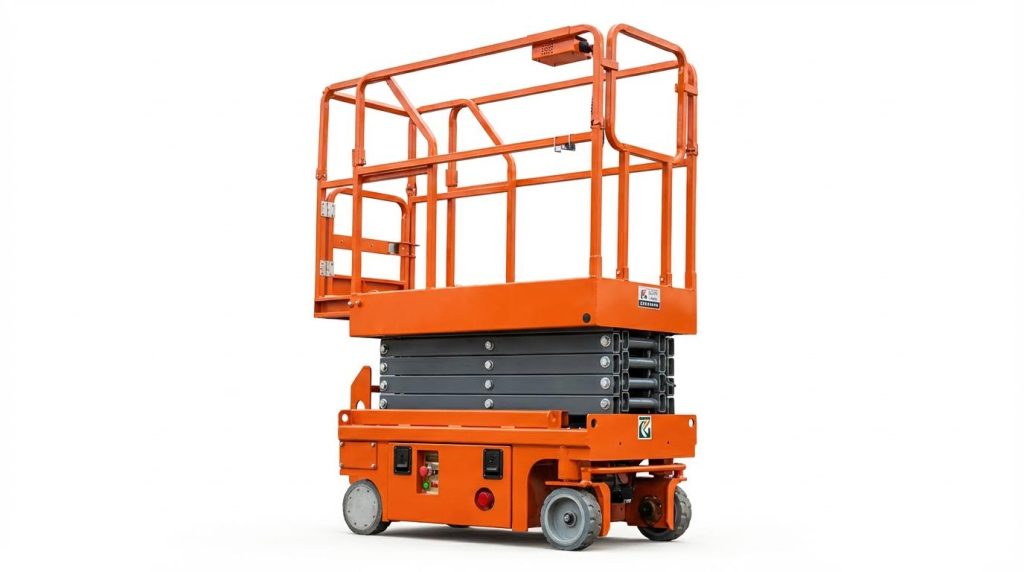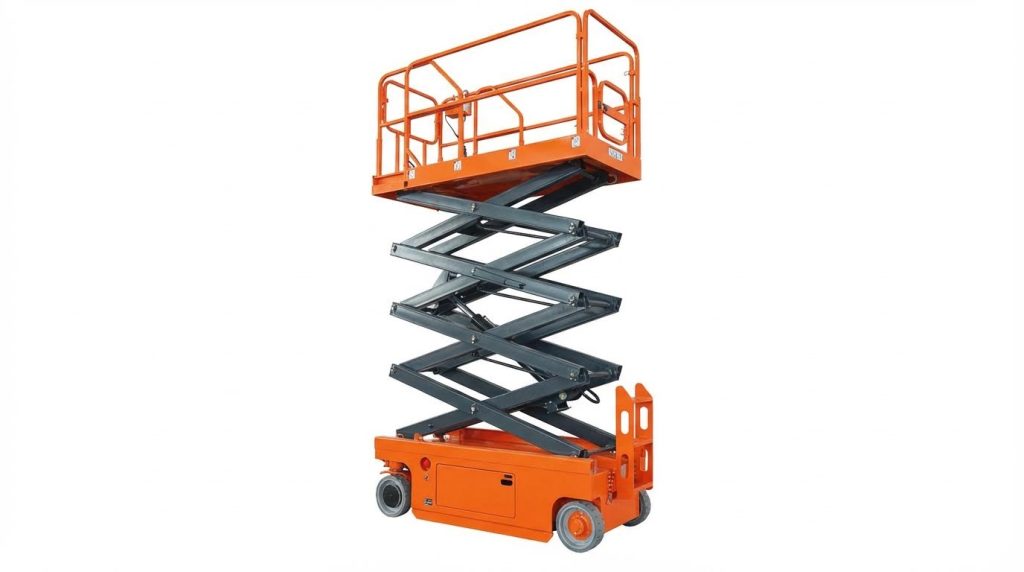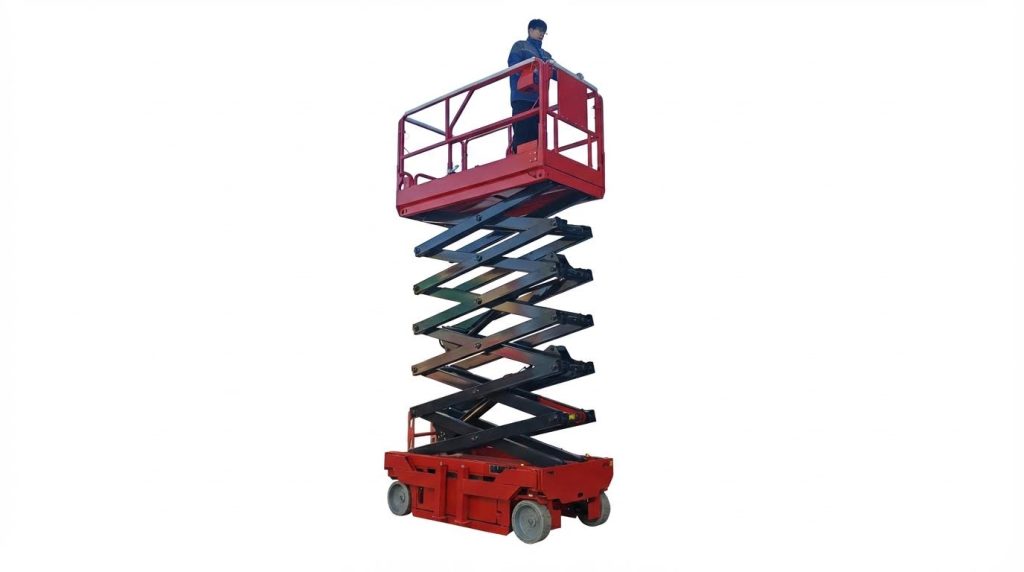
If you are asking “why won’t my aerial platform lift,” the answer almost always sits in three areas: safety interlocks, electrical supply, or hydraulic pressure. This guide walks you through each, step by step, before you call for service. You will learn what to check with a multimeter, what to inspect in the hydraulic circuit, and how lockout/tagout can intentionally hold the machine down. Use it as a structured, safety-first workflow, not a guesswork checklist.
Core Reasons An Aerial Lift Will Not Elevate
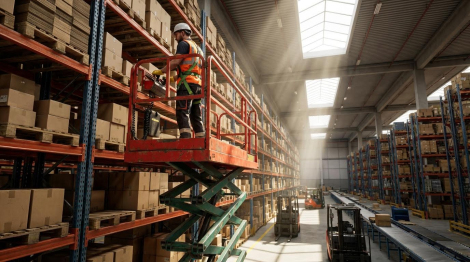
The core reasons an aerial lift will not elevate fall into three groups: safety interlocks stopping motion, basic electrical power or control faults, and hydraulic load, level, or pressure problems. These explain most “why won’t my aerial platform lift” complaints.
- Safety interlocks active: Tilt, overload, or external shutdowns block lift – prevents unsafe elevation and can fully disable hydraulics.
- Power or control loss: Flat batteries, bad connections, or tripped breakers – controls energise nothing, so pumps and valves never run.
- Hydraulic issues: Wrong/low oil, air, or low pressure – cylinders cannot build enough force to lift the platform.
- Mechanical/structural protection: Out-of-level chassis or outriggers not set – controller locks lift to avoid tip-over.
- Operator input/sequence errors: E‑stop in, key in wrong position, wrong station active – machine behaves as “dead” even though it is healthy.
💡 Field Engineer’s Note: When an aerial platform suddenly refuses to lift but still steers or drives, start with interlocks and basic power. Full hydraulic strip-down is almost never the first answer.
How Interlocks And Safety Circuits Block Lift
Interlocks and safety circuits block lift by electronically telling the controller to inhibit hydraulic functions when overload, tilt, or external stop conditions exist. This is often the hidden reason “why won’t my scissor platform lift” even though it powers on.
- Overload interlock: Load-sensing or platform capacity monitoring detects excessive kg on the deck – controller inhibits lift and boom extend until weight is within the rated capacity.
- Tilt/level interlock: Chassis tilt sensors detect out-of-level conditions – once above a few degrees, lift is locked out to prevent tip-over on slopes.
- Height/tilt combination logic: Some machines allow limited lift when low, but lock further elevation above about 3 m if tilt is out of range – you may get initial movement then a hard stop.
- External shutdowns: Base emergency stop, fire system, or remote shutdown circuits open – controller sees “shutdown active” and blocks hydraulic enable outputs.
- System interlock codes: Controllers display messages or flash codes (for example, overload, underload, tilt, external shutdown) when an interlock is active – diagnostic codes point to the exact lockout condition according to OEM service documentation.
| Interlock Type | Trigger Condition | Typical Symptom | Operational Impact |
|---|---|---|---|
| Overload | Platform load above rated kg | No lift / no extend, other functions OK | Reduce tools/materials until within plate rating to restore lift |
| Tilt | Chassis tilt beyond safe degrees | Lift disabled, may show tilt alarm | Reposition machine on level ground before elevating |
| External shutdown | E‑stop or remote stop active | All hydraulic functions dead | Reset all emergency stops at upper and lower controls |
| Sensor out-of-range | Height/angle sensor voltage outside 0.5–4.5 V window | Interlock fault code, no elevation | Inspect sensor wiring and calibration with diagnostic tool |
How to quickly check for active interlocks
1) Read any dash or display messages before cycling power. 2) Confirm all emergency stop buttons are released at both control stations. 3) Verify the platform is not overloaded and the machine is on firm, level ground. 4) If equipped, use the diagnostic or EZ‑style tool HELP menu to read active interlock reasons and associated flash codes, such as overload or tilt lockout, as described in manufacturer service manuals. 5) Clear the physical cause (weight, slope, outriggers not set) before attempting to override anything; never bypass safety devices.
Basic Electrical Checks Before Deeper Diagnostics
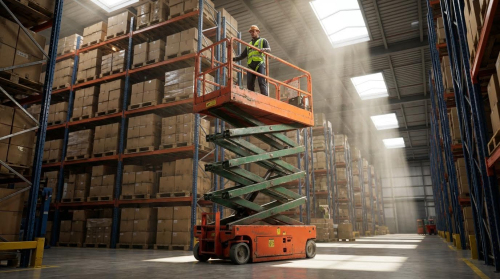
Basic electrical checks focus on batteries, main disconnects, emergency stops, fuses, and circuit breakers, because low voltage or open circuits are the most common reasons why an scissor platform lift will not lift at all.
- Battery switch and key switch: Confirm the battery/master switch and key switch are ON – if either is off, no power reaches the control modules or valve coils per OEM troubleshooting guidance.
- Emergency stop buttons: Verify all E‑stops at upper and lower controls are pulled out – a single pressed E‑stop can kill lift functions while leaving some indicators live.
- Battery charge and condition: Check state of charge and clean corrosion – low voltage or sulphated batteries cause control modules to drop out and may trigger voltage-related flash codes as noted in diagnostic tables.
- Main fuse and circuit breaker: Inspect and reset the breaker in the lower control box – a tripped breaker often indicates wiring damage or excessive current at valve coils or actuators per service manuals.
- Terminal block module (TBM): Ensure the TBM terminals are tight and powered – if the TBM does not pass power from the key switch, no downstream function can energise according to OEM descriptions.
- Cable and connector integrity: Inspect for loose, corroded, or damaged cables and plugs – poor connections cause intermittent lift or sudden stops as highlighted in maintenance guidance.
| Check Item | What To Look For | Why It Stops Lift | Operational Impact |
|---|---|---|---|
| Battery voltage | Fully charged, no corrosion | Low voltage drops control modules and valves | Charge/replace battery to restore normal lift speed and reliability |
| Main breaker/fuse | Not tripped, correct rating | Open circuit kills pump and control power | Reset and correct root cause (short or overload) |
| E‑stop buttons | All released at both stations | Open safety loop disables hydraulics | Resetting E‑stops often instantly restores lift |
| Control wiring | No damaged or loose connectors | Broken signal wires prevent coils energising | Repair harnesses to stop intermittent “dead” joystick |
💡 Field Engineer’s Note: On electric scissors and booms, 70–80% of “dead lift” calls have been simple: flat batteries, dirty posts, or a tripped breaker. Always meter battery voltage under load before blaming electronics.
Why CAN-bus and modules matter, but later
Modern aerial platforms use microprocessor control modules linked via low-voltage CAN-bus communication between upper and lower controls. These systems are robust and sealed for long, trouble-free operation, but applying more than the specified 12 V to any module can cause catastrophic failure. Because of this, field troubleshooting starts with external power and wiring checks before probing modules. Only after confirming correct battery voltage, intact breakers, and good connections should you interpret flash codes and CAN-bus diagnostics with the manufacturer’s procedures.
Hydraulic Load, Level, And Pressure Conditions
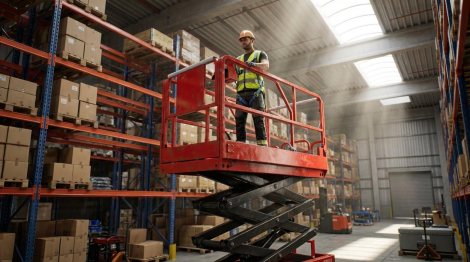
Hydraulic load, machine level, and system pressure conditions determine whether the cylinders can physically raise the platform, so overload, out-of-level setup, low oil, or low pressure are frequent answers to “why won’t my scissor platform lift lift.”
- Platform overload: Excessive kg on the platform exceeds rated capacity – the machine may refuse to raise or extend until you reduce the load as specified in OEM troubleshooting sections.
- Out-of-level chassis: If the machine is not level, especially with the platform above about 3 m, the controller can inhibit further lift – you must reposition to level ground before elevating per manufacturer instructions.
- Hydraulic oil level: Low oil in the tank introduces air and starves the pump – cylinders shudder, move slowly, or fail to lift under load according to troubleshooting guides.
- Oil type and viscosity: Using non‑recommended or single‑grade oil can cause sluggish or incorrect operation, particularly in cold or hot climates – multi‑viscosity fluids are specified to suit a wide temperature range and protect pumps and motors per hydraulic maintenance sections.
- Contaminated or aerated fluid: Dirt, water, or air in oil causes pressure loss and erratic cylinder movement – filters and affected components must be cleaned or replaced as maintenance sources explain.
- Main system pressure: If pump flow or pressure is low, the lift function cannot develop enough force – checking pump output and relief valve settings is essential when other basics are correct according to OEM hydraulic diagnostics.
| Hydraulic Factor | Typical Problem | Result on Lift | Best For / Real-World Impact |
|---|---|---|---|
| Platform load | Load exceeds rated kg | No lift or very slow lift | Keep within nameplate rating to avoid automatic lockout |
| Machine level | Chassis not level, outriggers not set | Lift function inhibited | Set outriggers and use on flat slabs for full stroke elevation |
| Oil level | Oil below sight gauge | Cavitation, jerky or no movement | Top up before use to protect pump and ensure smooth lift |
| Oil quality | Wrong grade or contaminated | Slow, noisy, or weak lift | Use specified multi‑viscosity fluid for reliable operation in 0–40°C environments |
| System pressure | Low pump or relief mis‑set | Platform stalls under load | Requires pressure tests and qualified adjustment, not “guessing” with a spanner |
💡 Field Engineer’s Note: If the platform lifts empty but not with people or materials onboard, think hydraulics and load: check capacity, oil level, and system pressure before chasing obscure electrical faults.
Quick field method to separate electrical vs hydraulic causes
1) Listen for the hydraulic pump when you command lift. If there is no pump sound, suspect electrical issues: E‑stops, keys, breakers, or coil power. 2) If the pump runs but the platform does not move or stalls under moderate load, suspect hydraulic problems: low oil, contamination, air, or low pressure. 3) If the pump runs and the platform
“”
Safety Lockouts, LOTO, and Preventive Practices
Safety lockouts, formal LOTO, and preventive checks are the main reasons “why won’t my aerial platform lift” can be traced and fixed without injuring anyone. This section links interlocks, lockout steps, and routine maintenance into one workflow.
- Core Idea: Treat every “no lift” complaint as a potential lockout – assume the machine is correctly preventing unsafe motion until you prove otherwise.
- Goal: Control all energy (electrical, hydraulic, mechanical) before hands go near cylinders, booms, or wiring – this is how you prevent crush and electrocution incidents.
Many “dead” machines are actually doing their job: overload, tilt, or an active LOTO is blocking lift to comply with safety standards such as ANSI A92 and OSHA lockout/tagout rules. Understanding these protections lets you restore lift safely instead of bypassing them.
💡 Field Engineer’s Note: When a platform suddenly refuses to lift after moving the chassis or adding tools, check for tilt or overload lockouts before you touch a single wire; 90% of “mystery” no-lift calls in the field come from those two conditions.
Machine Interlocks, Overload, And Tilt Lockout
Machine interlocks, overload, and tilt lockouts are intentional electronic and hydraulic blocks that answer “why won’t my scissor platform lift” whenever the machine detects unsafe load, angle, or an external shutdown. If you ignore them, you risk a tip-over or structural failure.
Modern platforms monitor weight, height, and chassis angle through sensors and the control module. When conditions go out of range, the controller disables elevation and logs an interlock or fault code, often visible on the display or via a diagnostic tool such as EZ-Cal. These are not “nuisance faults”; they are engineered barriers.
| Interlock Type | Typical Trigger Condition | What The Machine Does | Operational Impact / What To Check |
|---|---|---|---|
| Overload lockout | Platform load exceeds rated capacity or sensor output out of range | Elevation and sometimes boom extend are disabled | Remove tools/material, re-weigh; many systems log “functions locked due to overload” with flash code 2/2 System interlock messages |
| Tilt lockout | Chassis angle exceeds allowed slope with platform raised | Lift and sometimes drive are blocked until level | Lower if possible, then reposition on level ground; many units inhibit lift above about 3 m when out of level Platform will not raise if out of level |
| External / emergency shutdown | Emergency stop pressed, key off, or external E-stop circuit open | All motion, including lift, is disabled | Reset E-stops, confirm key switch position, and check any remote shutdown circuits Common electrical malfunctions |
| System interlock / HELP message | Controller detects unsafe condition (overload, tilt, underload, sensor fault) | Selected functions locked; flash code 2/2 often displayed | Use HELP menu or EZ-Cal to read the specific interlock text and guided fault tree Interlock messages and HELP feature |
- Overload Interlock: The controller compares sensor feedback against rated capacity – if you exceed it, elevation is blocked to prevent cylinder or structure overload.
- Tilt Interlock: Tilt sensors feed height-dependent limits to the control module – at higher platform heights, the allowable chassis slope shrinks to protect stability.
- External Shutdowns: Emergency stops, key switches, or remote E-stop circuits open the safety loop – this kills power to lift valves even if joysticks still move.
- Diagnostic Messages: Flash code 2/2 and HELP screens identify which interlock is active – reading them is faster and safer than guessing or jumping wires System interlock messages and HELP.
How to quickly separate a “real” fault from an intentional lockout
First, confirm basic power: key on, battery charged, emergency stops released, and no tripped circuit breaker in the lower control box Battery and breaker checks. Next, check the display or EZ-Cal HELP menu for interlock text. If you see overload/tilt or flash code 2/2, correct the condition (unload, level the chassis) before chasing wiring or hydraulics.
From a safety standpoint, you must never bypass or jumper these circuits to “get the job done.” Doing so not only violates standards but also removes the engineered margin that keeps a 200–450 kg platform load stable at 10–20 m height.
Formal Lockout/Tagout Steps For Aerial Platforms
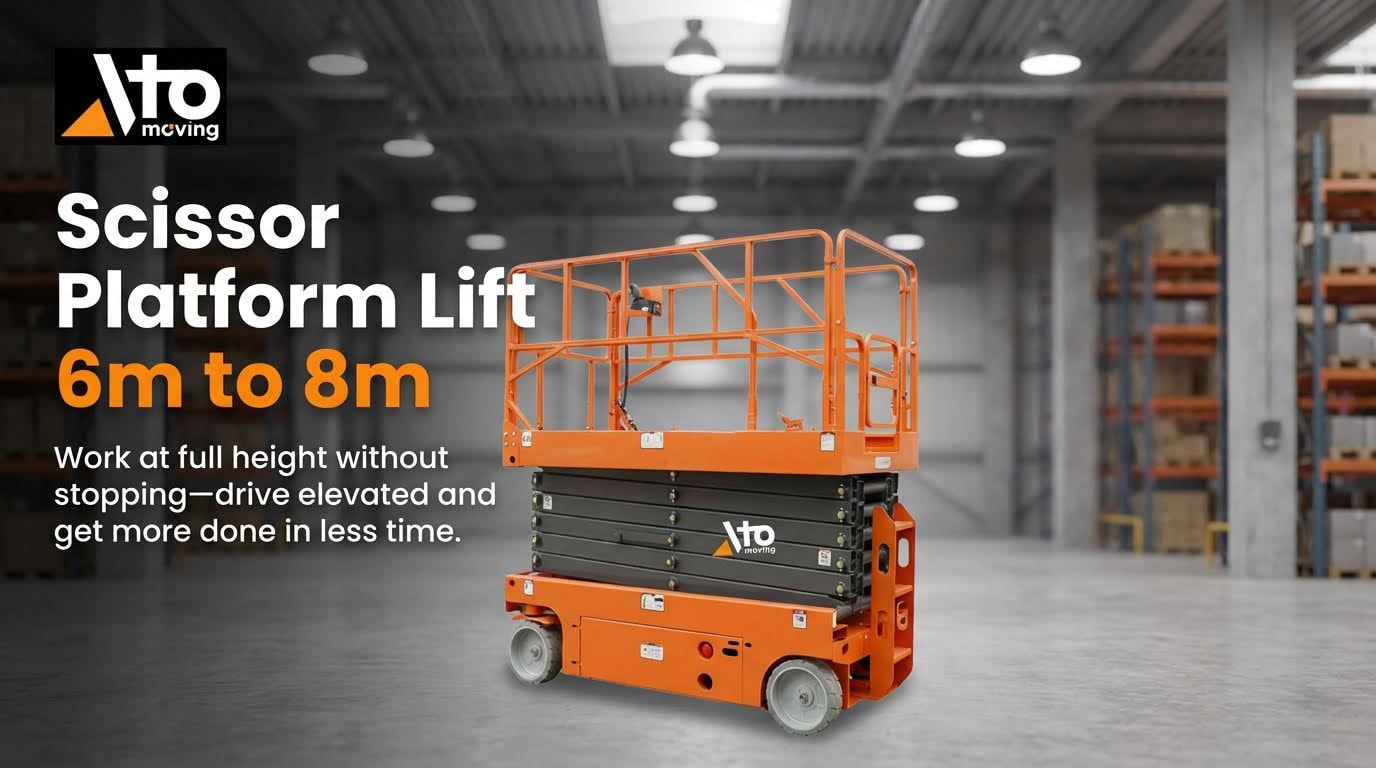
Formal lockout/tagout (LOTO) for scissor platform lift is a structured process that isolates electrical and hydraulic energy so you can safely diagnose “why won’t my aerial work platform lift” without risk of unexpected movement. The exact steps vary by model, but the sequence is consistent.
Because control layouts and power sources differ, there is no one universal LOTO script for every lift. However, you can adapt a standard checklist to each machine, then codify it into your site procedure and operator training.
- Secure the work area: Park on firm, level ground away from traffic – this prevents roll-away or tip risk while you focus on energy isolation.
- Lower and stow the platform/boom: Bring the platform fully down and fold or retract booms into the transport position – reduces stored potential energy and fall distance.
- Engage mechanical transport locks: Install or engage any manufacturer-provided boom or scissor locks – a physical lock backs up hydraulic and electrical isolation LOTO basics.
- Activate emergency stop(s): Push in all E-stop buttons at upper and lower controls – this opens the safety circuit and kills command power to valves and drives.
- Turn off and remove the control key: Switch key to OFF and remove it from the panel – prevents unauthorized restart while you are working.
- Isolate main electrical power: Open, switch off, or padlock the battery disconnect or main power switch if fitted – this is your primary electrical lockout point Battery disconnect lockout.
- Apply lock and weather-resistant tag: Attach personal locks and durable tags at upper and lower controls stating issue, date, and responsible person – this makes the hazard and ownership visible to everyone on site Tag requirements.
- Verify zero energy: Attempt to operate lift and drive from both control stations – no response confirms that your lockout is effective before you touch hydraulic or electrical components.
- Control residual hydraulic energy: Slowly crack test ports or use manufacturer bleed procedures if you must open lines – this avoids sudden boom creep when hoses or cylinders are disconnected Hydraulic fluid precautions.
- Document and report: Log the LOTO event and fault in your maintenance or safety system and notify supervision – this supports traceability and compliance Safety documentation and reporting.
- Customize per machine: For truck-mounted lifts, engine, PTO, and brake circuits may require extra isolation; for electric scissor lifts, focus on battery and charger circuits – your written procedure must reflect those specifics Customization of LOTO procedures.
When and how to remove LOTO and test lift again
After repairs, confirm all guards and covers are reinstalled and tools are cleared. Inform affected workers that you will remove locks. Remove only your personal locks and tags, re-energize the main disconnect, reinstall the key, and reset E-stops. Then perform a low-height function test in a clear area, checking lift, lower, and emergency lowering functions before returning the platform to service Emergency lowering checks.
- Preventive Maintenance Tie-In: Many “won’t lift” events are avoided by scheduled inspections of hydraulic oil level, hoses, valves, and electrical cables – this keeps interlocks from tripping due to avoidable faults like leaks or low pressure Hydraulic oil and pipelines Hydraulic and electrical wear signs.
- Inspection Frequency: Following a 6‑month inspection cycle for electric lifts and regular engine and filter service for diesel units significantly reduces unexpected lockouts and downtime Preventive maintenance schedule.
When you combine disciplined LOTO with respect for overload and tilt interlocks, “why won’t my aerial platform lift” stops being a guessing game and becomes a controlled, repeatable diagnostic process that protects both people and equipment.
“”
Final Thoughts On Restoring Safe Lift Operation
Restoring a non‑lifting aerial platform is not about chasing random faults. It is about following a clear, safe sequence. Start with interlocks and lockouts. Confirm the machine is not correctly preventing unsafe motion through overload, tilt, or emergency stops. Read messages and flash codes instead of bypassing safety circuits.
Next, prove your electrical supply. Check keys, E‑stops, breakers, and battery voltage under load. Only when power and safety loops are correct should you move to hydraulics. Then verify platform load, machine level, oil level, oil quality, and system pressure before suspecting deeper component failure.
Formal lockout/tagout must sit over all of this. Isolate electrical and hydraulic energy before hands go near cylinders, booms, or wiring. Use mechanical locks, tagged disconnects, and a written procedure tailored to each lift type in your fleet, including Atomoving units.
For operations and engineering teams, the best practice is simple. Treat every “won’t lift” event as a safety event first, a technical fault second. Apply LOTO, follow a standard diagnostic path, and back it with regular inspections of electrical and hydraulic systems. This approach cuts downtime, prevents repeat failures, and protects people working at height.
Frequently Asked Questions
Why won’t my aerial work platform lift?
If your aerial work platform isn’t lifting, start by checking the hydraulic fluid levels. Low fluid can prevent proper operation. Inspect for leaks or damaged hoses and ensure there is no air in the hydraulic lines. If these checks don’t solve the issue, verify that all latches are secure and that sufficient air pressure is present in pneumatic systems. Scissor Lift Troubleshooting Guide.
- Check hydraulic fluid levels and refill if necessary.
- Inspect for hydraulic leaks or damaged hoses.
- Ensure there is no air in the hydraulic system.
- Verify that all latches are properly secured.
- Confirm adequate air pressure in pneumatic systems.
What should I do if basic checks don’t fix the lift problem?
If basic troubleshooting steps like checking fluids and pressures don’t resolve the issue, consult a professional technician. Attempting complex repairs without experience could lead to further damage or safety hazards. Regular maintenance by experienced suppliers can prevent many common issues. Lift Maintenance Tips.
- Contact a professional technician for advanced diagnostics.
- Avoid attempting complex repairs without proper training.
- Schedule regular maintenance to prevent future issues.