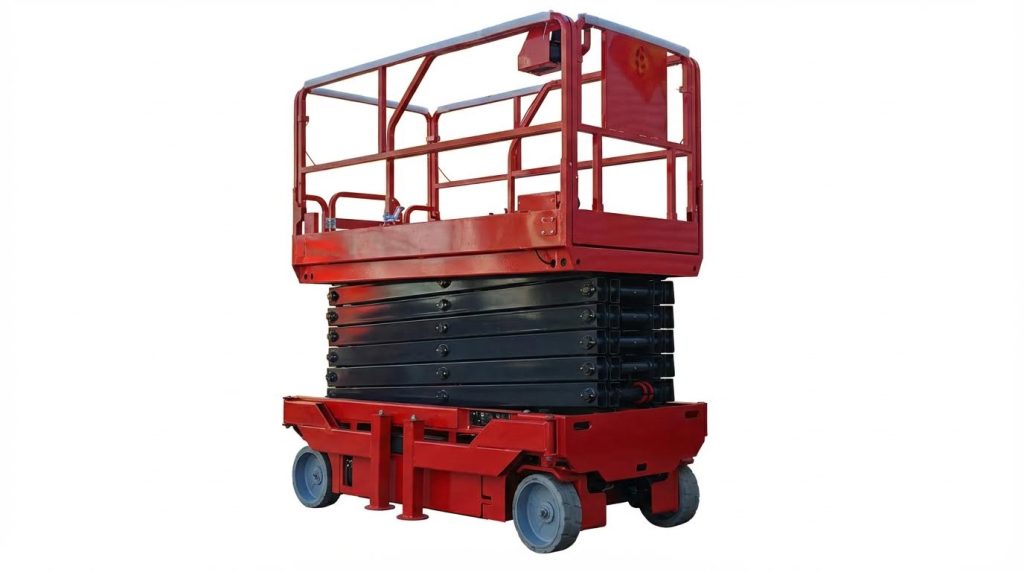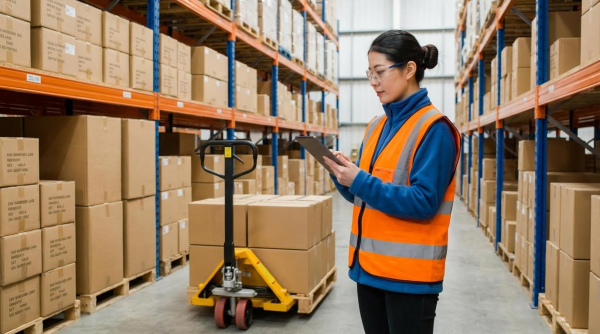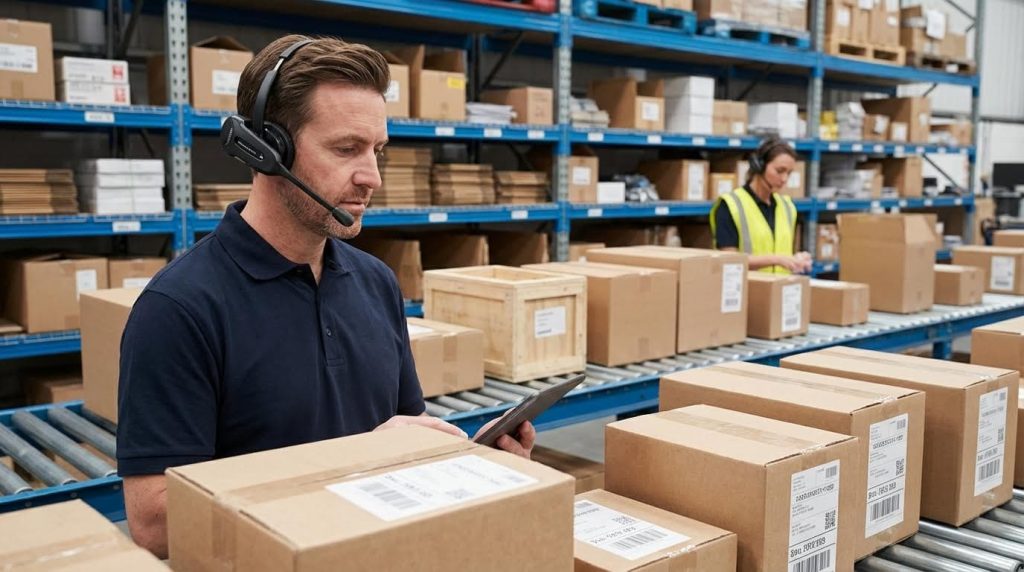
To increase warehouse picking speed without more staff, you must remove wasted travel, redesign storage, and use smarter systems rather than brute-force labor. This guide explains how to speed up warehouse picking by optimizing layout, slotting, software, and light-touch automation so your existing team can pick more lines per hour with less fatigue and fewer errors. Consider using tools like manual pallet jack, semi electric order picker, or even a drum dolly to streamline operations. Additionally, integrating an aerial platform can further enhance efficiency.
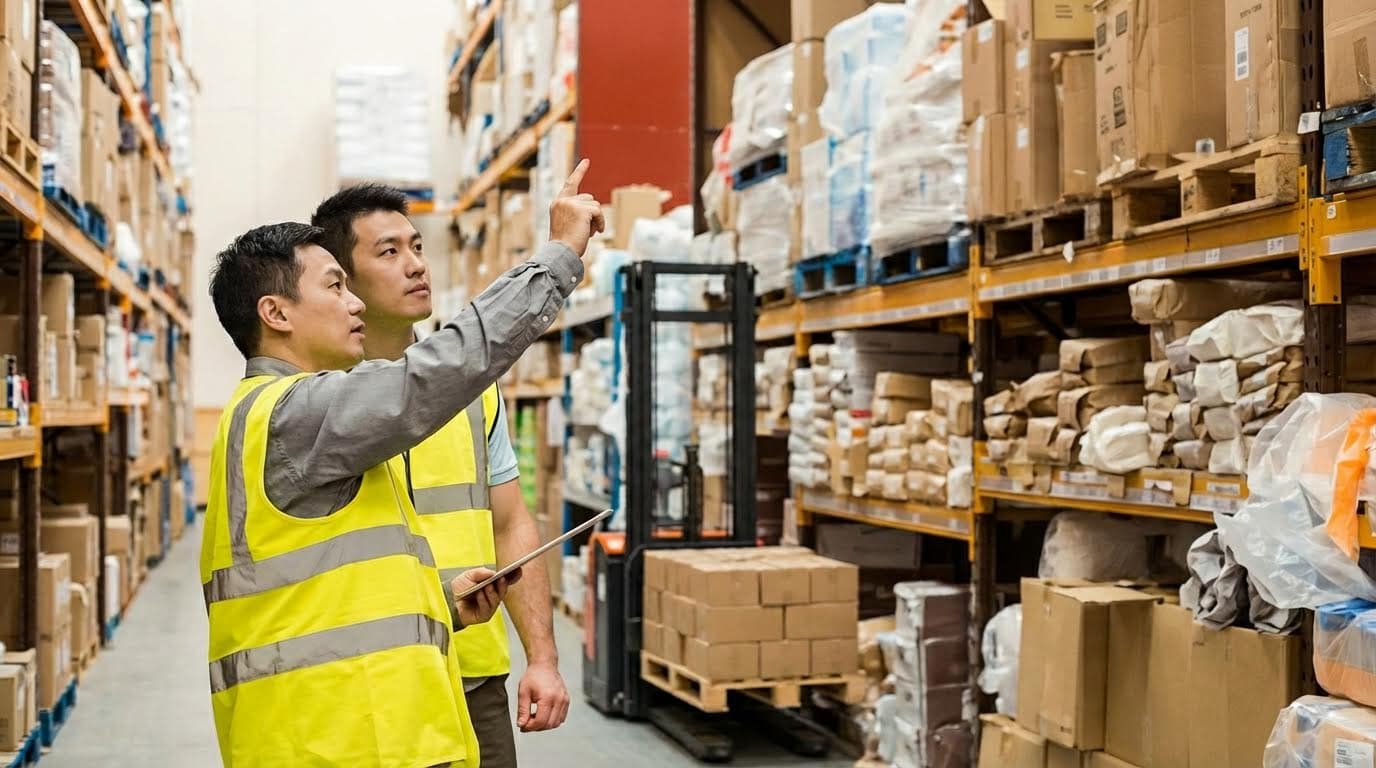
Core Principles For Faster Picking With Existing Labor
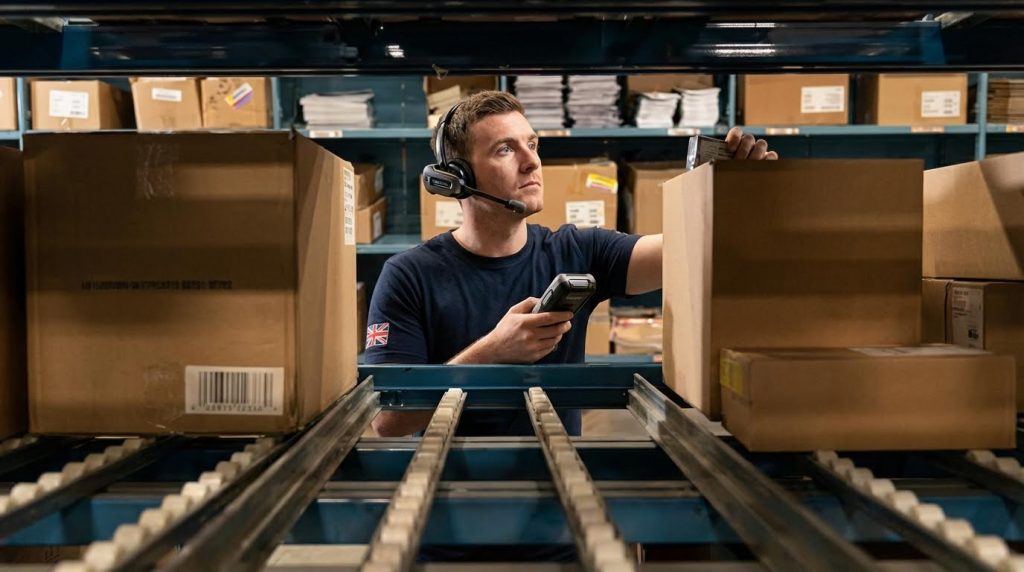
Core principles for faster picking with existing labor focus on cutting walking distance, removing bottlenecks, and improving ergonomics before buying new automation. If you want to know how to speed up warehouse picking without more staff, you start here.
The goal is to move each picker fewer meters per line, with fewer stops and decisions. That means mapping your current flows, then redesigning layout and slotting so the fastest movers sit in the most accessible, low-strain zones.
Mapping current flows and bottlenecks
Mapping current flows and bottlenecks means turning your daily picking chaos into a measurable process map so you can remove wasted travel and delays. You cannot speed up picking sustainably if you do not know where time is really going.
- Start with data, not opinions: Pull pick lines per zone, per SKU, and per picker – this shows where most walking and waiting happens.
- Overlay physical travel paths: Walk with pickers and trace typical routes on a scaled layout (in mm or m) – this reveals backtracking and cross-traffic.
- Identify congestion points: Note where two or more pickers regularly queue or wait – these are prime candidates for layout or process changes.
- Measure handling touches: Count how many times each carton or tote is handled before packing – extra touches are hidden time losses.
- Link KPIs to locations: Tie low pick rates and high error rates to specific aisles or bays – this connects performance issues to physical causes.
Use simple KPIs like picks per hour, travel distance per pick, and error rate by area to quantify each bottleneck. Tracking these over time lets you see the real impact of layout and slotting changes on how to speed up warehouse picking. Consistent KPI tracking highlights inefficiencies and validates improvements.
| Bottleneck Type | How To Detect | Typical Metric Impact | Operational Impact |
|---|---|---|---|
| Excess walking | Long, looping pick paths on layout map | Low picks/hour, high meters walked per pick | Pickers fatigue early; hard to scale volume without more staff |
| Aisle congestion | Regular queues at same aisles or bays | Idle time per order increases | Throughput stalls at peak; safety risk from traffic conflicts |
| Search time at location | Pickers pause to find SKUs in bays | Variable pick times per line | Inconsistent performance; training new staff takes longer |
| Poor ergonomics | Frequent bending, reaching above 1.8 m | Slower second-half-of-shift pick rates | Higher fatigue and errors; more strain injuries |
How to capture travel distance without expensive tools
You can start with simple methods: use pedometers or wearable trackers to log steps per shift, then convert to meters (steps × average step length). Combine this with time-stamped pick data from your WMS to estimate meters walked per order and per line. Even a one-week sample across different shifts will reveal which zones drive the most travel.
💡 Field Engineer’s Note: When you map flows, do it on your busiest days, not quiet ones. Peak-season congestion patterns are often completely different, and designing only for average days leaves you stuck with gridlock exactly when you need maximum throughput.
Layout, slotting, and ABC-based storage design
Layout, slotting, and ABC-based storage design use engineering logic to place fast-moving SKUs in the shortest, safest reach zones so each pick takes fewer seconds and fewer meters of walking. This is usually the fastest, lowest-cost way to boost picking speed with your existing team.
First, classify inventory using ABC analysis so you know which 10–20% of SKUs generate most lines. Then redesign the physical layout so these A-items sit closest to packing or main pick paths, at ergonomic pick heights, with clear, uncongested access.
- Run ABC analysis on order lines: Classify A, B, C based on pick frequency or revenue – this tells you which SKUs deserve prime locations.
- Prioritize A-items near dispatch: Move A SKUs to locations closest to packing or consolidation – this cuts travel distance immediately.
- Use ergonomic pick zones: Keep A and high-volume B SKUs roughly between 700–1,500 mm from floor – this minimizes bending and overhead reaching.
- Reserve lower and upper bays for C-items: Put slow movers below 700 mm or above 1,800 mm – less impact on average pick time.
- Keep aisles straight and clear: Remove obstacles and maintain consistent aisle widths – this reduces slowdowns and safety incidents.
Placing high-velocity SKUs closer to picking or packing stations reduces unnecessary movement and improves pick speed without adding labor. Even modest changes in slot placement or aisle structure can yield measurable gains in order throughput. Optimizing warehouse layout around fast movers is a proven lever for faster picking.
ABC analysis typically shows that about 20% of SKUs (A-items) generate roughly 80% of revenue or activity. These items should sit in the most accessible, shortest-walk locations to increase efficiency without major process changes. manual pallet jack can be used to optimize the movement of these items.
| Class | Typical Share of SKUs | Typical Share of Activity/Revenue | Recommended Storage Zone | Operational Impact |
|---|---|---|---|---|
| A | ~20% | ~80% | Closest 10–30 m to packing, 700–1,500 mm height | Maximizes speed on most picks; major cut in walking distance |
| B | ~30% | ~15% | Mid-distance aisles, 500–1,700 mm height | Balanced access; moderate impact on walking and ergonomics |
| C | ~50% | ~5% | Furthest aisles, below 700 mm or above 1,800 mm | Keeps slow movers out of prime space; minor effect on daily speed |
Dynamic slotting for seasons and promotions
Static slotting quickly becomes outdated when demand shifts. Use demand forecasting and WMS data to re-slot high-demand SKUs before peaks so they move into A zones temporarily. Dynamic slotting aligned with seasonal demand keeps high-demand products accessible. This keeps walking distance low even as order profiles change.
- Protect traffic flow: Separate main travel aisles (for long moves) from pick aisles (for short in-and-out moves) – this cuts cross-traffic delays.
- Standardize bay labeling: Use clear, logical location codes and signage – this reduces search time and speeds up new-hire training.
- Align with picking method: Cluster SKUs commonly ordered together – this shortens multi-line orders in batch or cluster picking.
💡 Field Engineer’s Note: When you re-slot A-items closer to packing, check floor flatness and rack condition in those “prime” zones. Uneven floors or damaged beams force slower trolley or pallet handling, which can quietly erase much of the theoretical time saving from your new layout.
Engineering Levers: Systems, Equipment, And Data
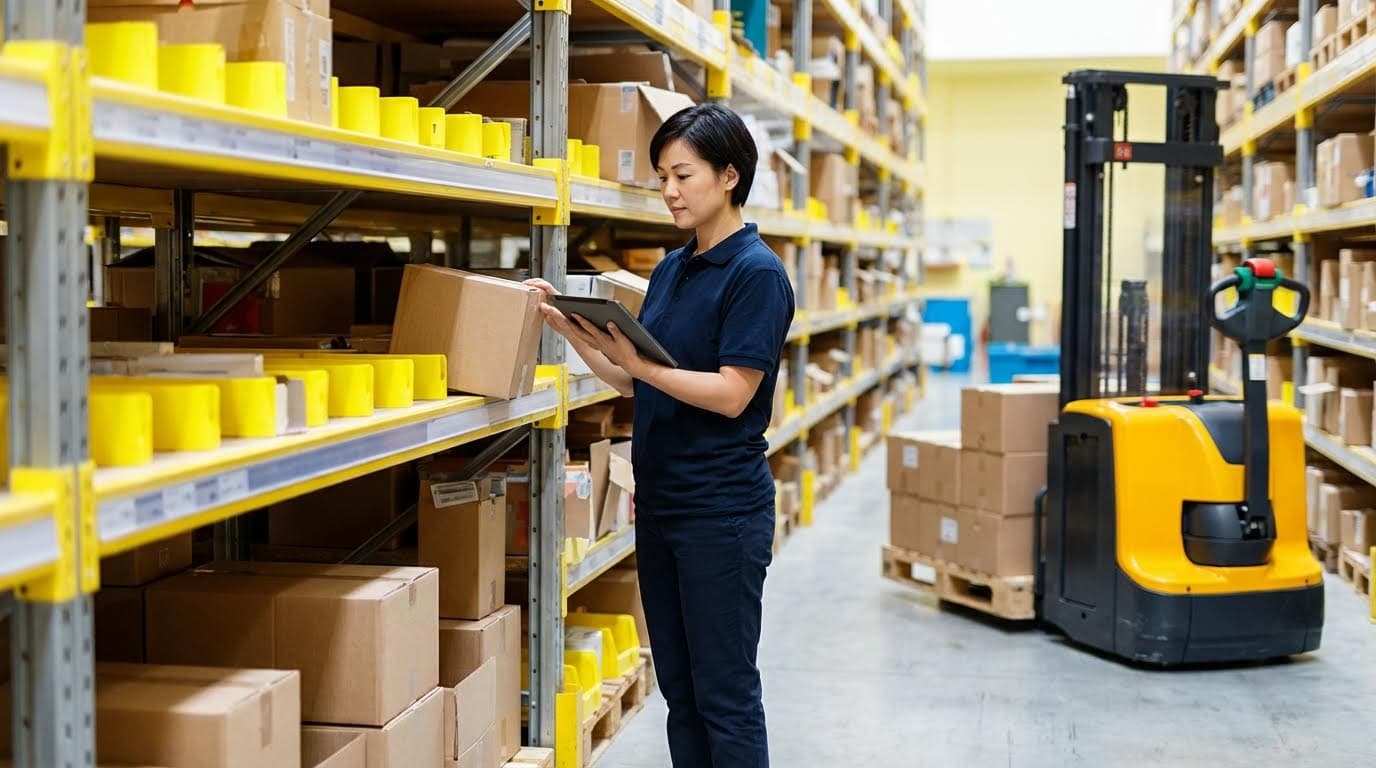
Engineering levers like software logic, ergonomic design, and automation are the most powerful tools for how to speed up warehouse picking without adding headcount. This section shows how to convert systems and equipment into real, measurable pick-rate gains.
Done well, these levers cut walking distance, reduce touches, and stabilize performance across all shifts. The aim is higher lines picked per hour with the same people and floor space.
Pick path optimization in WMS and WES
Pick path optimization in WMS and WES means reprogramming routes so pickers walk less and backtrack less on every order. Even a few steps removed per line compound into large daily productivity gains.
Modern WMS and WES engines can sequence picks by location to avoid zig-zagging, dead-ends, and cross-traffic. They also react to demand patterns, so the “shortest path” stays short as your SKU mix changes.
| Lever | What It Does | Typical Impact | Operational Impact |
|---|---|---|---|
| Optimized pick routing | Sequences locations to avoid backtracking | Removes several steps per line picked | Higher lines/hour, smoother traffic flow in 2–3 m aisles |
| Dynamic slotting | Moves high-demand SKUs closer to pick/pack | Shorter average pick path length | Faster response to seasonal peaks and promos |
| Zone and batch picking logic | Groups orders by area and SKU overlap | Fewer full-warehouse walks per picker | Better use of limited staff on large sites |
| Simulation / digital twins | Tests new paths before you change the floor | Reduces trial-and-error on live operation | De-risks major layout or software changes |
Revisiting routing rules inside your WMS or WES to generate tighter pick paths removes unnecessary travel and backtracking, which has a large cumulative effect across thousands of orders every day. Eliminating even a few steps per pick cycle significantly improves performance.
Digital modeling and “what-if” simulations let you validate new slotting plans or path rules before you touch racking or floor tape. This avoids disruptions and focuses capex on changes that actually increase throughput. Digital twins can predict the effect of new routes and automation on flow.
- Use ABC data in routing: Prioritize A-class SKUs in dense zones – maximizes the benefit of short paths.
- Align routes with conveyor infeed/outfeed: Keep last pick close to induction – cuts dead walking to pack.
- Stagger wave releases: Reduce picker congestion in 1.8–2.5 m aisles – avoids “traffic jams” that waste minutes per hour.
- Standardize travel direction: One-way loops in narrow aisles – prevents face‑to‑face stand-offs with carts and trolleys.
How to test new pick paths with minimal risk
Start with one zone or one shift. Export current travel data, simulate new routes, then A/B test: half the team on the old logic, half on the new. Compare lines/hour and meters walked per line before rolling out.
💡 Field Engineer’s Note: When you tighten pick paths, congestion often becomes the new bottleneck. In aisles under 2.4 m wide, cap the number of concurrent pickers per zone and offset wave start times by 5–10 minutes to keep flow smooth.
Ergonomics, travel reduction, and safety compliance
Ergonomics and safety compliance speed up warehouse picking by keeping motions small, loads light, and pick faces within a comfortable reach band. Less strain per pick means fewer micro-pauses, fewer injuries, and more stable output.
Well-designed workstations and pick fronts reduce bending, climbing, and twisting. That directly improves pick rate and accuracy, while also supporting compliance with common safety standards.
| Design Lever | Engineering Focus | Typical Change | Operational Impact |
|---|---|---|---|
| Pick-face height | Ergonomic reach zone | Move fast movers into 700–1,400 mm band | Less bending/kneeling, faster small‑item picks |
| Travel reduction | Layout and cart design | Shorter routes, better cart capacity and organization | More lines per trip, fewer empty returns |
| Ergonomic workstations | Static posture and reach | Adjustable benches, tilted shelves | Higher sustained pace across long shifts |
| Scanning and wearables | Verification without paperwork | Handheld or ring scanners with live inventory | Instant confirmation, fewer errors and rework |
Improving ergonomic conditions at pick faces and workstations by raising product presentation height and reducing awkward reaches supports consistent performance across shifts and lowers error rates driven by fatigue. Better ergonomics directly enhances efficiency.
Mobile scanning and wearables close the loop by validating each pick in real time and updating stock instantly, which improves accuracy and reduces discrepancies in your WMS. Real‑time verification is key for reliable data. Using RF scanners has been shown to lift productivity by around 25% in some operations. RF barcode systems boost pick productivity.
- Re-slot heavy SKUs: Keep loads over 15–20 kg between hip and shoulder height – reduces strain and injury risk.
- Standardize pick carts: Use shelves around 700–1,200 mm and clear labeling – cuts time searching and rehandling cartons.
- Design for shortest safe route: Minimize crossings with forklifts and powered trucks – avoids slowdowns from near-misses and congestion.
- Train for safe pace, not sprinting: Encourage consistent walking speed with minimal stops – beats “rush then recover” cycles that tire staff.
What KPIs to track for ergonomics and safety
Track pick lines/hour, error rate, minor injury reports, and near-miss incidents per 1,000 hours. When you improve ergonomics, you should see output stabilize or rise while minor strain complaints and near-misses fall.
💡 Field Engineer’s Note: In many sites, the real killer is floor quality. Even a 1–2% gradient or rough concrete adds push force on carts and increases fatigue. If you cannot resurface, reduce cart load limits by 10–20% in those zones and reroute heavy picks to smoother paths.
Automation assists: AMRs, AS/RS, and conveyors
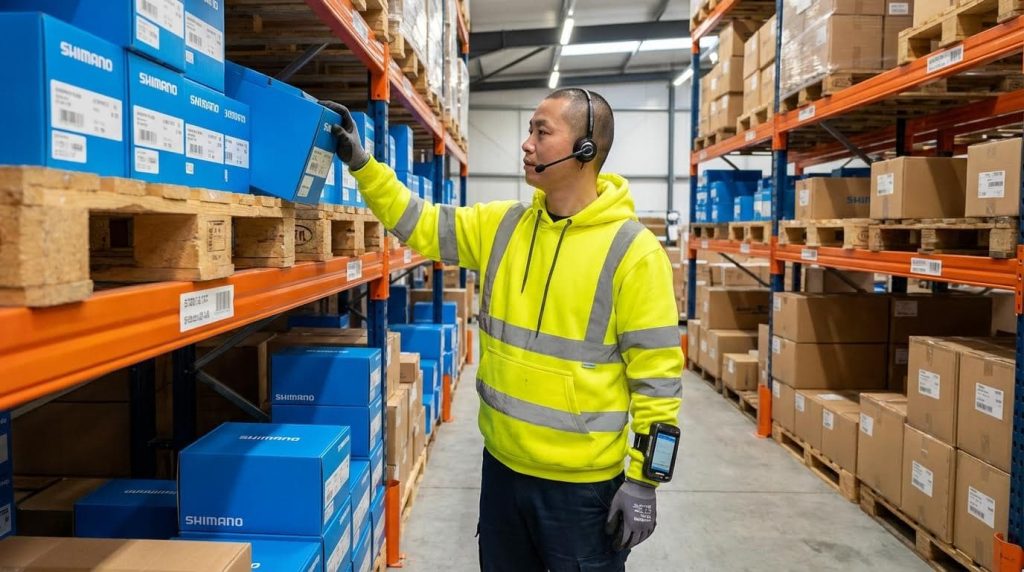
Automation assists like AMRs, AS/RS, and conveyors speed up warehouse picking by taking over the walking and transport work, so humans focus on high-value decisions and verification. You get more throughput per picker without increasing headcount.
These systems range from light-touch aids, such as mobile scanners and pick-to-light, to full goods-to-person solutions. The right mix depends on volume, SKU count, and building geometry.
| Technology | Primary Function | Documented Benefits | Best For… |
|---|---|---|---|
| AMRs | Move goods or carts autonomously | Throughput increases of ~20% by cutting walking and errors | Brownfield sites with 2–3 m aisles needing flexible scaling |
| AS/RS | Automated storage and retrieval | High-density storage and fast, accurate retrieval to workstations | High-volume, space-constrained DCs with tall racking up to ~14 m |
| Conveyors and sorters | Automated transport and sortation | Higher throughput, lower labor, better safety | High-order-count operations needing steady flow to pack/ship |
| Pick-to-light / put-to-light | Light cues at locations | Up to 35% fewer pick errors and faster fulfillment | Dense pick modules and zone picking setups |
| Voice-directed picking | Hands-free voice instructions | Accuracy up to 99.9% with shorter training time | Environments needing full mobility, like cold stores |
Autonomous mobile robots dynamically assign tasks, move goods, and optimize pick paths in real time, cutting human error and raising throughput by about 20%. They also reduce physical strain and help scale capacity in peak seasons. AMRs improve throughput and reduce labor strain.
Automated storage and retrieval systems remove most walking by bringing totes or bins from storage, sometimes up to 14 m high, down to ergonomic workstations. This keeps pick rates steady even during spikes and supports dense storage in constrained buildings. AS/RS brings goods to people efficiently. Integrated with advanced WES, AS/RS has become a core answer to higher e‑commerce volumes and chronic labor shortages. AS/RS and WES together increase speed and accuracy.
Conveyor systems automate internal movement and sorting, reducing manual handling and improving safety. Facilities using advanced conveyors reported labor cost reductions around 25% and near-perfect inventory tracking when tightly integrated with WMS. Automated conveyors cut labor and improve tracking. Automated sorters such as tilt-tray systems can process up to 20,000 items/hour, while cross-belt sorters reach error rates under 0.01%, making them ideal for high-volume, high-accuracy operations. High-speed sorters deliver very high throughput and precision.
- Start with “lightweight” automation: Add scanners, pick-to-light, or voice first – quick gains with limited layout change.
- Layer AMRs onto existing racking: Use robots as “runners” – pickers stay in short zones while AMRs handle long hauls.
- Use conveyors for the spine: Build a conveyor backbone between picking, packing, and shipping – removes non-value-added walking.
- Integrate everything via WMS/WES: Let software orchestrate people, AMRs, AS/RS, and conveyors – avoids idle time and blocking.
Where to deploy pick-to-light, voice, and AR first
Pick-to-light works best in dense shelving or carton flow racks with high line counts per order. Voice is ideal where hands must stay free or screens fog up, such as chilled rooms. AR and vision picking suit complex, high-mix environments where visual cues reduce search time.
💡 Field Engineer’s Note: When adding conveyors or AMRs, watch transfer heights and gaps. A 10–20 mm misalignment between conveyor sections or dock plates can cause carton jams that erase your speed gains. Always test with your heaviest and softest cartons before sign-off.
Selecting The Right Mix Of Tools And Technologies
Selecting the right tools and technologies for how to speed up warehouse picking means matching methods to your order profile first, then layering automation where it removes walking, errors, and bottlenecks at the lowest cost per pick.
The goal is not to buy the “flashiest” system, but to build a stack of simple, compatible tools that raise picks per hour, protect accuracy, and stay scalable for 3–5 years.
Matching picking methods to order profiles
Matching picking methods to order profiles means choosing processes and tech that fit order size, line count, and SKU velocity so you gain speed without over-investing or over-complicating operations.
Different technologies shine in different demand patterns, SKU counts, and building constraints, so you should map where each tool actually cuts walking, searching, or rework.
| Order / SKU Profile | Best-Fit Picking Methods & Tech | Why It Works | Operational Impact |
|---|---|---|---|
| High-volume, few SKUs, many lines per order | Zone picking + pick-to-light | Lights guide pickers instantly to bins and quantities, cutting search time and errors in dense zones. | Higher lines/hour per picker, reduced training time, stable throughput in peak. |
| Medium order size, wide SKU range | Cluster / batch picking + mobile scanning | Scanning validates each pick and updates stock in real time, boosting productivity by about 25% compared with paper lists using RF devices. | More orders per trip, fewer mis-picks, better inventory accuracy. |
| Piece picking, fast-moving e‑commerce, 1–5 lines per order | Pick-to-light or voice-directed picking | Pick-to-light can cut pick errors by up to 35% while speeding fulfillment, and voice systems reach very high accuracy levels with hands-free operation in dynamic zones. | Fast onboarding for temporary staff, strong accuracy KPIs, safer movement. |
| Bulky items, variable environments (e.g. cold storage) | Voice-directed picking + AMRs/AGVs for transport | Voice headsets keep hands free and eyes up for safety, while mobile robots move loads and reduce manual pushing and pulling over long distances. | Less strain, lower injury risk, more consistent pick speed per shift. |
| Very high SKU count, space-constrained, high order velocity | Goods-to-person via AS/RS + ergonomic stations | AS/RS brings bins from up to about 14 m high to workstations, eliminating most walking and keeping a steady pick rate during peaks in dense storage. | High picks/m² of floor, predictable capacity, easier staffing. |
| High-volume sortation to many destinations | Conveyors + automated sorters (tilt-tray / cross-belt) | Tilt tray systems can handle up to about 20,000 items/hour, while cross-belt sorters reach very low error rates below 0.01% in parcel operations. | Fast outbound processing, fewer manual touches, strong carrier cut-off compliance. |
- Pick-to-light: Light modules on shelves show location and quantity – ideal where SKUs are dense and repeat orders dominate.
- Voice picking: Audio instructions via headset – best where hands-free work and mobility matter, such as long aisles or cold rooms.
- Mobile scanning: Handheld or wearable scanners – flexible baseline for almost any profile, especially when starting to digitize paper processes.
- AMRs/AGVs: Robots move totes or carts – effective when walking distance is the main constraint, not pick face congestion.
- AS/RS: Automated racking and shuttles – suited to high SKU counts and expensive floor space where vertical storage pays off.
💡 Field Engineer’s Note: Before buying automation, run a 1–2 week pilot in one pick zone and log picks/hour, distance walked, and error rates. That small dataset usually exposes whether you need more software tuning, better slotting, or actual hardware.
How to map your order profile quickly
Export 3–6 months of order history. Bucket orders by lines per order (e.g. 1, 2–5, 6–20, 21+), and tag them by cube and weight bands (e.g. <5 kg, 5–20 kg, >20 kg). This simple cut shows where single-line fast movers dominate versus complex multi-line orders. Then align each band to the methods and technologies in the table above.
Evaluating ROI, TCO, and scalability constraints
Evaluating ROI, total cost of ownership (TCO), and scalability means comparing technologies not just on speed gains, but on payback time, integration effort, and how easily they expand with volume and SKU growth.
You should translate every investment into cost per pick, impact on labor, and flexibility under peak loads, not just headline throughput numbers.
| Technology | Primary Benefits | Key Cost / Risk Factors | Scalability Considerations | Typical Use to Speed Up Picking |
|---|---|---|---|---|
| Pick-to-light / Put-to-light | Fast visual guidance, up to 35% fewer pick errors and accelerated fulfillment in dense zones for repeat SKUs. | Hardware on every location, wiring, and WMS integration; best ROI only where volumes are high. | Scales by adding more modules and zones; reconfiguration requires some re-wiring and re-slotting. | Shortens search time and training, ideal first automation step in hot zones. |
| Voice-directed picking | Hands-free, eyes-up picking with accuracy reported up to 99.9% in some deployments for mobile workers. | Licensing, devices, noise considerations; needs stable Wi‑Fi and clean voice workflows. | Scales by adding more headsets and users; minimal layout dependency. | Strong option where routes are long and paper or RF screens slow pickers. |
| Mobile scanning / wearables | Real-time validation and instant inventory updates, with productivity gains around 25% over paper processes using RF. | Device cost, charging, and maintenance; process design must avoid extra scans. | Very flexible and portable; easy to scale across shifts or new zones. | Baseline digital backbone for almost all picking improvements. |
| Conveyor systems | Automated transport, reduced manual handling, and higher throughput with better safety and ergonomics across lines. | Capital intensive; layout is hard to change later; requires controls and safety design. | Modular lines can be extended, but big rework is needed for major flow changes. | Best where carton or tote flows are predictable and long push distances exist. |
| Automated sorters (tilt-tray / cross-belt) | Very high throughput (up to about 20,000 items/hour) and extremely low error rates under 0.01% in parcel sortation. | High capex, requires stable product mix and volume; needs skilled maintenance. | Scales well for more volume but less flexible for drastic SKU or destination changes. | Ideal for central sort points where manual sorting is the bottleneck. |
| AMRs / AGVs | Reduce walking and cart pushing, support 24/7 operation, and relieve labor shortages in transport tasks. | Fleet management, traffic control, and safety zoning; navigation can struggle in very tight spaces. | Scales by adding more robots; layouts must keep clear paths and charging areas. | Strong lever when pickers spend more time walking than actually picking. |
| AS/RS (goods-to-person) | High-density storage and fast, reliable retrieval with strong gains in speed, accuracy, and space use for distribution centers. | Highest capex and integration complexity; building structure, fire codes, and maintenance need careful planning. | Scales by adding aisles, shuttles, or workstations; long design horizon required. | Transforms how to speed up warehouse picking where floor space is tight and demand is high. |
- ROI lens: Focus on payback period in years and change in cost per pick – not just peak throughput figures.
- TCO lens: Include software, maintenance, training, spares, and downtime risk – especially for complex automation like AS/RS and sorters.
- Scalability lens: Ask how easily you can add capacity or re-route flows – critical when order volume can double in peak months.
- Process-first rule: Fix layout, slotting, and pick paths before heavy automation – otherwise tech just “locks in” bad processes.
💡 Field Engineer’s Note: A practical rule is to pilot low-capex tools (mobile scanning, basic conveyors, pick-to-light in one zone) and only then consider AS/RS or large sorter projects. If simple tools already deliver most of the required gain, you avoid years of payback risk.
Simple framework to compare options
Score each technology from 1–5 on: (1) Pick speed gain, (2) Error reduction, (3) Flexibility, (4) Integration difficulty, and (5) Capex. Multiply speed and error scores by your current pain level in those areas. This weighted view quickly shows which tools give the best return for your specific constraints.
Final Thoughts On Sustainable Picking Productivity
Boosting warehouse picking speed without more staff depends on disciplined engineering, not heroics on the floor. Layout, slotting, and ABC design cut wasted distance and place high-velocity SKUs in safe, fast reach zones. Smart WMS and WES routing then squeeze out extra meters per line while protecting flow in tight aisles.
Ergonomic design and safety rules keep each motion light and controlled, so pickers hold a stable pace through long shifts. Light-touch tools such as scanners, pick-to-light, and voice add verification and guidance without heavy disruption. When travel still dominates, AMRs, conveyors, or AS/RS take over the long-haul moves and bring goods to people.
The most reliable path is clear. First, map flows and bottlenecks with hard data. Second, fix layout, slotting, and ergonomics. Third, tune software logic and only then add automation that fits your order profile and budget. Always judge options by cost per pick, error impact, and scalability, not marketing claims.
Teams that follow this sequence build sustainable productivity gains and safer work. They also avoid locking bad processes into expensive hardware. With this approach, tools from Atomoving and well-chosen technologies turn your existing workforce into a faster, more resilient picking operation.
Frequently Asked Questions
How to speed up warehouse picking?
To improve picking speed in a warehouse, focus on optimizing workflows and layouts. Stage high-demand products closer to shipping areas to reduce travel time. Warehouse Picking Tips.
- Batch pick multiple orders for the same item to save time.
- Divide the warehouse into zones to minimize backtracking.
- Use dynamic storage solutions to maximize pickface efficiency.
- Separate similar-looking items to avoid errors and delays.
How to reduce picking time in a warehouse?
Reducing picking time requires both strategic planning and efficient execution. Organize inventory logically, ensuring fast-moving items are easily accessible. Train staff on optimal routes and invest in tools like barcode scanners or voice-picking systems to streamline operations.
- Implement technology such as Warehouse Management Systems (WMS).
- Optimize shelving heights to minimize reaching or bending.
- Regularly review and update picking processes based on data.